
Everyday security
Cybersecurity Basics
A practical starting point for safer accounts, devices, messages, home Wi-Fi, and recovery habits without turning your life into a security project.
Use this guide when
You want the highest-impact security habits first: the few account, device, message, and recovery checks that prevent a lot of everyday trouble.
Start with the accounts that unlock everything else
Email, phone, bank, password manager, cloud storage, and primary social accounts deserve the strongest protection because they can reset other accounts. If one of those accounts falls, the damage can spread quickly.
- Use unique passwords for important accounts.
- Turn on passkeys or two-factor authentication where available.
- Save recovery codes somewhere you can access during phone loss or account lockout.
- Review recovery email addresses, phone numbers, forwarding rules, and active sessions.
- Remove connected apps and devices you no longer recognize.
Keep devices and Wi-Fi boring
Boring is good. Most everyday compromise starts with preventable gaps: old software, weak router settings, risky browser extensions, reused passwords, or fake login pages that look routine.
- Install operating system, browser, and app updates promptly.
- Use a router admin password that is not the Wi-Fi password.
- Use modern Wi-Fi security if your router supports it.
- Remove browser extensions you no longer use.
- Keep backups for files you would hate to lose.
Treat messages as decisions, not interruptions
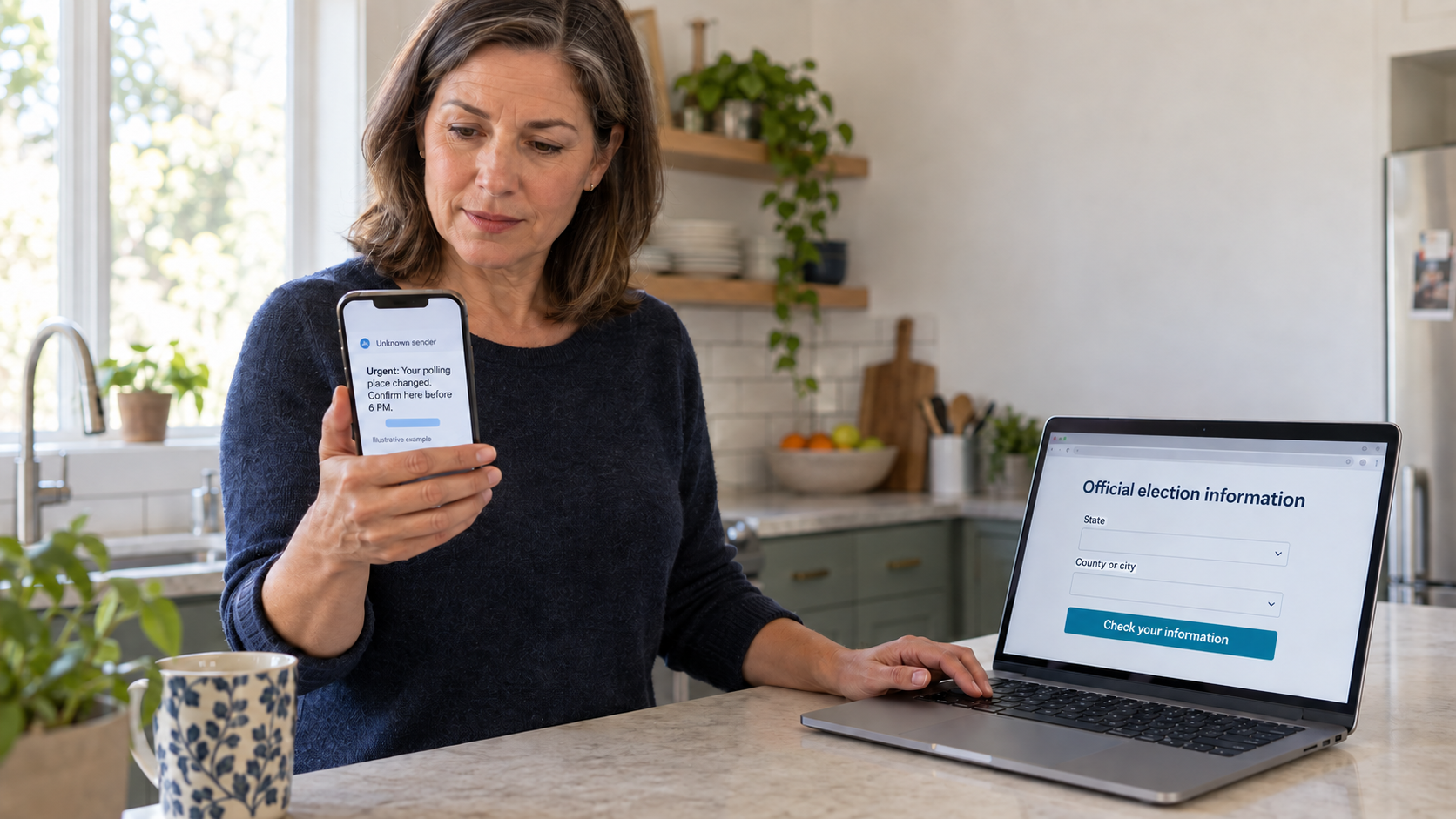
Scam texts, fake support chats, delivery alerts, QR codes, and account warnings work because they rush you into a small action. Slow the moment down. Open the official app, type the known website yourself, or contact the person through a separate saved channel.
Have a recovery habit before something breaks
When something goes wrong, the first hour should not be chaos. Secure email, change exposed passwords, contact financial providers if payment details were entered, document what happened, and work from a checklist instead of panic-searching.
The 30-minute security reset
If you only have half an hour, use it on the controls that protect the most accounts at once. This is not a perfect security program. It is the fastest way to reduce the chance that one bad password, one fake login, or one lost phone turns into a larger mess.
What to check first when you feel overwhelmed
Do not start with every account you have ever opened. Start with accounts that control money, identity, communication, recovery, and files. These accounts are the ones attackers use to reset passwords, impersonate you, find documents, or keep access after you think the problem is fixed.
- Email and phone account.
- Banking, payment apps, credit cards, and crypto accounts.
- Password manager and cloud storage.
- Social accounts with public reach or private messages.
- Work, school, tax, health, and government accounts.
What good enough looks like
- Your most important passwords are unique and saved somewhere reliable.
- Email and banking have passkeys, authenticator app codes, or another strong second step.
- Recovery codes are saved somewhere you can reach if a phone is lost.
- Unknown devices, sessions, and connected apps are removed.
- Router admin access is not using the default password.
- You know the first three actions to take after clicking a bad link: stop, secure email, contact the provider through a known official contact method.
When to move from prevention to response
Use prevention steps for normal upkeep. Switch to response mode when something may already be exposed: a password was entered on a fake page, a payment was sent, a device was remotely controlled, a one-time code was shared, or an account shows activity you do not recognize. At that point, do not keep optimizing settings. Contain the incident, document what happened, and work through the right checklist.
- If a password was entered, secure email first and change reused passwords.
- If payment information was entered, contact the bank, card issuer, payment app, or exchange through a known official contact method.
- If personal information was entered, move to the identity theft response checklist.
- If a device was controlled or software was installed, stop using it for sensitive accounts until it is checked.
Latest on this topic

Get the field guide in your inbox
Get practical cyber and AI safety checklists when new resources go live. No popup, no pressure, just the next useful thing.