
Scam recovery
What To Do If You Clicked a Scam Link
A calm first-response checklist for suspicious links, fake login pages, payment forms, downloads, and messages that went too far.
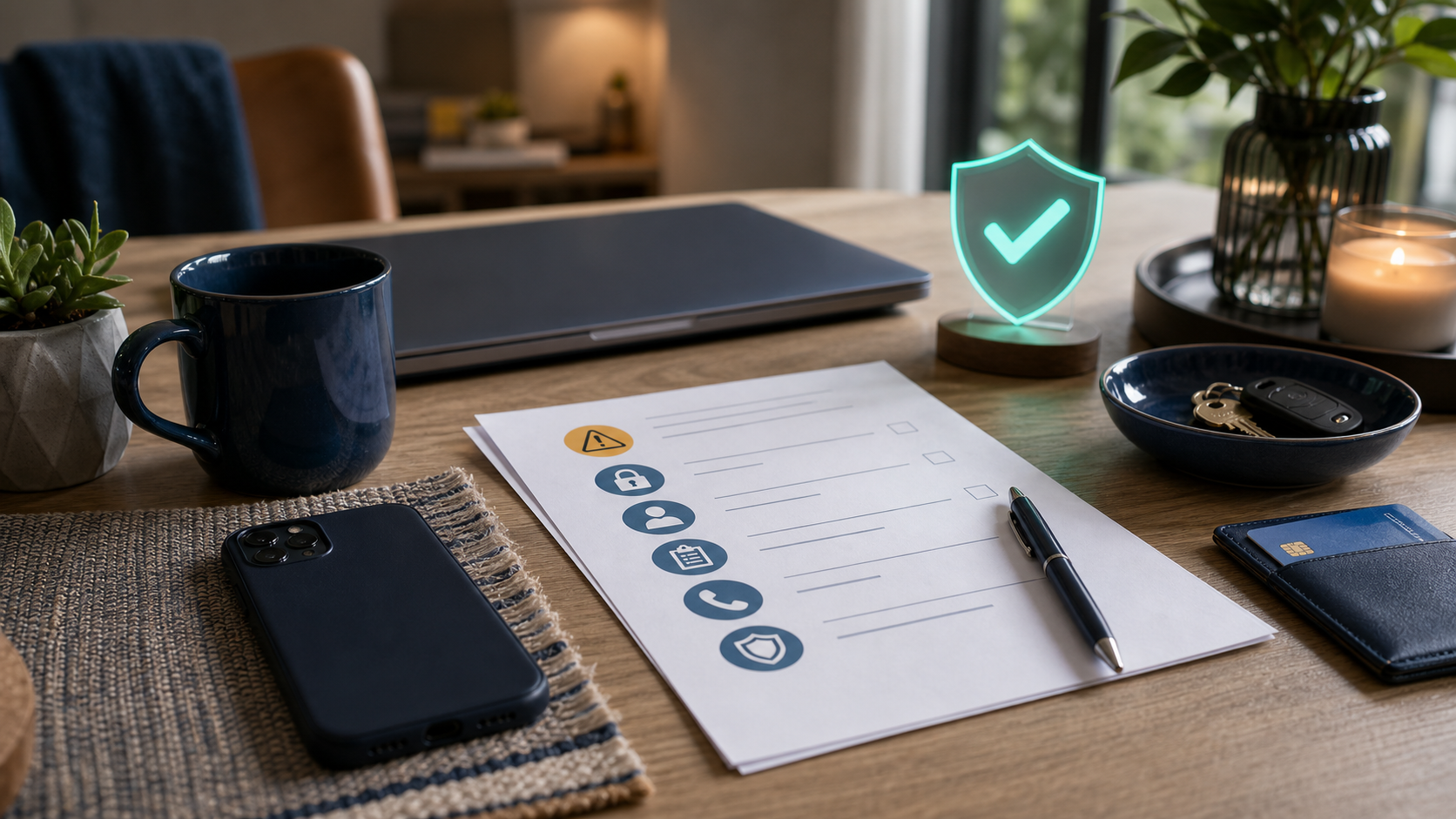
Use this guide when
You tapped, replied, scanned, downloaded, entered information, paid, or are not sure how far a suspicious message went.
First hour checklist
- Close the page, stop replying, and do not call numbers from the message.
- If you entered a password, change it from a trusted device and secure email first.
- If you entered payment details, contact the bank, card issuer, payment app, or provider through a known official path.
- If you downloaded something, stop using the device for banking, email, password manager access, or work accounts until it is checked.
- Save screenshots, URLs, phone numbers, account names, and transaction details before deleting evidence.
- Tell one trusted person what happened so you are not making decisions under pressure alone.
What to secure first
Start with the accounts and devices that could create the most damage if the scammer has access: email, banking, payment apps, phone account, cloud storage, password manager, work or school accounts, and any account that can reset other accounts.
If money or identity information was involved
Use official apps, saved websites, or known phone numbers. Be specific when you contact the provider: say whether you clicked only, entered a card number, entered a bank login, authorized a payment, shared a code, sent crypto, uploaded ID, or installed an app.
What to watch for next
A scam link can lead to follow-up attempts. Watch for password reset emails, new login alerts, unfamiliar charges, new account openings, package or payment messages, and calls that reference the first scam.
If you only clicked
If you opened a link but did not enter information, download a file, approve a sign-in, or install anything, the risk is usually lower. Close the page, do not go back through the message, and watch for follow-up messages that try to pull you deeper into the scam.
If you entered information
- Change the password for that account from a trusted device.
- If the password was reused, change it anywhere else it was used.
- Turn on two-factor authentication if the account offers it.
- Check recovery email, phone number, forwarding rules, trusted devices, and connected apps.
- Contact the bank, platform, school, employer, or provider directly if payment or sensitive information was involved.
What evidence to save
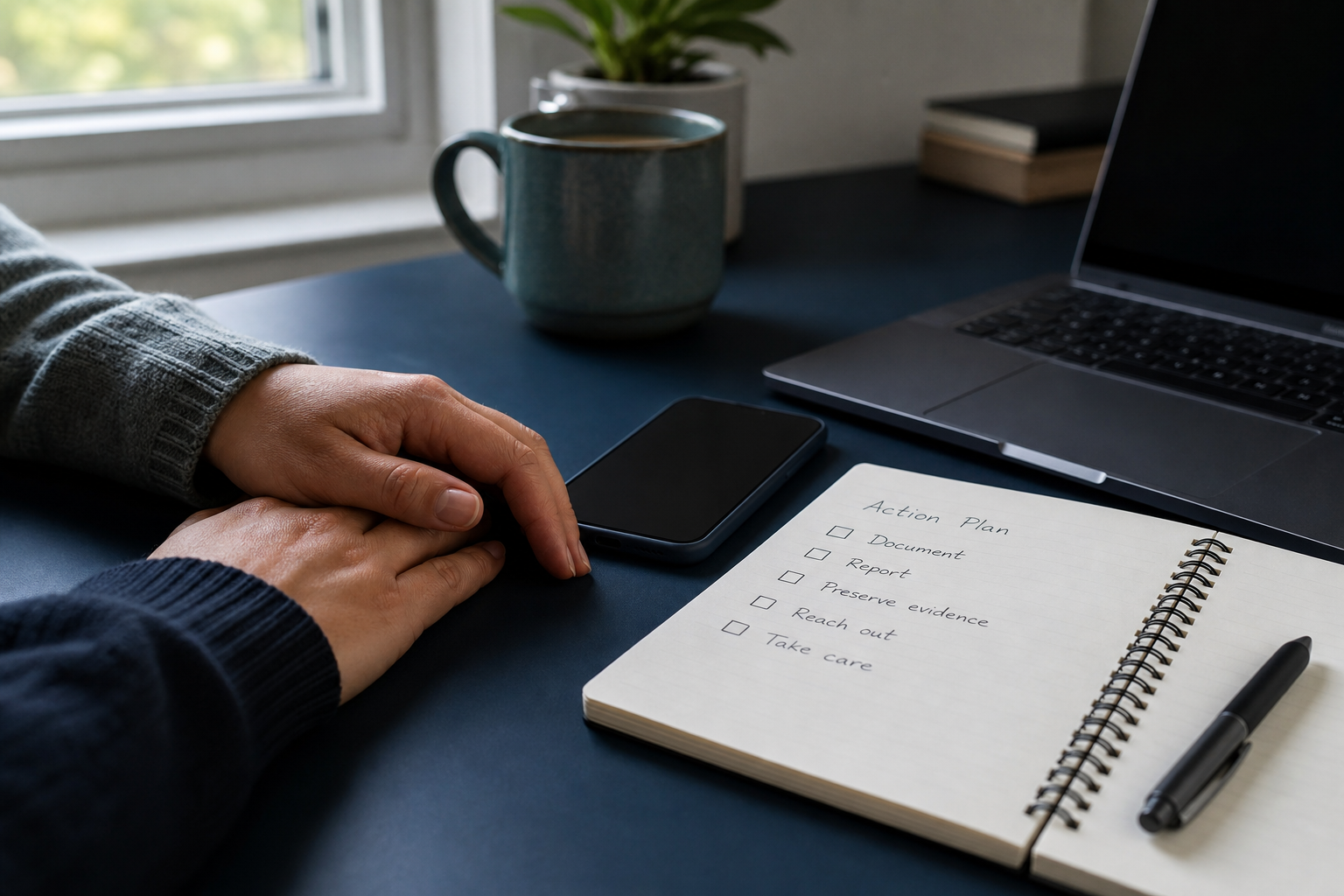
Save the original message, sender address or phone number, link, screenshots, transaction IDs, dates, account names, and any page you landed on. Evidence is useful for reports, bank disputes, workplace or school IT, and your own memory if more messages arrive later.
What to watch for over the next day
- Password reset emails you did not request.
- New logins, devices, or recovery methods on important accounts.
- Small test charges or unfamiliar payment attempts.
- More texts or calls that reference the first message.
- People telling you they received strange messages from your account.
Latest on this topic
Get the field guide in your inbox
Get practical cyber and AI safety checklists when new resources go live. No popup, no pressure, just the next useful thing.