
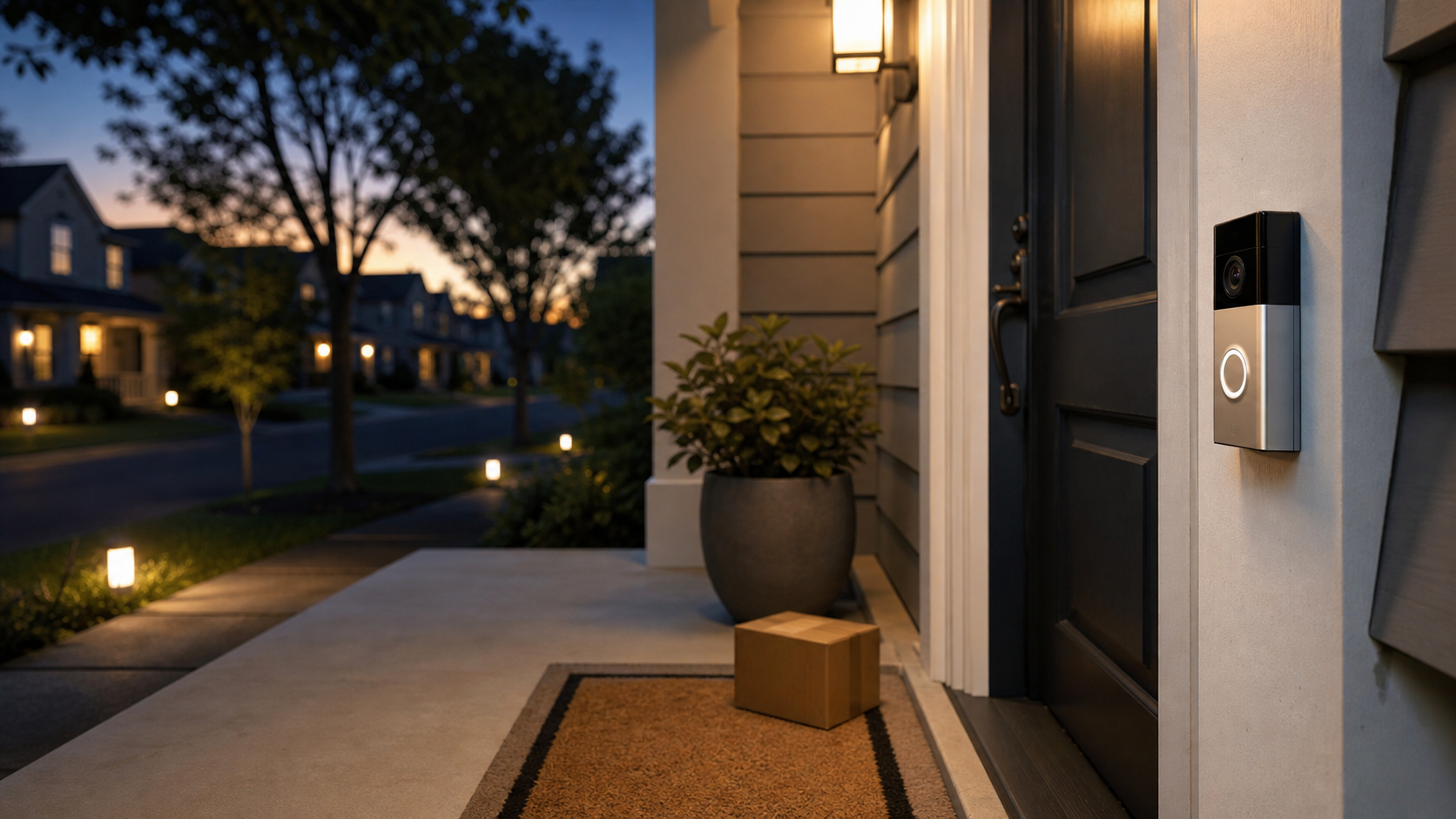
A smart doorbell can be genuinely useful. It can show you when a package arrives, help you talk to a delivery driver, record a porch theft, or let an older relative answer the door without getting up. But it is also a camera, microphone, cloud account, neighborhood sensor, and possible evidence source mounted at the edge of your home.
That makes the buying decision bigger than picture quality or battery life. Before you install one, ask who can see the footage, where it is stored, how long it stays there, what happens if police ask for it, and how much of the surrounding area you need to record.
The goal is a useful doorbell with understandable limits: enough coverage to solve your household's problem, without casually collecting or sharing more than you intended.
Key Takeaways
- A doorbell creates a record of visitors and routines, as well as an alert that someone arrived.
- A voluntary request for clips, a demand served on the provider, and an emergency disclosure are different access paths. Turning off request notifications does not block legal process.
- Current Ring Community Requests let owners choose whether to share specific videos. Sharing also supplies identifying information; it is not a live police feed.
- Cloud storage, local storage, and encryption each need separate questions about access, copies, recovery, and feature support.
- Motion zones select activity that triggers detection. They do not automatically hide everything outside the zone; privacy masking is a different control.
- Set the view, audio, retention, account access, and sharing preferences before the doorbell becomes part of daily life.
Five Doorbell Decisions to Make First
Start with the household need. Catching a package theft, screening visitors, and helping a relative answer the door are different jobs. A doorbell feature that suits one may collect unnecessary information for another.
- Choose the area, not just the resolution. Identify the doorstep or approach you need to see. Check whether positioning or supported privacy masks can avoid a neighbor's entrance or window.
- Choose who needs access. Decide who should answer visitors, review old clips, change settings, or manage other users. Avoid giving everyone the owner's login simply because setup is easier.
- Choose what needs to survive the live view. A live conversation, saved clip, downloaded file, and publicly shared video have different privacy consequences. Check which ones the product creates.
- Choose the sharing boundary. Understand public-safety requests, neighborhood posts, shared links, and direct exports before using them. A notification preference is not a promise about every possible disclosure.
- Choose a workable maintenance plan. Someone must keep the account recoverable, review access, install updates, and manage important recordings. If that is unrealistic, consider a simpler device.
Keep these choices with the model's instructions, especially if you are setting up a doorbell for someone else. The doorbell owner should know how to answer a visitor and recover the account without depending permanently on an installer's phone. The Smart Home Security Checklist covers the wider household setup.
Why Doorbell Footage Deserves a Deliberate Boundary
A doorbell sits in a strange place. It is attached to your home, but much of what it records happens outside the home. It may capture a delivery driver, a neighbor walking a dog, a child crossing a shared hallway, a friend arriving late, or a conversation on the porch.
Ring's privacy notice describes collection that can include video, audio, live streams, images, device and location information, and service activity. That illustrates why the privacy question extends beyond the image you see on your phone. The associated account and product data matter too.
Ordinary footage can still be revealing. Repeated clips may suggest when someone leaves for work, when a caregiver arrives, which entrance a tenant uses, or who regularly visits. Those are possible inferences from context, not proof of someone's identity, relationship, or behavior. A clip of an unfamiliar person at a door is not evidence that the person is dangerous.
This distinction matters when sharing. A useful record of a damaged package does not need to become a public accusation against everyone who walked past it. Review what a clip actually shows, what you are inferring, and whether the people who will receive it need the whole scene.
For a household dealing with stalking, domestic abuse, custody conflict, or a tense neighbor relationship, the same footage can carry much greater consequences. The buying decision should include who controls the account and who might be put at risk by access or disclosure. More recording is not automatically more safety.
Separate Voluntary Sharing From Other Police Access
Police access is not one thing. An officer might ask you directly for a clip. An app might display a request to a neighborhood. A provider might receive legal process. An emergency disclosure can follow a different path again. Treating all of these as the same permission switch produces bad buying decisions.
Community Requests are a choice about particular clips
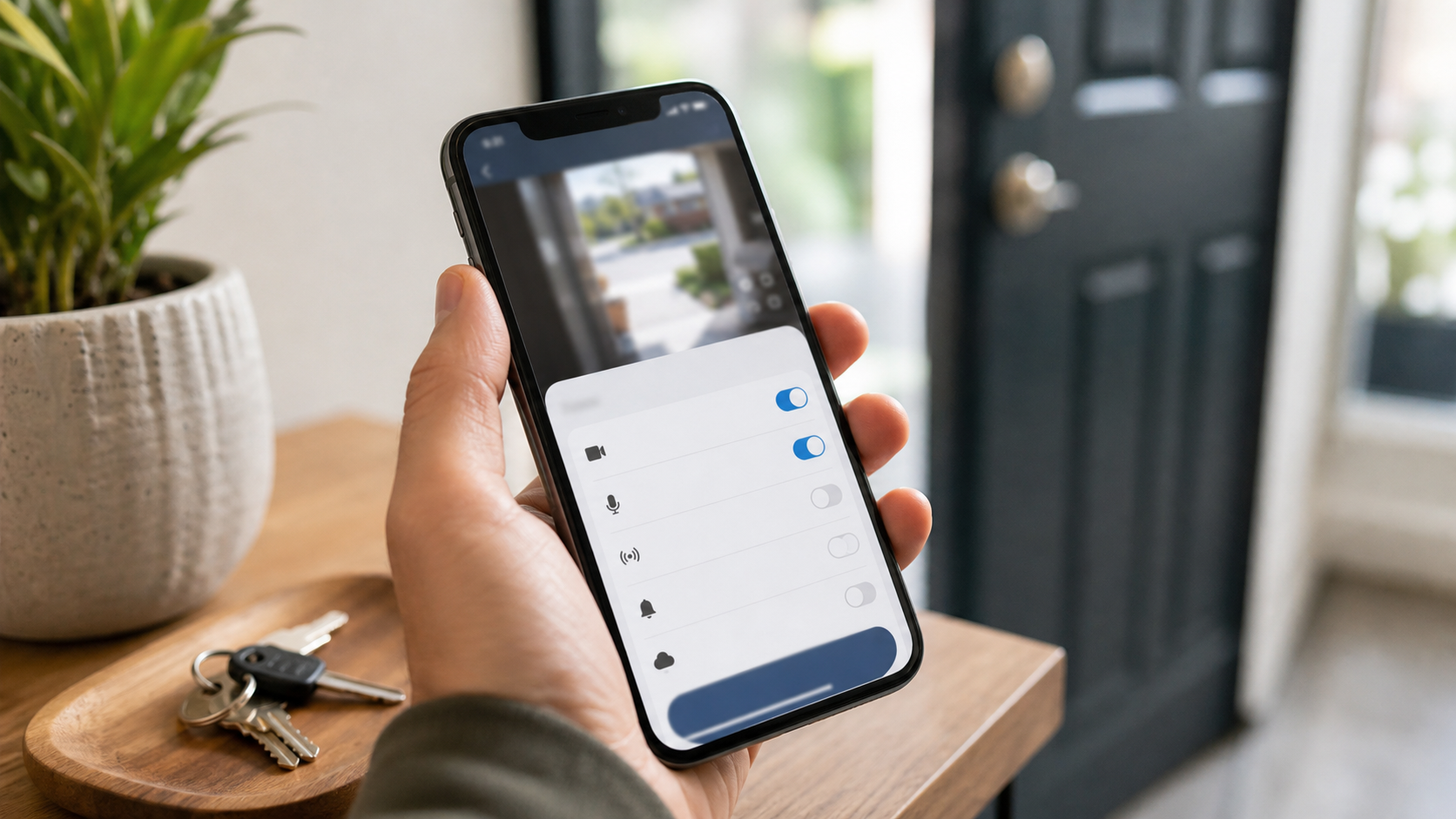
Ring's current Community Requests explanation says participation is voluntary: users select videos to send, or ignore the request. The agency is not told who viewed a request or chose not to respond. Selected footage goes to Axon Evidence; the homeowner's address and account email accompany it. Ring says submitted footage cannot be retracted or deleted through this process.
That is a meaningful choice, but it is a choice to transfer a copy. It does not give the agency a general live feed from your doorbell. Equally, a voluntary prompt is not a guarantee that a shared clip stays under your control afterward. Read the request before selecting video, including the incident, time window, area, and investigator details.
The product history can be confusing. Ring announced the retirement of its Request for Assistance tool in January 2024. That was a change to a particular tool, rather than the end of all possible police requests. Current Community Requests must be understood on their own terms. In a separate February 2026 announcement about Flock Safety, Ring said that planned integration was canceled before launch and no customer videos had been sent to Flock through it. Do not treat an old partnership announcement as evidence that an integration operates today.
A demand to the provider has a different scope
Ring's law-enforcement guidelines distinguish account records from content such as videos. Ring says it does not produce content in response to subpoenas; valid, binding search warrants may obtain content and non-content information. Its ability to supply video also depends on accessible recordings and their protection. The guidelines describe preservation requests, notice exceptions, and emergency disclosures involving imminent danger of death or serious physical injury.
These are the provider's stated practices, not a substitute for advice about a demand served on you. A subpoena, warrant, court order, preservation request, and voluntary invitation are not interchangeable documents. The jurisdiction, recipient, information sought, and legal authority matter. If you receive formal process, get qualified help with its scope and deadlines rather than assuming an app's sharing preferences decide your obligations.
For evidence that legal requests continue to be a real part of the service, Ring publishes information-request transparency reports. The existence of requests does not tell you that your doorbell was accessed, or that every request yielded video. Avoid reading a report total as a measure of automatic surveillance.
Compare Storage and Encryption Without Relying on Labels
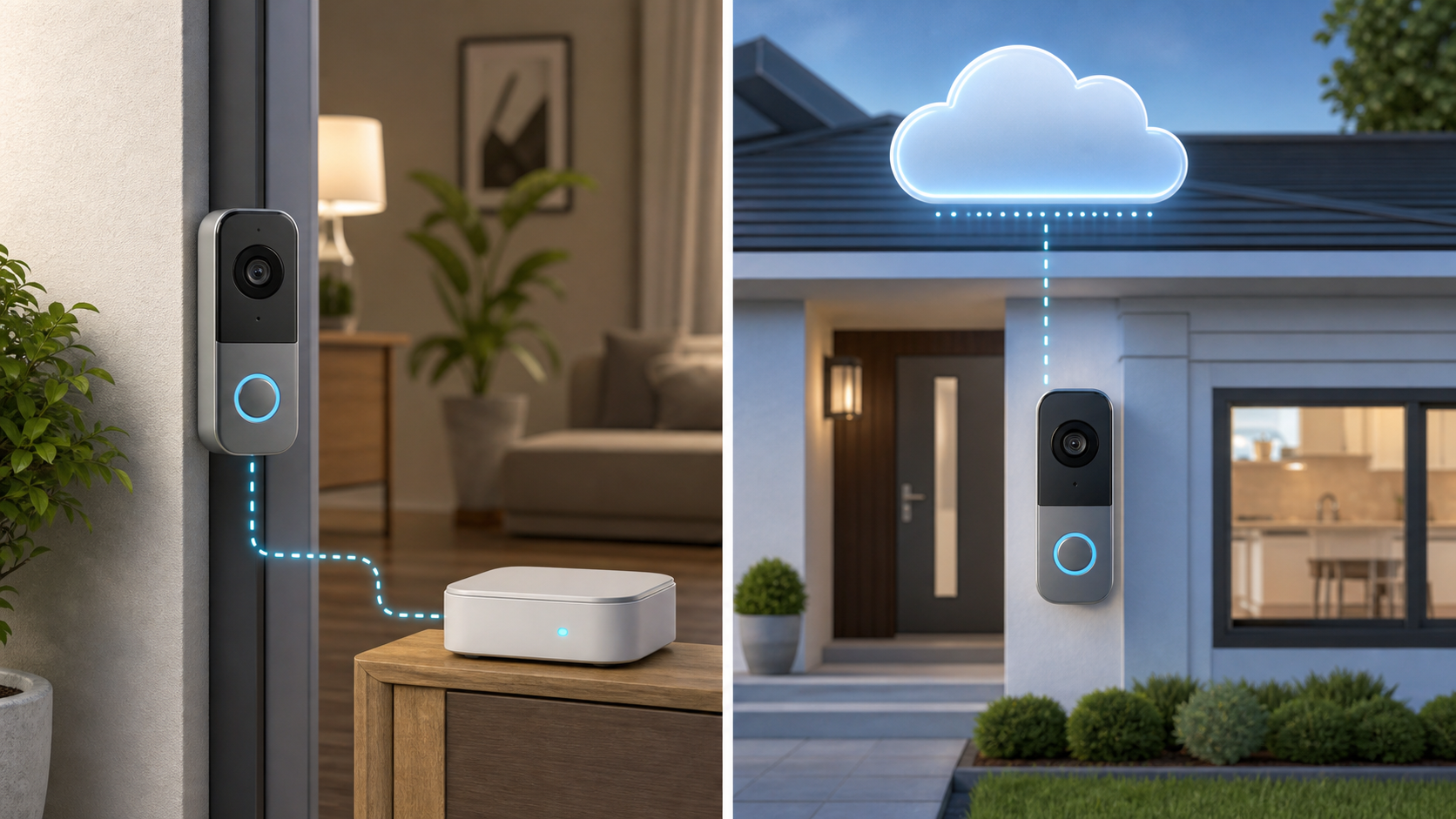
Start with the path the video takes. Ask where a live doorbell view travels, where recordings are stored, and where optional analysis happens. Those can be different answers within the same product. A doorbell camera with a memory card may still use a cloud account for remote viewing or other features.
Local storage reduces one kind of exposure
A local-first arrangement might keep video on a card, home hub, or recorder. That can reduce the amount retained by a service provider. It does not make the footage inaccessible to everyone else. Someone with access to the recorder, a shared account, an exported file, or a compromised viewing device may still obtain it.
Look beyond the words "local storage." Can the doorbell record when internet access fails? Can the owner view those recordings without a paid plan? Is an account still required? Does remote viewing use a relay or other provider service? Are thumbnails, event descriptions, or backups stored elsewhere? Ask about the exact model and enabled features, rather than assuming one answer covers the whole brand.
Local recording also creates practical tradeoffs. A stolen doorbell or failed card can take the only copy with it. A protected indoor recorder can help with some physical risks but adds equipment to maintain. If a recording matters, decide where to keep a protected copy and who should have it. Local storage does not make evidence management disappear.
Encryption needs a question about keys
An encrypted connection protects video in transit. Encryption at rest protects stored data under the relevant key arrangement. Neither label alone tells you whether a provider can decrypt the footage. Ask who holds the keys, which features need access, and what happens during account recovery.
Ring's optional video end-to-end encryption documentation says only enrolled mobile devices can view protected recordings and Ring cannot recover them without the owner's recovery methods. Availability and feature restrictions depend on the device. Its instructions also say recordings made before enabling the setting remain accessible; switching it on is not a retroactive conversion of every old clip.
There is also a newer distinction. Ring's Throw Away the Key Encryption documentation describes TAKE as a gradual rollout that permits intelligent processing before Ring deletes its keys. The app identifies Standard Encryption, TAKE, or End-to-End Encryption for cameras. This is a different design from keeping the provider out of content processing from the outset. Check the actual status and recovery setup rather than assuming every account already has the same protection.
Check feature compatibility before changing your doorbell setup: enabling an incompatible feature can prompt a pause of TAKE. New recordings then use Standard Encryption; clips protected before the pause retain TAKE.
For your doorbell, the useful questions are concrete: Can this provider access this recording? During which processing stage? What stays outside the protected content, such as account records? Who can view an exported copy? Encryption can strengthen a boundary without controlling everything that happens around it.
Set the View, Motion Zones, Privacy Zones, and Audio Separately
Begin with positioning. A doorbell facing your own step is different from one aimed directly at another home's window or a shared corridor. Use the manufacturer's mounting instructions and any supported angle adjustment. Check the daytime and nighttime view before relying on a useful-looking preview during installation.
Motion zones address detection. Ring's motion-zone instructions describe choosing areas where motion should trigger detection and reducing unwanted alerts. A smaller zone can avoid notifications for passing traffic. It does not, by itself, establish that everything outside the zone is absent from a recording triggered by someone approaching the door.
Privacy zones address masking. Ring's privacy-feature instructions describe areas blocked from live and recorded video on supported devices. They also warn that moving the camera changes what the mask covers, and motion behind a masked area can still trigger recording. The same documentation describes separate audio controls. Check the applicable model, plan, and regional instructions rather than assuming every control is available.
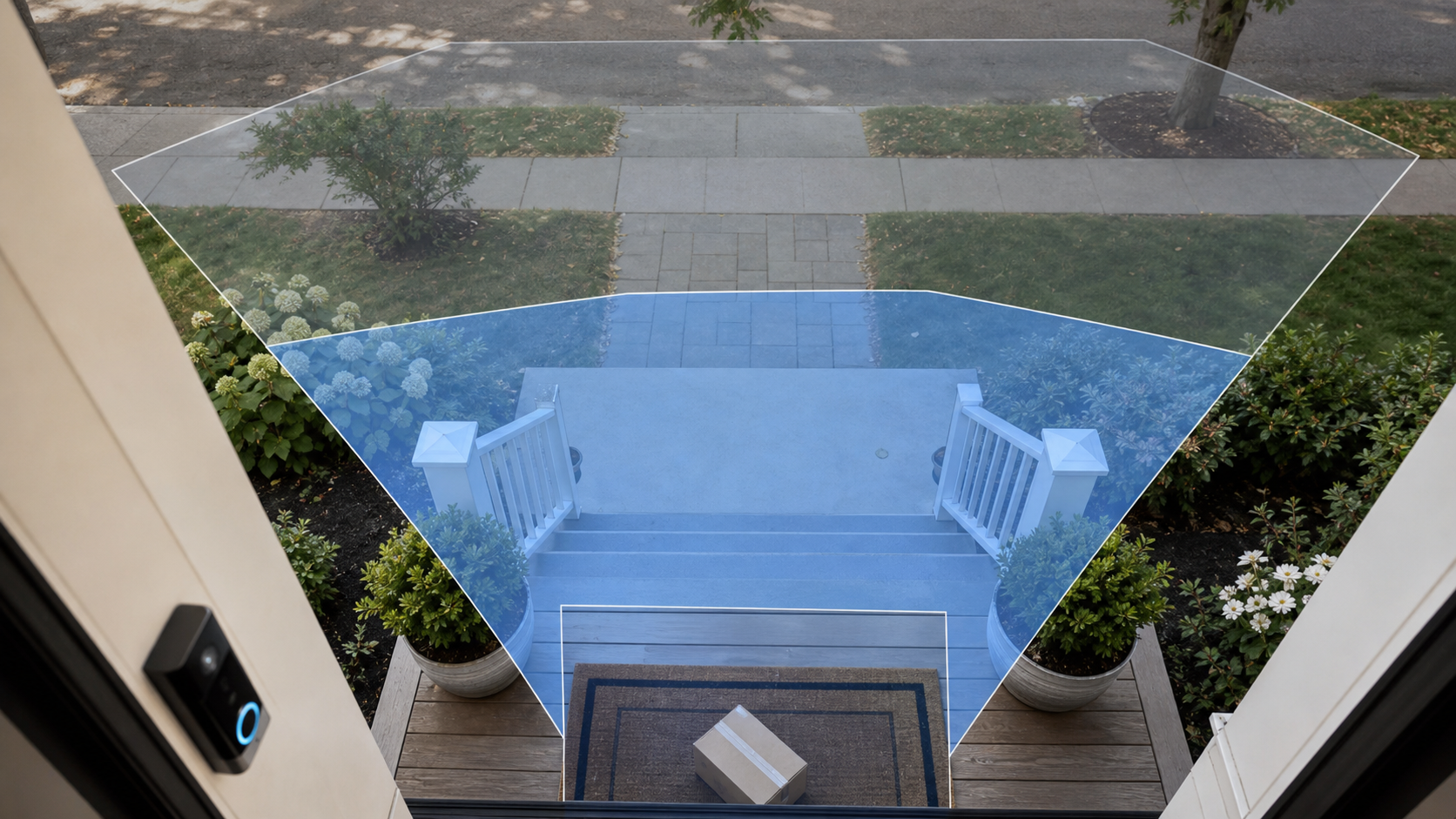
A practical setup uses those tools for different jobs. Position the doorbell to avoid unnecessary coverage, set detection around the approach that matters, and apply supported masks where an adjacent private area would otherwise remain visible. Review an actual saved clip as well as the live view. Check again if you move the device or change its mounting angle.
Then decide whether you need sound. Package documentation and a conversation with a visitor are different uses. Find out whether disabling audio affects recordings, live listening, two-way talk, or all three. Do not assume muting your phone speaker stops the doorbell's microphone from recording.
Audio and shared-space recording can raise legal questions that vary by place and circumstances. Check applicable rules and any lease or building requirements before installing in a shared entrance. A visible camera, a notice, or a neighbor's informal agreement does not establish universal legal compliance. If the proposed view is contentious, resolve the placement question before buying equipment that cannot avoid it.
Keep Footage Long Enough for the Job, Not Indefinitely
Retention is a household decision about how far back you realistically need to look. Someone who checks deliveries daily may need a different period from a person who travels for weeks. Choose a period that supports the purpose without keeping every visitor's movements simply because the plan allows it.
Ring's video-storage instructions explain that duration is set per device and a change applies only to new recordings. They also distinguish snapshot retention from video retention and warn that a shared-link copy can remain after an event is deleted from the app. Shortening the setting today is therefore not proof that earlier clips or shared copies have disappeared.
Check the actual doorbell account rather than relying on the subscription's maximum. Look at the period selected for each device, any separate continuous-recording history, snapshots, downloaded clips, and public posts. An owner's phone gallery or computer folder can become a second archive long after cloud events expire.
Routine minimization is different from responding to an incident or legal duty. If footage concerns a theft, threat, complaint, or formal preservation demand, seek advice about what must be retained before deleting relevant material. Do not change retention or destroy clips as a way to frustrate a request. Preserving an important original while limiting unnecessary future collection are compatible decisions.
For a useful export, retain enough context to understand what the doorbell captured: the date, time zone, relevant camera, and any known clock error. Keep the original separately if you make a shorter copy for discussion. A clip can document an event without establishing every conclusion someone might draw from it.
Protect the Account and the Network as Different Boundaries
A strong doorbell account matters because it can control more than archived video. It may permit live viewing, speaking to visitors, changing settings, or adding users. The FTC's 2023 Ring enforcement announcement alleged past failures involving employee access and account attacks that enabled viewing and harassment. This is dated enforcement history, not proof that every current Ring account is exposed.
For the current doorbell setup, use a unique password and the available multifactor protection. Secure the associated email and recovery methods too. Ring's current privacy and control overview says its accounts require two-factor authentication and describes reviewing logged-in devices and shared access. A required security feature is useful; it does not remove the need to review who legitimately holds access.
Give household members their own supported roles instead of circulating the owner password. Remove access that an installer, former roommate, former partner, or temporary caregiver no longer needs. Check linked displays and integrations as well as phones. Review both named shared users and authorized sessions; changing one does not necessarily remove the other.
Keep the doorbell firmware and companion app updated. Before choosing an aging or secondhand model, look for a clear support statement and an ownership-transfer procedure. A product that still shows a picture may have a different security-support outlook from a current model. Missing clarity about support is a buying limitation, not proof of a particular undisclosed vulnerability.
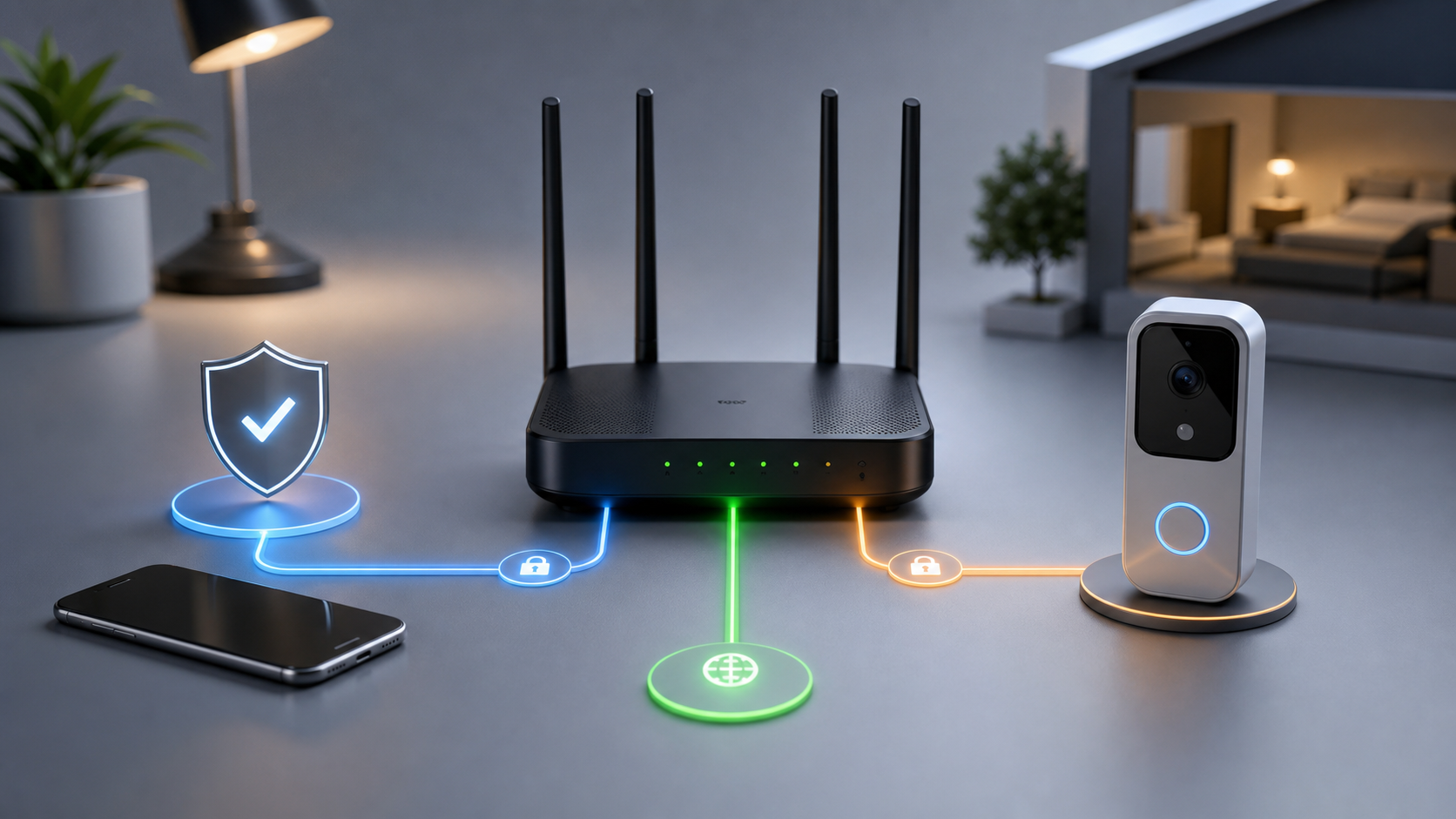
The FTC's home Wi-Fi guidance recommends current router software, WPA3 or WPA2 protection, and strong separate administration and Wi-Fi passwords. A supported guest or IoT network can help separate the doorbell from other household equipment. Follow the router's isolation instructions and check that the features you need still work.
A separate network does not revoke a person's cloud login or stop the doorbell sending data to services it is allowed to reach. Conversely, removing a shared cloud user does not fix a weak router administration password. The Home Network and Device Security hub provides the wider context for those separate controls.
Choose Whether You Want Neighborhood Requests and Sharing
A doorbell's recording controls and its community features should be separate decisions. You may want visitor alerts without neighborhood posts or public-safety notifications. You may want to help with one incident without creating a public record of ordinary visitors.
Ring's Neighbors notification and feed instructions describe disabling the Neighbors feature through Control Center for eligible U.S. locations and current app versions. This removes its feed and notifications. Turning off only an email category has a narrower effect. Check the wording of the control you actually use; a feed filter, muted notification, and disabled feature are different settings.
None of these controls prevents an officer from asking you in person or determines the validity of legal process. Their value is giving you an intentional everyday experience, rather than letting an occasional request feel like an obligation because it arrived inside a security app.
Before posting any doorbell clip publicly, ask whether a smaller audience would solve the problem. A delivery complaint might need the retailer and a relevant clip. A community safety concern might need a factual description without identifying an uninvolved child or visitor. Public attention can spread far beyond the people who can actually help.
What to Do If Police Ask for Doorbell Video
A calm pause helps you understand what is being requested. It does not mean every request is suspicious. If someone faces immediate danger, prioritize emergency help; do not let a general checklist delay a necessary safety response.
For an ordinary request, establish the agency, investigator, incident, and requested period. Verify an unexpected contact through a known agency website or independently obtained number. A person asking for your account password, verification code, or general remote control is asking for far more than a particular clip.
Ask whether you are being invited to share voluntarily, served with formal process, or informed about a request to the provider. If paperwork is involved, note the recipient and deadline and seek advice about the document itself. Do not assume a neighbor's experience or a provider policy resolves your own legal position.
For voluntary sharing, review the relevant doorbell footage before selecting it. A narrow interval around a reported incident may be more appropriate than an entire evening of unrelated arrivals. Consider other people in the picture and any sensitive information in the audio. If you need to edit or redact material, discuss what is appropriate with the investigator or adviser and preserve the original where needed; an altered clip should not be passed off as the unaltered original.
Ask how the video and associated information will be received and who controls it afterward. Avoid sending a public sharing link when a verified evidence-upload route is appropriate. Keep a record of what you supplied, to whom, when, and through which route. That record can be brief: the request reference, chosen files, relevant time zone, and transfer confirmation.
Higher stakes deserve more specific help. Footage involving a domestic dispute, vulnerable tenant, custody conflict, protest, or sensitive visit may affect people beyond the apparent subject of the request. Qualified local legal or advocacy advice can help with the real circumstances. This guide explains product and sharing choices; it cannot determine the legal result of a particular demand.
If Footage Was Shared or Account Access Was Misused
If you regret sharing a clip, start by recording what left the account. Was it a public post, a downloadable file, a share link, or a submission to an evidence system? The recovery options differ. Removing a public post or disabling a supported link may reduce future access, but it cannot promise recall of copies someone already saved. Ring's Community Requests terms are particularly clear that submitted footage cannot be retracted through that process.
Ask the recipient or service about its actual deletion and access procedures. If the clip involves an active case, formal demand, or safety concern, seek advice before changing or deleting relevant evidence. Avoid presenting a successful removal from your app as proof that the video has disappeared everywhere.
If someone has unwanted access to the doorbell, prioritize household safety. From a trusted device, secure the doorbell owner account and associated email, remove unrecognized users and sessions through supported controls, review integrations, and contact the provider if ownership or recovery is disputed. Preserve relevant alerts, access records, and threatening messages when safe. Do not send credentials to someone claiming to be support.
For immediate unwanted viewing or talk-back, consult the device's documented way to stop recording or disconnect power, taking account of any battery. Closing the app is not a power cutoff. Choose the response around the actual situation; a missed notification or unexplained clip alone is not proof of compromise.
In targeted abuse, abrupt access changes can be noticed. The NNEDV Safety Net Project's home-automation guidance recommends survivor-centered choices, documentation, and safety planning around connected-device misuse. Use a safer communication method if the account or phone may be monitored, and involve a trusted specialist when possible. Reasserting technical control should support the person's safety, rather than create a new confrontation.
After containment, revisit the future: the doorbell view, sound, sharing preferences, account roles, and retention. Keep records that matter, remove unnecessary ongoing access, and reduce new collection where appropriate. A factory reset, device unlinking, cloud deletion, and deletion of a recipient's copy are different tasks; follow the exact transfer or recovery instructions for your model.
When a Simpler Doorbell Is the Better Fit
Some households need a remote video answer. Others mainly need a reliable chime, a peephole, better lighting, a lock repair, or a safer delivery arrangement. Start with the problem rather than assuming a camera subscription is the default answer.
This is especially useful for renters. You may not control wiring, the router, the hallway, or building rules. A doorbell that necessarily watches another tenant's entrance may create a persistent problem that no alert setting resolves. Discuss permissions and placement before committing, and compare options that do not record shared space.
If you choose a camera, choose an arrangement you can maintain. The most elaborate feature set is of little value if no one knows who owns the account or whether an old user still has access. A modest doorbell with clear storage, support, and sharing choices can better fit a household than features it does not need.
The Privacy and Identity Protection hub connects this decision to other everyday data trails. The same practical question applies: what useful job does collection serve, and what can you reasonably leave uncollected?
Conclusion
A smart doorbell can protect a package, answer a visitor, or document a real problem. It can also create a record of people who were simply passing through. Useful security begins with understanding both outcomes.
Decide what the doorbell should see, who should control it, where useful clips belong, and how sharing will work. Check current provider policies and the actual settings on your account. Keep voluntary requests, legal demands, and emergency paths distinct, and avoid treating a muted notification or an encryption label as an answer to every access question.
For calm, practical guidance on smart homes, privacy, scams, and everyday cyber decisions, subscribe to Quantum Cyber AI.
FAQ
Can police watch my doorbell live through Community Requests?
Ring describes that feature as voluntary submission of videos you select, not a general live feed. A public request or notification does not itself grant control of your camera. Direct account misuse, public posts, legal demands to a provider, and emergency disclosures are separate questions.
Does turning off police-request notifications prevent disclosure?
It changes the messages or community features you receive, according to the setting's scope. It does not block an in-person request or determine the outcome of legal process. Review the actual control instead of assuming that muting email disables every related feature.
Do motion zones keep my neighbor out of recordings?
They control detection areas, not necessarily all visible content. Someone approaching inside a selected zone may trigger a clip that still shows the wider view. Use supported privacy masking and appropriate positioning, then inspect the actual live and recorded result.
Is local storage always the most private option?
It can reduce provider retention, but the rest of the product still matters. Check remote access, accounts, optional cloud services, physical access to the recorder, and exported files. Choose based on how the whole doorbell arrangement works, including an internet outage.
Should I turn off audio on the doorbell?
If it is unnecessary for the job, disabling recording or streaming can reduce unwanted collection. Check whether your model separates saved audio, live listening, and two-way talk. Muting the phone is not the same as disabling the device's microphone capture.
Can I delete a clip after sharing it?
Sometimes you can remove a post or revoke a supported link, but that does not guarantee recall of a saved copy. Evidence submissions may have different rules. Understand the destination before sending, and obtain advice before deleting material relevant to an incident or formal request.