
Suspicious messages
How to Spot AI Text Scams
Slow down suspicious texts before they pull you into a fake login, fake payment, fake emergency, or polished AI-written pressure trap.
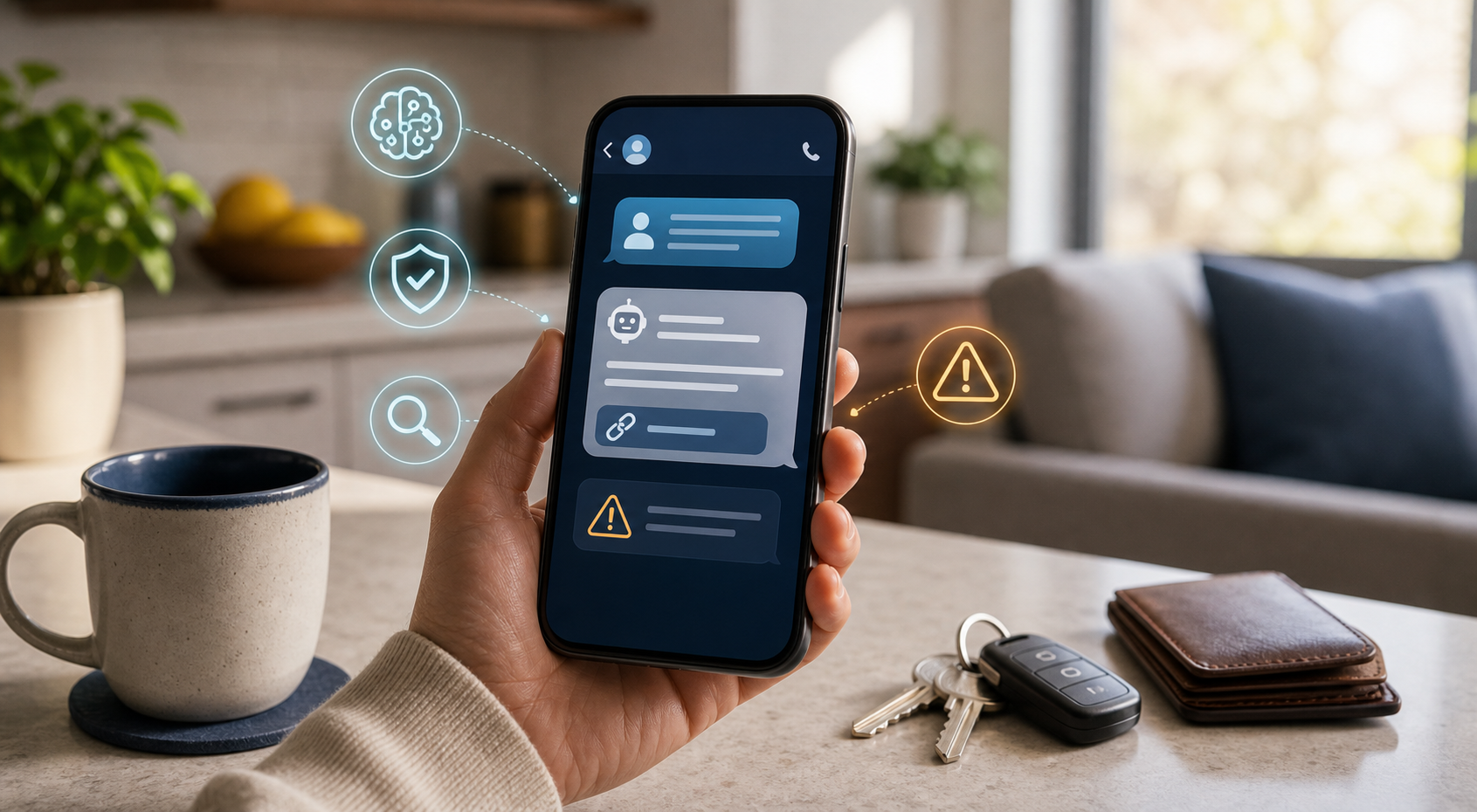
Use this guide when
A text, DM, email, QR code, delivery notice, bank alert, job message, family emergency, or support request wants you to tap, pay, verify, call, or keep quiet.
First look: what is the message asking you to do?
AI can make scam messages smoother, more personal, and less obviously fake. Look past the polish. The risky part is usually the requested action: tap a link, scan a code, verify a login, pay a fee, call a number, download a file, share a one-time code, or keep the situation secret.
Warning signs
- Urgency or a threat of account closure, fee, missed delivery, legal trouble, or embarrassment.
- A link that does not match the official website or app.
- A request for payment, gift cards, crypto, remote access, one-time codes, or password resets.
- A message that knows a little about you but cannot be verified independently.
- Pressure to act before you can ask someone else.
- A “support” or “security” message that arrives after you posted publicly about a problem.
Common AI text scam patterns
Most scam texts are built around a small set of situations. A delivery message says a package is paused. A bank alert says a transaction needs confirmation. A job recruiter wants you to move to a different app. A family emergency asks for money or secrecy. A support message claims your account, wallet, device, or subscription needs immediate action.
The safer habit is to name the situation before you react. Ask what account is involved, what action is being requested, what happens if you wait ten minutes, and whether you can confirm the claim from a place you already trust.
Safer verification
Open the official app, type the known website yourself, use the phone number on the back of a card, or contact the person through a separate known channel. Do not use the link, phone number, QR code, or caller in the message as the source of truth.
If the message claims to be from a bank, delivery company, school, employer, platform, payment app, or government agency, leave the conversation and start fresh from a known official source. That one pause breaks the scammer’s control over the next click.
A quick reply rule
You do not need to prove the sender wrong inside the thread. If you are not sure, do not argue, explain, or send extra information. For a real person you know, start a separate message or call using a saved contact. For a company, use the official app or website. For a stranger, no response is usually the safest response.
If the message uses a real detail
A scam can include your name, workplace, school, city, delivery timing, recent purchase, or a detail copied from social media. Treat accurate details as a reason to verify more carefully, not as proof the message is safe.
Latest on this topic


Get the field guide in your inbox
Get practical cyber and AI safety checklists when new resources go live. No popup, no pressure, just the next useful thing.