
QR codes feel harmless because they are boring. They sit on restaurant tables, parking meters, event posters, mailed notices, delivery cards, product packaging, medical-office forms, and hotel signs. You point your phone, tap the preview, and move on. That convenience is exactly why QR codes now deserve more caution when AI scams are getting cleaner.
A QR code is not automatically dangerous. The problem is that a QR code hides the destination until after the scan. A normal link gives you at least a fighting chance to read the address before you click. A QR code asks you to trust the setting, the sign, the sticker, the message, and the landing page all at once. The FTC warns that scammers hide harmful links inside QR codes to steal information, and it specifically points to reports of fake QR codes being placed over parking-meter codes in its consumer alert on harmful QR-code links.
The AI part does not mean every fake QR code is generated by artificial intelligence. It means scammers now have cheaper ways to make the material around the QR code look more convincing: cleaner fake signs, more polished mobile pages, better-written account warnings, and faster variations of the same scam. The FBI's Internet Crime Complaint Center says criminals tamper with QR codes to redirect victims to malicious sites that steal login and financial information in its public warning on QR-code tampering.
This guide is about the moment before you scan. It covers seven warning signs, what to check before opening a QR-code link, and what to do if you already scanned, entered information, downloaded something, or paid. If you read the recent Quantum Cyber AI guide to AI text scams, the core rule will sound familiar: an unexpected prompt does not get to choose the trusted doorway.
Key Takeaways
- QR codes are convenient, not automatically trustworthy.
- The main risk is the hidden destination plus the pressure around it.
- A QR code on a public sign, parking meter, mailed notice, or unexpected message deserves more caution than a code on a menu.
- Payment and login pages are the highest-risk QR-code destinations.
- Polished design is not proof. AI can make fake pages and fake instructions look cleaner.
- Use official apps, typed websites, saved bookmarks, and known phone numbers when money, passwords, or identity information are involved.
- If you scanned and entered information, act quickly: change passwords, call your card issuer, review account activity, and report fraud.
Why QR Codes Make AI Scams Work So Well
AI QR code scams work because QR codes transfer trust from the environment to the link. A code on a restaurant table feels like it belongs to the restaurant. A code on a parking sign feels like it belongs to the parking authority. A code on a mailed notice feels like it belongs to the sender. That physical context does a lot of the persuasion before QR codes ever open a browser.
The UK's National Cyber Security Centre says QR codes are widely used for quickly directing people to websites, logging into devices that do not have keyboards, ordering, and paying for goods or services in its blog on QR-code risk. That broad use is why the scam surface is so ordinary. You do not need to be doing anything risky to encounter a QR code. You might just be trying to pay for parking or see a menu.
The second reason QR codes work so well in AI scams is that mobile screens compress context. After scanning, the URL preview may be short, the address bar may be hard to read, and the page may open quickly enough that you focus on the logo instead of the domain. The NCSC says criminals use QR codes in phishing emails because QR codes disguise malicious links, can slip past tools that do not scan images, and may push users onto personal phones that lack workplace protections in its explanation of quishing risks.
The third reason is convenience. QR codes are designed to remove friction. In a legitimate setting, that is useful. In a scam, it is dangerous. A 2022 field study of malicious QR-code phishing found that convenience was the most cited factor in participants' willingness to yield credentials in the paper Gone Quishing. That is the consumer lesson: the easier QR codes make the flow feel, the more important it is to slow down when money, passwords, or identity information are involved.
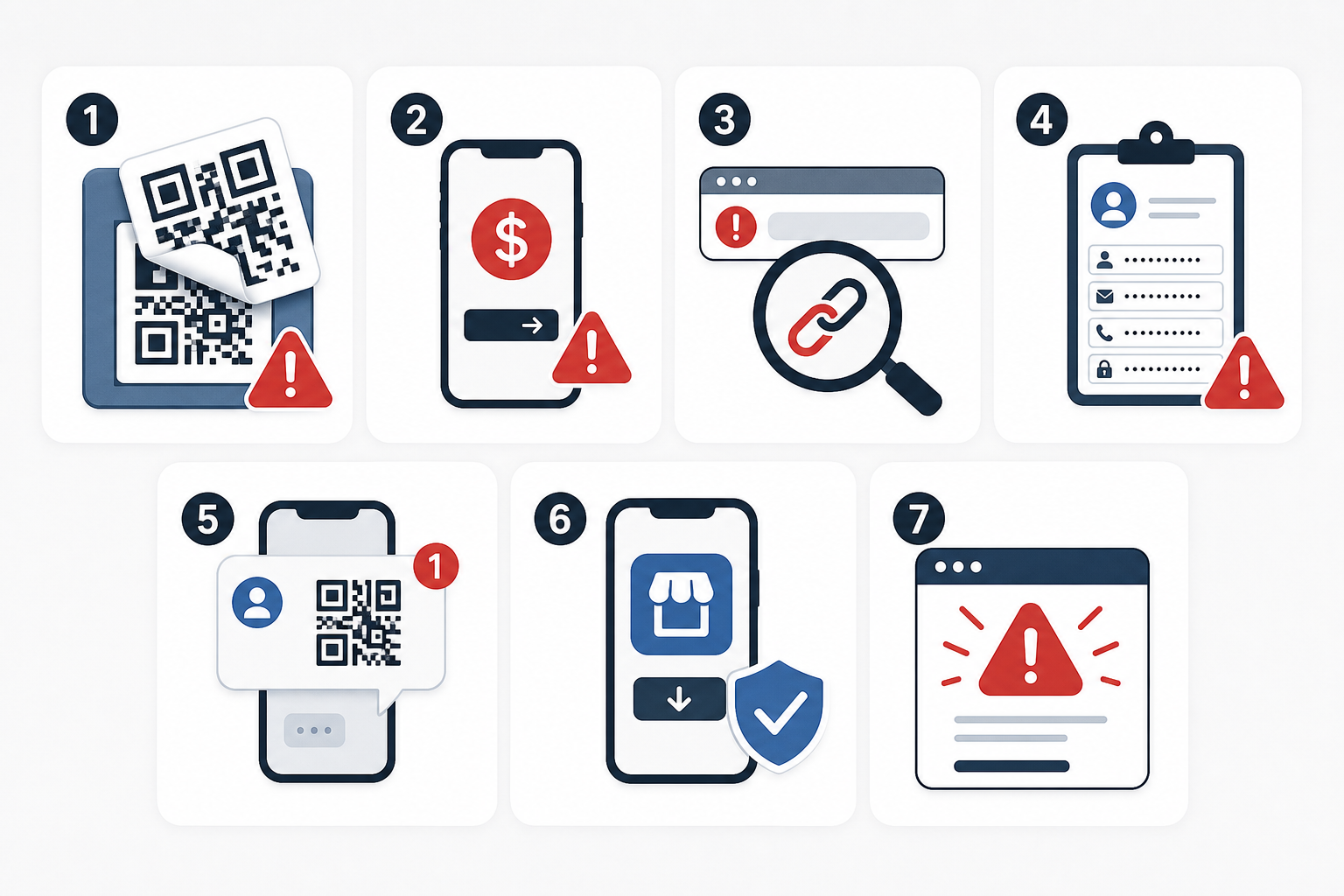
Warning Sign 1: The QR Code Looks Added, Crooked, or Layered
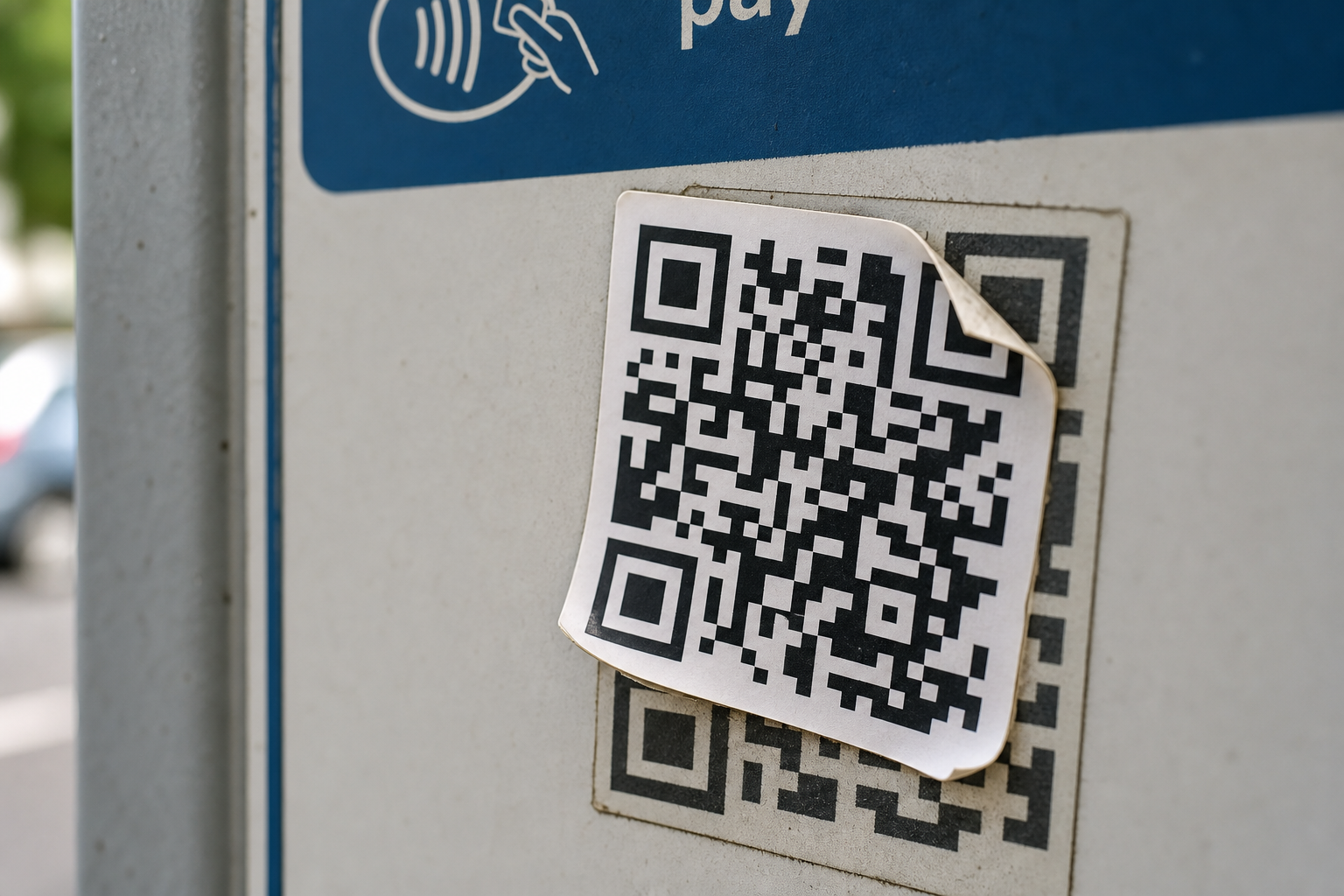
The first warning sign is physical tampering. A fake QR code can be placed over a legitimate one. That matters most in public settings where attackers can reach the sign: parking meters, transit stations, public pay kiosks, event posters, restaurant tables, hotel lobbies, campuses, and community bulletin boards.
The FBI warns that criminals can tamper with both digital and physical QR codes, replacing legitimate codes with malicious ones that prompt victims to enter login or financial information, in its IC3 warning on malicious QR codes. The FTC also warns that scammers have covered up QR codes on parking meters with their own codes in its alert on QR code scams.
Look at the code before you scan. Is it a sticker over printed material? Are the edges peeling? Does it look newer than the sign? Is it crooked, bubbling, or misaligned? Does it cover another QR code? Is there a typed website or official app name nearby that does not match what the QR page shows?
None of those clues proves a scam by itself. Businesses update signs. Cities replace payment systems. Restaurants change menu providers. But a layered or suspicious QR code that asks for payment, login, or personal data deserves a harder stop than a QR code that simply opens a menu.
The safe move is simple: do not pay or log in through a physically suspicious QR code. Use the official app, type the known website, ask staff, or use the kiosk. For parking, the safest path is often the official city or parking-provider app, not a sticker that appeared on a meter.
Warning Sign 2: It Sends You Straight to a Payment Page
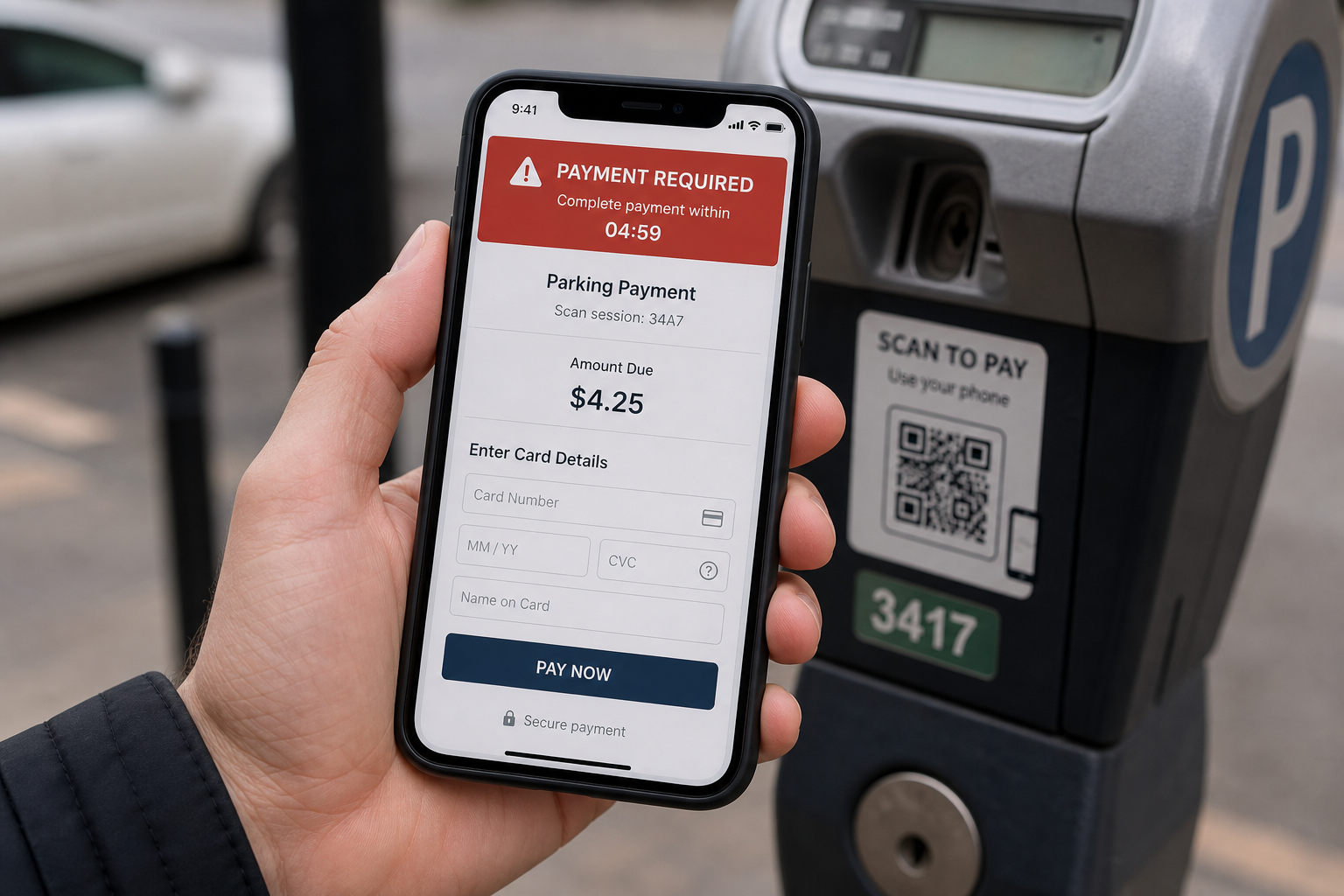
The second warning sign is a QR code that jumps directly to payment. AI QR code scams often rely on small amounts because small amounts feel easier to pay than investigate. A few dollars for parking, a small toll balance, a delivery redelivery fee, or an event charge can feel too trivial to question.
The FBI says businesses and individuals use QR codes to facilitate payments, but criminals can replace the intended payment code with a tampered QR code and redirect the payment for criminal use in the IC3 warning on QR payment redirection. The FBI also warns that law enforcement cannot guarantee recovery of lost funds after transfer in that same IC3 notice on QR-code payment fraud.
The payment page may not be trying to steal only the visible fee. A fake parking page can collect a card number, billing address, license plate, phone number, and email address. A fake toll page can collect payment information and create an opening for follow-up fraud. A fake delivery page can turn a small shipping fee into a full card compromise.
Driver-targeted QR scams are not hypothetical. The Guardian reported that Action Fraud received 1,386 QR-code scam reports in 2024, more than double the previous year, and 502 reports in the first quarter of 2025 in its report on parking-related quishing scams. The same report described fake QR codes on parking machines or signs that sent drivers to fraudulent payment websites collecting payment and vehicle details in its coverage of QR parking scams.
The safer rule is this: payment deserves verification. If the QR code is on a public sign, check the official app or manually type the payment provider's website. If a mailed notice or ticket asks for payment through a QR code, verify through the organization's official site. If the site asks for more information than the payment requires, leave.
Warning Sign 3: The URL Looks Almost Right
The third warning sign appears after the scan: the URL looks close enough to ignore. That is where many AI QR code scams do their best work. The page can use a familiar logo, clean colors, realistic buttons, and polished instructions. But the browser address is still the part that matters.
The FTC warns that a scammer's QR code can take people to a spoofed site that looks real but is not, and that logging into that spoofed site can let scammers steal whatever information the person enters, in the FTC alert on QR-code spoofing.
On a phone, a fake domain can be hard to judge. The brand name may appear in the wrong place. A long web address may bury the true domain. A page may use a subdomain, path, or tracking link to look official. A shortened URL may hide the destination entirely.
You do not need to become a domain expert, but you do need one habit: look for the real domain before entering anything. If a city parking page does not look like the city or known parking vendor, stop. If a bank page uses a strange domain, stop. If a shipping page asks for a card number through a link you do not recognize, stop.
The FBI recommends checking the URL after scanning to make sure it is the intended site and watching for malicious domain names that are similar to the intended URL but include typos or misplaced letters in its IC3 tips on QR-code safety. That advice is especially important for AI QR code scams because design polish is becoming easier to fake.
Warning Sign 4: It Asks for More Than the Situation Requires
The fourth warning sign is overcollection. A legitimate QR-code flow should ask for information that matches the task. A restaurant menu should show food. A parking payment page may need vehicle and payment details, but it should not need your bank password. A coupon might need an email address, but it should not need your Social Security number. A delivery update should not require full identity details through a surprise QR page.
The FBI says malicious QR codes can direct victims to sites that prompt them to enter login and financial information, and access to that information can give criminals the ability to steal funds through victim accounts in its warning on malicious QR-code destinations. The FTC warns that fake QR-code pages can steal information entered into spoofed sites or install malware that steals information before the victim realizes it in its alert on QR codes and malware.
AI can make overcollection feel normal. A fake page may calmly explain that it needs your identity to "secure" a payment, "verify" a delivery, or "protect" an account. That language is meant to make the request feel responsible rather than invasive.
Use the proportionality test. Does this page need this information to do what it claims? If a QR-code survey asks for card details, no. If a parking page asks for an account password from your bank, no. If a package notice asks for a Social Security number, no. If a menu page wants you to create an account before showing the menu, ask whether you need to use it at all.
Overcollection is not a small privacy issue. It is often the scam. The goal may be to capture a password, card number, phone number, address, or identity detail that can be reused later.
Warning Sign 5: The Code Arrives in an Unexpected Text, Email, Package, or Letter
The fifth warning sign is the delivery channel. QR codes are not only on signs. They can arrive in emails, text messages, mailed letters, invoices, packages, screenshots, and social posts. When the QR code arrives unexpectedly and asks for action, treat it like a suspicious link.
The FTC lists fake package delivery problems, fake account problems, and fake suspicious-account-activity warnings as common QR-code scam pretexts in its alert on harmful QR-code links. The FTC says those lies create urgency so people scan and open the URL without thinking in its guidance on QR code urgency tactics.
This overlaps heavily with text-message scams. A scammer can send the same story two ways: tap this link or scan this code. The emotional pressure is the same. Your package failed. Your account is locked. Your reward expires. Your payment failed. Your password must be reset. We covered those urgency patterns in the guide to AI text scams, and QR codes simply give attackers another doorway into the same pressure campaign.
The NCSC says QR codes are increasingly used in phishing emails, a technique often called quishing, because they disguise malicious links and may move the user to a personal phone with fewer protections in its guidance on quishing risks.
The rule is blunt: do not scan QR codes in unexpected messages that urge immediate action. If you think the message might be real, use a phone number or website you already know is real. The FTC gives the same advice for unexpected QR codes in emails and texts in its consumer guidance on QR-code scam prevention.
Warning Sign 6: It Tries to Replace the Official App
The sixth warning sign is channel switching. Many legitimate organizations already have safer places for sensitive actions: bank apps, parking apps, delivery apps, ticketing apps, insurance portals, government websites, and mobile carrier apps. A QR code that pulls you away from the official app should not automatically win.
The FBI tells consumers not to download an app from a QR code and to use the phone's app store for a safer download in its IC3 tips on QR code app downloads. The NCSC recommends using the QR scanner built into the phone rather than downloading a separate QR-code scanner app in its advice on QR scanner safety.
Think about what the code is replacing. If a parking meter code bypasses the known parking app, verify. If a bank letter sends you to a QR-code login instead of the bank app, verify. If a delivery card asks you to scan instead of checking the shipping app, verify. If a ticketing page asks for credentials outside the app where you bought the ticket, verify.
AI QR code scams benefit from making the replacement feel seamless. The page may say it is faster, safer, or required. It may use reassuring words like secure, restore, confirm, or protect. Those words do not make the destination trustworthy.
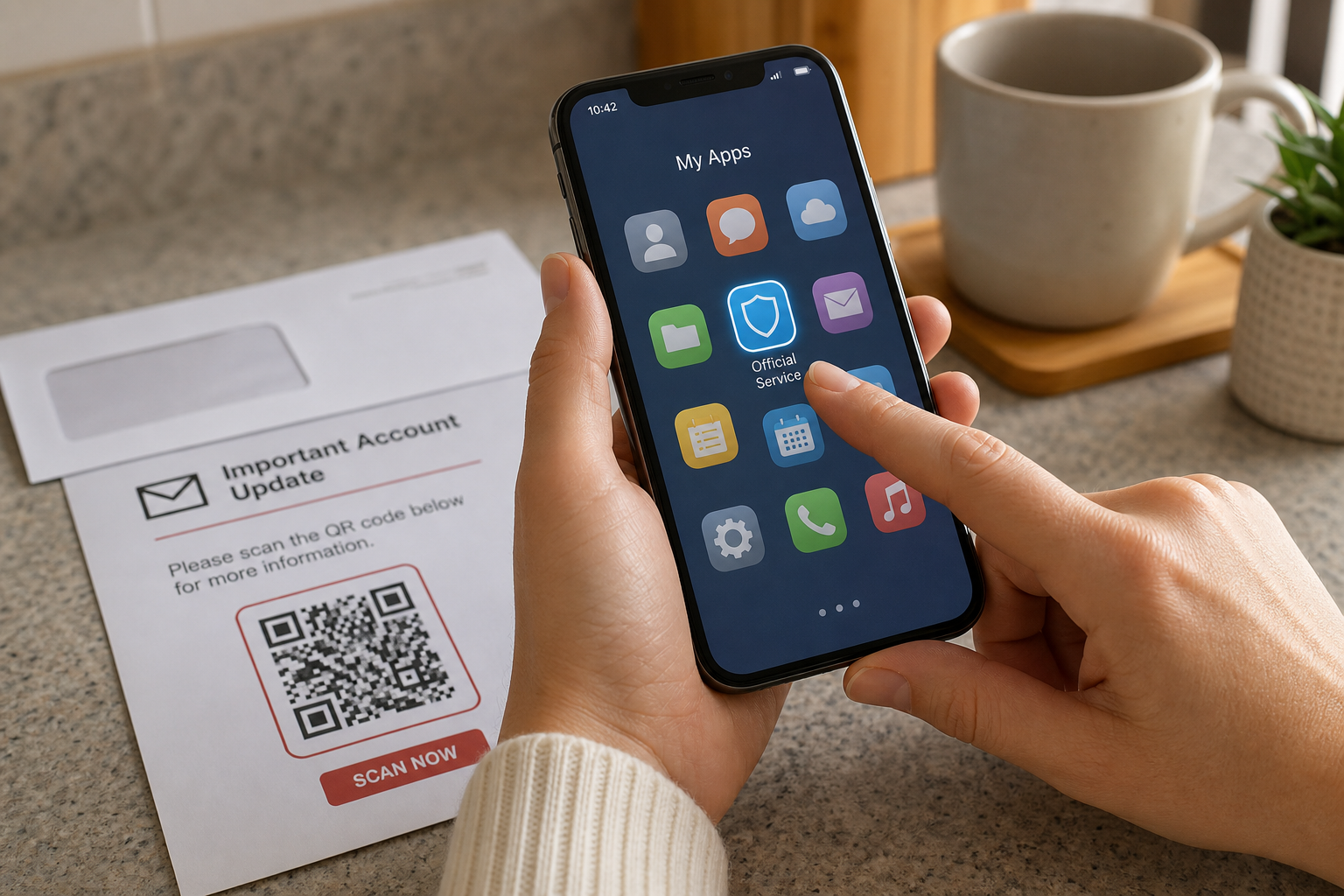
The better principle is this: a QR code can notify you, but it should not control the trusted path. Use the official app for payments, shipping, banking, tickets, and account issues. If you do not have the app, type the website yourself or search carefully for the official organization.
Warning Sign 7: The Page Pushes Security Language Too Hard
The seventh warning sign is security theater. Many AI QR code scams do not ask you to do something that feels reckless. They ask you to do something that sounds responsible: verify your account, secure your payment, restore access, confirm your identity, prevent suspension, review suspicious activity, or update your password.
That language matters because it flips the script. The scam page frames the risky action as the safe action. You are not "giving away" your password. You are "protecting" your account. You are not "paying a scammer." You are "preventing a penalty." You are not "sharing card details." You are "confirming payment."
The FTC says scammers use fake delivery, account, and suspicious-activity stories to create urgency and push people to scan QR codes without thinking in its guidance on QR-code urgency tactics. A polished QR-code landing page can intensify that pressure by giving the reader a clean button, a countdown, a warning icon, or a fake support message.
This is where AI can matter without being magical. Better writing and better page templates make fake security language feel less clumsy. A scam page that once looked sloppy can now sound like routine customer-service copy. That makes the old advice, "look for bad grammar," weaker than it used to be.
If a QR page says you must verify, secure, restore, or confirm something, leave the page and verify somewhere else. Use the official app. Type the website. Call a known number. Do not let the page that created the panic define the cure.
What to Do Before You Scan a QR Code
You do not need to stop using QR codes. You need a short pause before the scan becomes a payment, login, download, or identity check.
First, inspect the physical code. Look for stickers, layering, peeling edges, crooked placement, or signs that one code was placed over another. The FBI specifically recommends checking physical QR codes for tampering, including a sticker placed on top of the original code, in its IC3 tips on QR-code safety.
Second, ask what the code is asking you to do. A QR code that opens a restaurant menu is usually lower risk than a QR code that asks for payment or login. The NCSC says QR codes used in pubs or restaurants are probably safe for most users, while QR codes in open spaces such as stations and car parks may be riskier in its summary of QR-code risk levels.
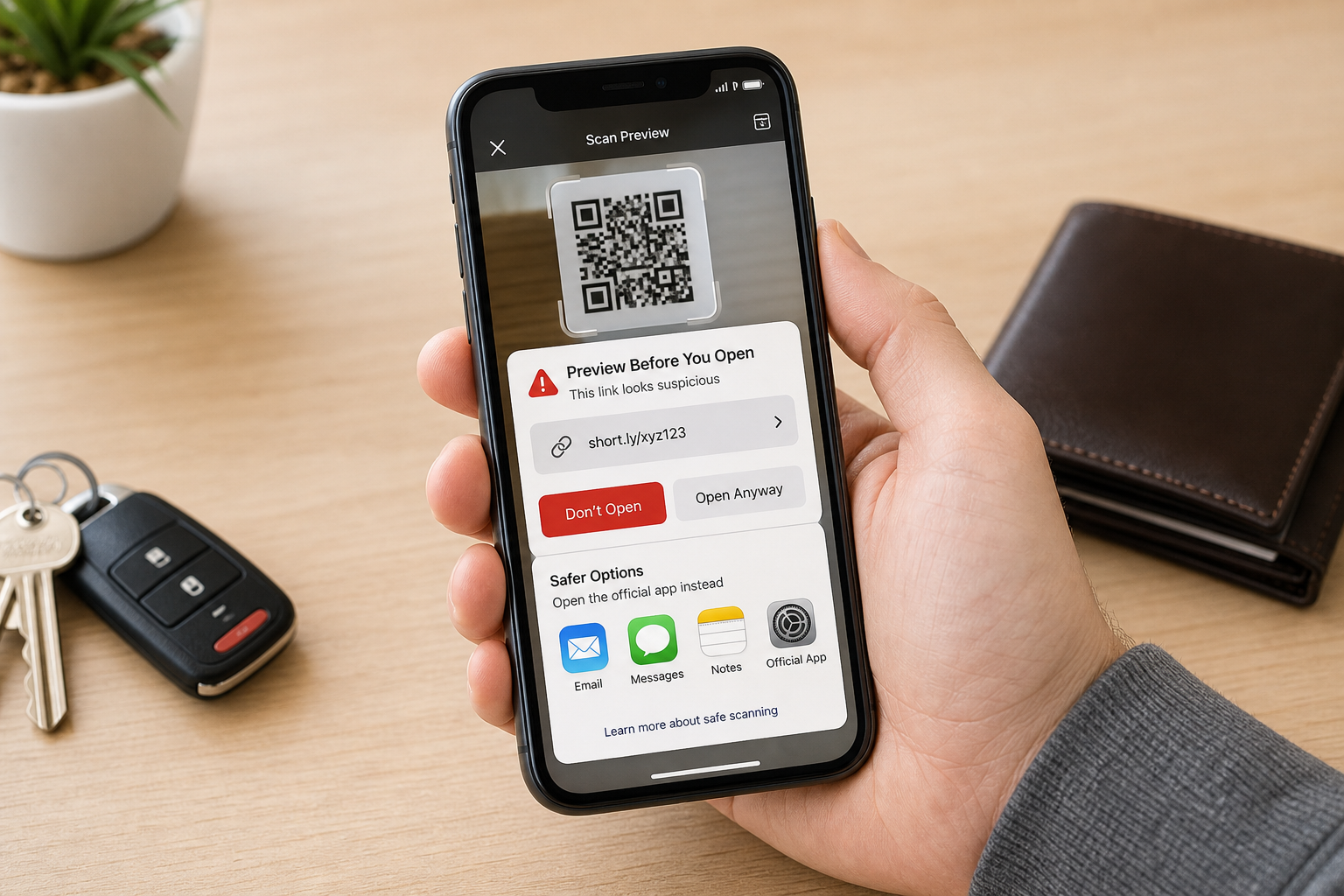
Third, preview the URL if your phone allows it. Do not rush past the preview. Look for misspellings, odd domains, switched letters, strange endings, and short links. The FTC recommends inspecting the URL before opening a QR code from an unexpected place and looking for spoofing signs such as misspellings or switched letters in its consumer advice on QR-code URL checks.
Fourth, use official apps for sensitive actions. Parking, banking, delivery, ticketing, mobile carriers, and government services should not require you to trust a surprise QR code. If money or credentials are involved, go through a known channel.
Fifth, do not download apps from QR-code destinations. Use the official app store. The FBI and NCSC both warn against unnecessary QR-scanner or QR-directed app downloads in their guidance on QR code app safety and built-in QR scanning.
Finally, ask a human when the QR code is in a business location. If a restaurant, hotel, clinic, or event venue expects you to scan, staff should be able to confirm what the code opens. If no one can explain it, do not use it for payment or login.
What to Do If You Already Scanned a Fake QR Code
If you only scanned the QR code and closed the page without entering information, the risk is usually lower. Do not keep exploring the page. Close it, clear the tab, and move on through the official app or website.
If you entered a password, change that password immediately from the official site or app, not from the QR-code page. If you reused the password elsewhere, change it on those accounts too. Turn on multi-factor authentication where available. Review active sessions and sign out of devices you do not recognize.
If you entered card details, contact the card issuer through the number on the card or the official app. Ask whether to lock or replace the card. Monitor transactions. Save screenshots, transaction IDs, and the suspicious URL if you can do so safely. The FBI warns that recovery of transferred funds cannot be guaranteed after QR-code payment fraud in its IC3 PSA on stolen funds from tampered QR codes.
If you downloaded an app or file, delete it and review app permissions. Use the phone's built-in security tools or a reputable mobile security tool. If the device behaves strangely, seek help before entering more passwords on that device.
If someone calls after the QR-code payment and claims to be from your bank, be careful. The Guardian reported a QR-code parking scam where the initial fake payment was followed by social engineering from someone posing as a bank representative, and one victim lost 13,000 pounds in that chain of deception in its report on driver-targeted quishing.
If you think the QR-code scam led to account compromise, use a broader recovery checklist. Quantum Cyber AI's AI Hacking Recovery guide walks through the next layer of response after a suspected compromise. Speed matters more than embarrassment. The faster you change credentials, contact the financial institution, and report the fraud, the better your chances of limiting the damage.
Conclusion
A QR code is a shortcut. Shortcuts are useful when the destination is trustworthy. They are dangerous when someone else controls where they lead.
The answer is not to panic every time you see a square code. The answer is to stop scanning automatically when the code asks for money, passwords, identity information, downloads, or urgent action. Check the physical code. Preview the URL. Use the official app. Type the website yourself. Ask staff. Walk away from pages that ask for too much.
AI QR code scams will keep getting cleaner because the materials around the code are getting easier to produce. Your defense is not paranoia. It is a small pause before the scan becomes a mistake.
For more practical AI and cybersecurity guidance for everyday digital risks, subscribe here.
FAQ
Are QR codes dangerous by themselves?
No. A QR code is a delivery mechanism. The risk depends on what the code opens, whether the code was tampered with, and what the destination asks you to do. The FBI says QR codes are used legitimately for quick website access, app downloads, and payments, but criminals can abuse the same mechanism in its IC3 PSA on QR code tampering.
Is it safe to scan restaurant QR codes?
Usually, restaurant QR codes are lower risk than QR codes that ask for payment, login, or identity information. The NCSC says QR codes in pubs or restaurants are probably safe for most users, while QR codes in open spaces such as stations and car parks may be riskier in its guidance on QR code risk. Still, if a menu QR code asks for unnecessary personal data or payment details before showing the menu, ask staff for another option.
How can I tell where a QR code goes before opening it?
Most modern phones show a preview before opening the scanned destination. Slow down and read it. Look for misspellings, strange domains, switched letters, shortened links, and brand names in the wrong part of the address. The FTC recommends inspecting the URL before opening an unexpected QR-code destination in its advice on QR-code URL inspection.
What should I do if a QR code asks me to download an app?
Do not download an app from the QR-code destination. Use the official app store or the organization's official website. The FBI specifically advises against downloading apps from QR codes and recommends using the phone's app store for safer downloads in its IC3 tips on QR-code app downloads.
What should I do if I paid through a fake QR code?
Contact your bank or card issuer immediately through the official app or the number on your card. Ask whether to lock or replace the card, dispute charges, and monitor for fraud. Report the incident to the relevant organization and to law enforcement or fraud-reporting channels. The FBI encourages victims to report fraudulent or suspicious activity to IC3 in its QR-code PSA on reporting QR-code fraud.