
The hotel room is booked, the laptop is open, and four connection choices are competing for attention. You can join the hotel Wi-Fi, activate a travel eSIM, share your phone through a personal hotspot, or put a travel router between your devices and the hotel Wi-Fi network. Each can be useful. None of them makes every site, account, and device safe.
The right choice depends on what you are doing, how many devices need access, whether cellular coverage is reliable, and how much risk the task carries. Checking restaurant hours is not the same as opening confidential work files. Connecting one updated phone is not the same as bringing a family laptop, tablet, streaming stick, and game console online.
This guide separates the protections that often get bundled together in marketing. It explains what hotel Wi-Fi can expose, what cellular service changes, when a personal hotspot is the simplest answer, what a travel router actually adds, and where a VPN fits. The goal is a setup you can understand and recover, not the largest possible bag of gadgets.
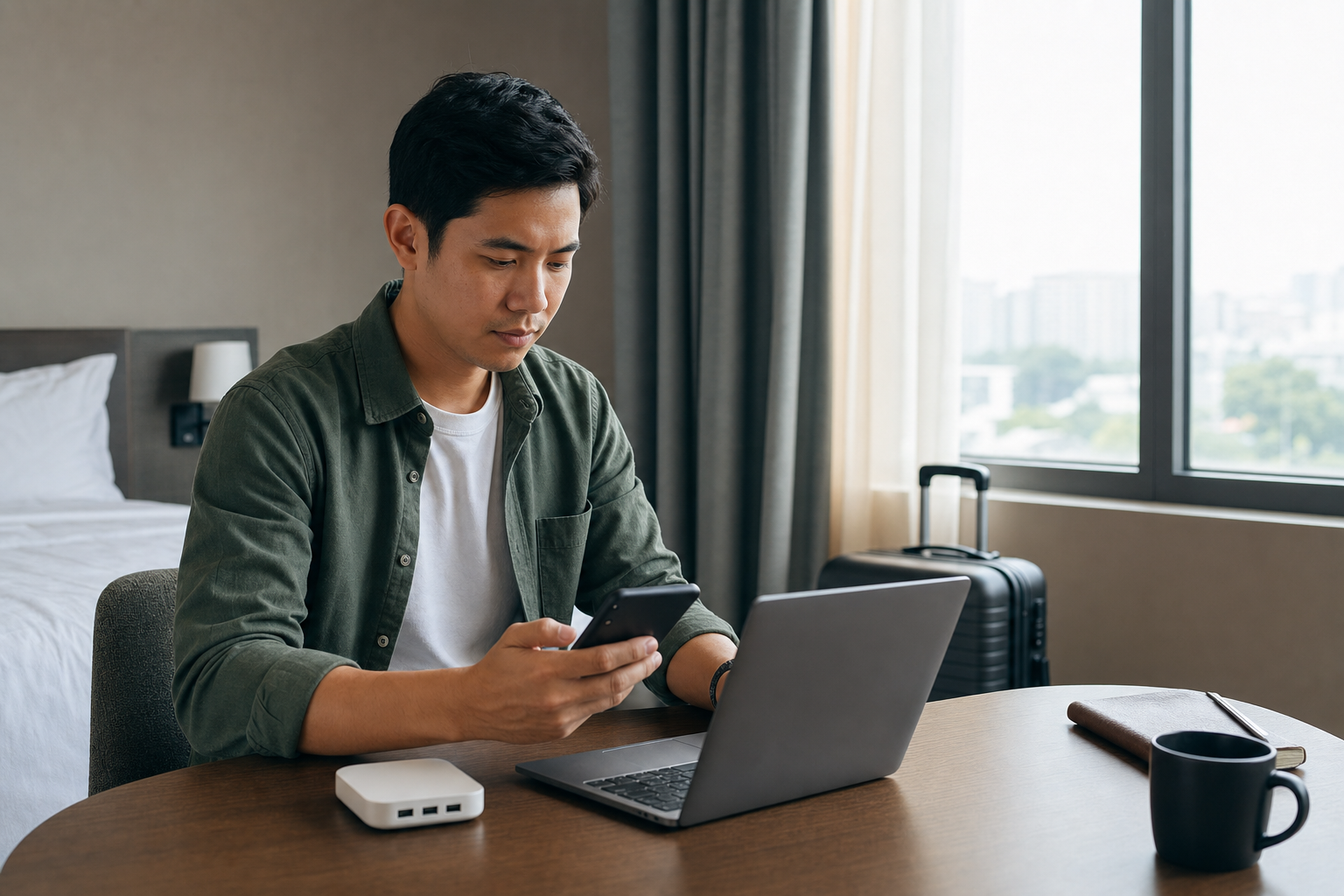
Key Takeaways
- Modern HTTPS protects the contents of most ordinary website connections, so a verified hotel Wi-Fi network is not automatically unsafe. You still need to confirm the network name, inspect the site address, and heed browser warnings.
- A travel eSIM is a convenient way to obtain cellular service. It is not a VPN, and it does not make phishing sites, unsafe apps, or weak accounts safe.
- A personal hotspot often provides the cleanest step up for one laptop or tablet because it keeps that device off the local hotel Wi-Fi network when the phone uses cellular data.
- A travel router is most useful for several devices, local isolation, and captive-portal convenience. Its benefit depends on using routed or WISP mode and configuring it correctly.
- A VPN adds an encrypted path from the device to the VPN provider. It does not validate websites, stop malware, or make a traveler anonymous.
- The sensible default is to match the connection to the task: verified hotel Wi-Fi for routine browsing, cellular or a personal hotspot for greater separation, and an approved VPN when work rules or a higher-risk situation require one.
Choose a Setup by Trip and Task
The best travel connection is not always the one with the most layers. It is the smallest setup that addresses the real risk and remains reliable enough to use correctly.
| Situation | Practical starting setup | Why | Main limitation |
|---|---|---|---|
| Routine browsing on one updated device | Verified hotel Wi-Fi, HTTPS, Public network profile | Simple and usually adequate for low-risk use | Requires correct network and site identification |
| Banking, purchases, or urgent account recovery | Cellular data or a secured personal hotspot | Avoids the local hotel Wi-Fi network | Still depends on the device, carrier account, and legitimate site |
| Confidential work | Employer-approved connection and VPN, often over cellular | Follows the organization's threat model and controls | May depend on coverage and corporate access |
| Family with several devices | Travel router in routed mode over verified hotel Wi-Fi | Gives several devices a private local network and one portal login | Does not make the upstream connection trustworthy |
| Long stay with heavy streaming | Verified hotel Wi-Fi through a routed travel router | Avoids exhausting a mobile plan while simplifying device access | Performance and privacy still depend on the hotel connection |
| Weak cellular coverage | Verified hotel Wi-Fi, with a routed router if local isolation helps | Uses the connection that is actually available | May need a trusted VPN for sensitive work |
| Higher-risk traveler | Organizationally approved cellular, equipment, and VPN plan | Addresses targeted threats with managed controls | Generic consumer advice may be insufficient |
Before relying on that choice, check what it protects. A hotel network, carrier, router, and VPN each control a different part of the route. The following sections show the limits of each option.
Understand the Connection Layers
Travel connection advice becomes clearer when you split it into four layers.
The first layer is the local connection. This is the short path between your device and the nearby equipment. On hotel Wi-Fi, it runs through the hotel's access point. With a personal hotspot, it runs from the laptop or tablet to your phone. With a travel router, your devices join the router's local network, and the router connects upstream to the hotel or another source.
The second layer is the internet provider. A hotel or its network contractor carries hotel Wi-Fi traffic. A mobile carrier carries cellular and eSIM traffic. Using a different local connection changes who provides this part of the route, but it does not automatically change the sites or services you visit.
The third layer is the connection to each website or app service. HTTPS and well-designed app encryption protect content while it travels to the intended service. A VPN can add another encrypted tunnel between a device and the VPN provider, but the connection continues from that provider to its destination.
The fourth layer is the device and account. Updates, screen locks, unique passwords, multifactor authentication, recovery settings, and careful decisions still matter on every network. A fraudulent login page remains fraudulent whether it arrives over hotel Wi-Fi, a travel eSIM, or a premium VPN.
Here is the practical map:
| Option or control | What it changes | What it does not solve |
|---|---|---|
| Verified hotel Wi-Fi | Gives the device an internet connection through the hotel | Phishing, unsafe downloads, weak accounts, or an infected device |
| Travel eSIM or cellular data | Avoids the local hotel Wi-Fi network and uses a carrier | Malicious sites, carrier-account takeover, coverage gaps, or device compromise |
| Personal hotspot | Shares a phone's cellular connection with nearby devices | Website legitimacy, phone compromise, data limits, or weak hotspot credentials |
| Travel router in routed mode | Creates a private local network and firewall boundary for several devices | Upstream trust, end-to-end encryption, phishing, or malware |
| HTTPS | Encrypts content between the device and the correctly identified site | Whether the site itself is honest |
| VPN | Encrypts traffic between the device and a VPN provider | Phishing, malicious files, account security, or anonymity |
These controls work best as layers, not substitutes. The practical habits in Cybersecurity Basics still apply after you change networks or add equipment.
What Hotel Wi-Fi Does and Does Not Expose
Hotel Wi-Fi is a shared network that you do not administer. That is a reason for care, but not a reason to assume that every nearby guest can read your email or banking activity.
HTTPS changed the ordinary risk
The Federal Trade Commission's current public Wi-Fi guidance says that most websites now encrypt their connections, making public Wi-Fi usually safe for ordinary use. When your browser establishes a valid HTTPS connection, someone monitoring the hotel Wi-Fi network should not be able to read the pages, passwords, messages, or form entries carried inside that connection.
The domain still matters. Google's explanation of browser security indicators recommends checking both the connection status and the site name. Encryption protects the connection to the domain shown in the address bar. It does not prove that the domain belongs to the bank, airline, employer, or retailer you meant to visit.
A convincing scam site can use HTTPS too. If you enter a password on a fraudulent page, encryption may deliver that password securely to the fraudster. In Chrome, select the connection-status icon beside the address to inspect the connection; current Chrome guidance uses statuses including Default (Secure), Not secure, and Dangerous. Other browsers may present the information differently. A secure connection status says something about the connection, not the honesty of the site. Check the domain and stop for an unexpected login request or certificate warning.
Unencrypted HTTP deserves more caution. A party controlling the hotel Wi-Fi network may be able to observe or alter information sent without encryption. Do not enter account, payment, identity, or medical information on a page the browser identifies as not secure.
Verify the network before joining
An attacker can create a lookalike access point with a plausible name such as Hotel Guest, Hotel Free Wi-Fi, or a nearby floor number. The signal may even be stronger than the real access point. Joining it sends your traffic through equipment controlled by someone you did not intend to trust.
Before connecting, ask hotel staff for the exact hotel Wi-Fi name and expected login procedure. Compare what the device shows with what the front desk or official room materials say. Treat several similar names as a reason to check, not as a contest to choose the strongest signal. Do not choose a network only because its name looks familiar.
For people with a higher threat profile, an unverified hotel Wi-Fi connection presents a more serious problem. NIST's mobile threat entry on rogue Wi-Fi access points describes how a malicious access point can imitate a trusted network and place itself in the communications path. A journalist, executive, government traveler, activist, or person dealing with a targeted threat should follow organizational guidance and may need to avoid hotel Wi-Fi entirely.
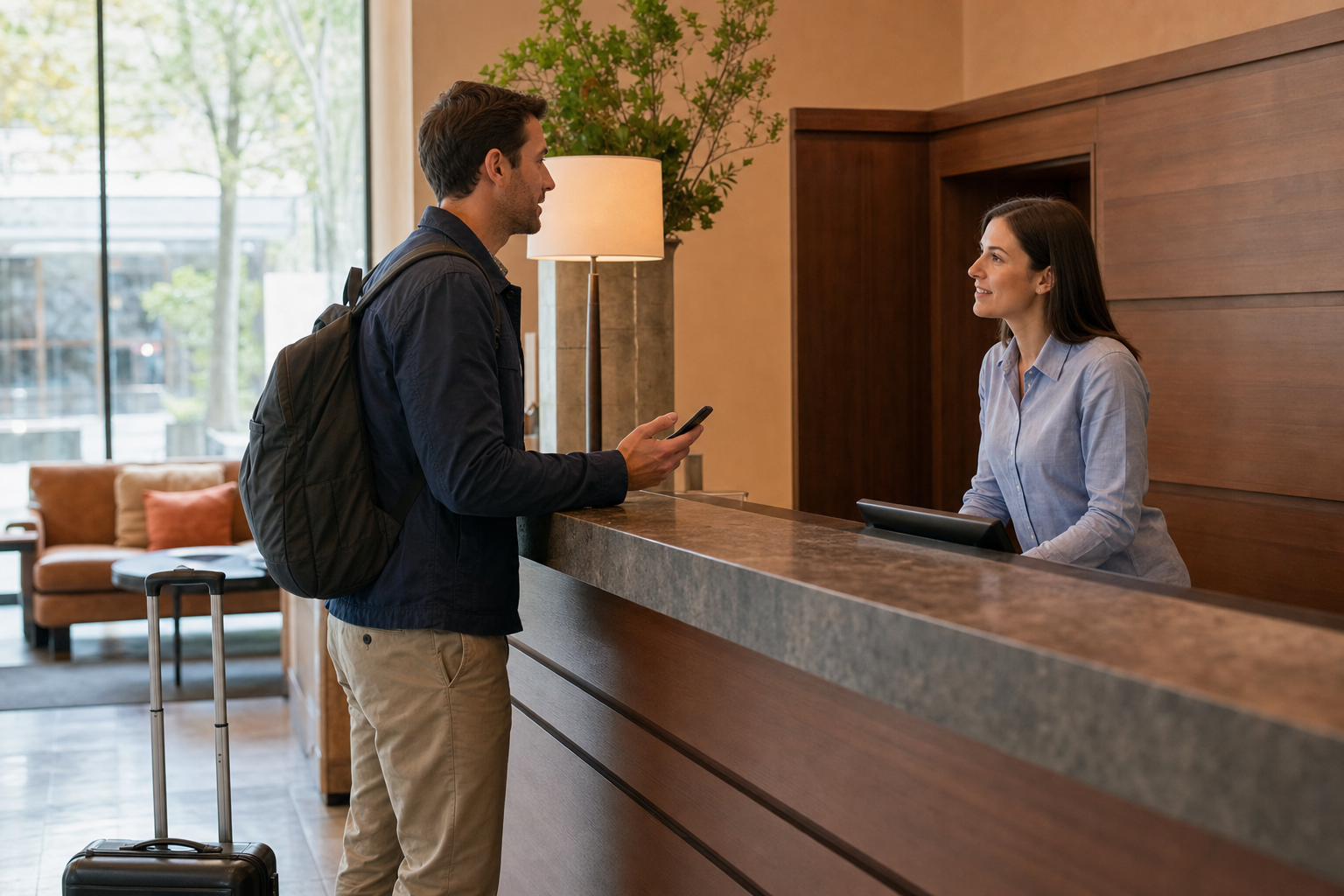
A captive portal is an access gate, not a security seal
Hotels often redirect a new hotel Wi-Fi connection to a captive portal. Apple's captive-network guidance explains that these pages may require a username and password, ask for an email address, require acceptance of terms, or involve a fee before granting internet access.
That page is an access gate. A polished logo does not independently prove that the portal belongs to the hotel. A fake access point can display convincing branding too. If hotel staff says its procedure uses a room number, surname, or access code, compare the page with that description. Stop if the portal requests an unrelated account password, an unexpected payment, a software installation, or information beyond the stated procedure. Never click through a certificate warning just to finish hotel Wi-Fi login.
Reduce what the device exposes locally
HTTPS protects website traffic, but it does not turn off services running on the device. File sharing, printer sharing, casting, and broad nearby-device discovery can make a laptop or phone more visible to other people on the hotel Wi-Fi network.
On Windows, keep hotel Wi-Fi set to the Public network profile. Microsoft's essential network settings guidance says Windows 11 uses Public by default for a newly joined network and recommends that setting in most cases. Check Settings > Network & internet > Wi-Fi > the connected network > Network profile type. Public reduces discoverability and sharing under the normal Windows settings; it is not a guarantee that every previously enabled service or app is inaccessible. Keep the firewall on and review any sharing you deliberately enabled. On a Mac, turn off File Sharing when it is not needed. Limit AirDrop or Quick Share reception to contacts or your own devices, or turn reception off during the stay.
These settings address local exposure that HTTPS does not. The broader Home Network and Device Security guide explains how the network, device, and account layers fit together.
Finally, disable automatic connection to open networks. After checkout, forget the hotel Wi-Fi network or turn off Auto-Join so the device does not later reconnect to another access point using the same name.
What a Travel eSIM or Cellular Connection Changes
A travel eSIM can be an excellent way to get local or regional mobile data without replacing the physical SIM card. Its main security benefit in this comparison is straightforward: cellular data keeps the phone off the local hotel Wi-Fi network.
That does not mean eSIM is a private internet tunnel. The term describes how a carrier profile is stored and activated. It does not create special encryption between every app and its destination.
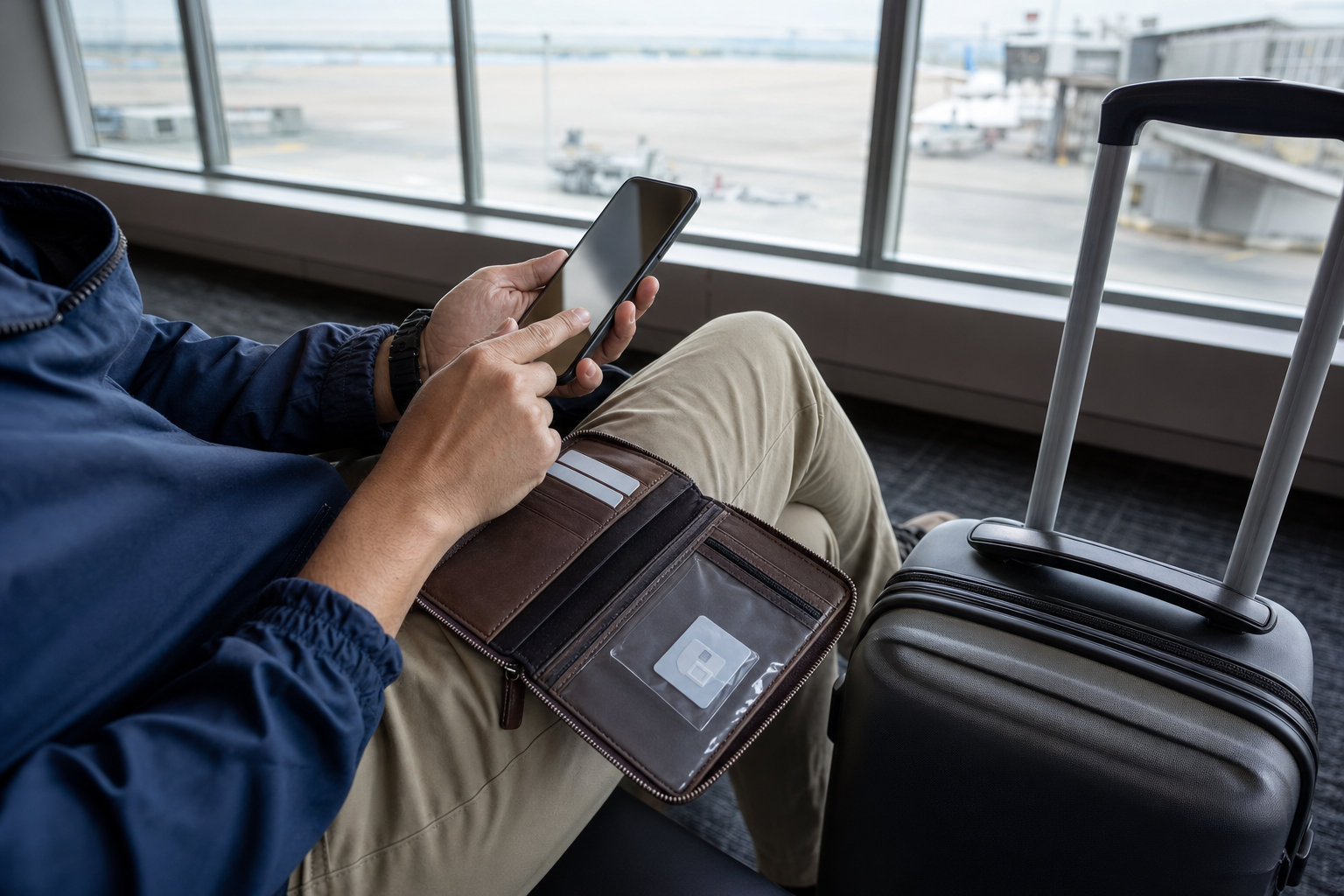
eSIM describes provisioning, not internet encryption
GSMA's security analysis of consumer eSIM provisioning describes certification, secure communications, and public-key infrastructure used to protect remote profile delivery. That matters during activation. It does not promise protection when an endpoint is compromised, and it does not turn later web traffic into a VPN connection.
Apple's international travel eSIM guidance notes a useful physical advantage: an eSIM cannot be removed from a lost or stolen phone in the way a removable SIM can. A compatible phone may also keep a home line active while using a travel line for data.
The same guidance highlights practical conditions that matter more than the word eSIM. The phone must support the service and may need to be carrier-unlocked. A worldwide plan may be data-only. Keeping the home line active can still create roaming charges. Travelers should confirm coverage, data allowance, tethering, call and text support, activation timing, and what happens when the plan runs out.
Protect the carrier account too
An embedded profile does not prevent remote account fraud. The FTC's guidance on SIM-swap scams explains that a criminal may persuade a carrier to move a phone number to another SIM under the criminal's control. Loss of service, an unexpected SIM-change notice, or an unexplained account alert can be a warning.
Set a carrier-account PIN or password and use any available number-port or SIM-change lock. For important email, financial, password-manager, and recovery accounts, prefer an authenticator app, passkey, or security key over relying only on texted codes. SMS verification can still add value, but it is more exposed when a phone number is taken over.
Buy and activate a travel eSIM through a provider channel you independently verified. Do not scan a random QR code left near an airport kiosk or sent in an unexpected message. Record how to reach the provider and home carrier before the trip, and know which line will carry data, calls, texts, and account-recovery messages.
Cellular removes one uncertainty, not every risk
Cellular service avoids the shared hotel Wi-Fi network. It does not prevent a phishing site, unsafe app, malicious attachment, stolen password, or compromised phone. The carrier still sees the device's connection to its network, and the destination website or app still needs its own secure connection.
Coverage also matters. An eSIM that works well in the airport may be weak inside a concrete hotel. Data can be throttled or exhausted. A plan may prohibit or limit tethering. For navigation, account recovery, or emergency coordination, availability is part of security. Download essential tickets, maps, reservations, and contact information before you depend on a new travel eSIM.
When a Personal Hotspot Is the Simplest Strong Choice
A personal hotspot shares the phone's cellular data connection with a laptop, tablet, or another nearby device. For one or two devices, it often provides the simplest way to avoid hotel Wi-Fi without carrying and maintaining another router.
The distinction between upstream connections matters. If the phone is using cellular data, the connected laptop stays off the local hotel Wi-Fi network. Some devices or configurations can share or bridge a Wi-Fi connection instead. Check the phone's status so you know whether the upstream path is cellular or hotel Wi-Fi.
Protect the hotspot itself
Apple's Personal Hotspot guidance requires a Wi-Fi password of at least eight characters and lets the owner turn off Allow Others to Join after use. Keep a strong random default or set a longer unique password. Do not use a room number, surname, phone number, or familiar password that another guest could guess.
Android hotspot controls vary by device, but Google's tethering guidance covers naming the hotspot, setting a password, and turning tethering off when it is not needed. If the phone exposes a security choice, use WPA3 or WPA2. Never select an open or None option. Enable automatic shutoff when available, and review the connected-device list if the phone provides one.
A hotspot name does not need to identify you. Avoid names that reveal your full name, room number, employer, or device model. Turn sharing off after the laptop disconnects, especially in a lobby, conference venue, airport, or other crowded place.
Know the operational limits
A phone hotspot can drain the battery, make the phone warm, and slow down as more devices join. A carrier may count tethering separately, throttle it after a threshold, or prohibit it on a particular plan. International roaming can create unexpected charges if the intended travel line is not selected.
Signal quality can also differ by location. The phone may have excellent service near a window and poor service at the desk. Long video calls, cloud backups, operating-system downloads, and streaming can consume a limited plan quickly. Use hotel Wi-Fi for lower-risk, high-volume activity when it is verified, or choose a larger cellular plan if connectivity is essential.
The phone itself becomes the router, so it is also a single point of failure. A lost phone, empty battery, overheating device, or carrier outage removes the laptop's connection. Keep a charger available and do not let convenience tempt you to disable the phone's screen lock or share its hotspot password broadly.
A quick suitability test
A personal hotspot is usually the best fit when all of these are true:
- one or two devices need access;
- cellular coverage is reliable;
- the plan permits enough tethering;
- the session is short enough for the phone's battery and heat limits;
- no employer policy requires different equipment;
- the traveler can keep the phone nearby and secured.
If several devices need a persistent local network, a streaming device cannot handle the hotel portal, or family devices need to communicate locally, a travel router may be worth the added setup.

What a Travel Router Actually Adds
A travel router creates a network you control between your devices and the hotel Wi-Fi. That can reduce local-network exposure and make several devices easier to manage. It is not a universal privacy shield because the hotel Wi-Fi connection still carries the router's internet traffic.
The router's useful boundary
The benefit is strongest in routed hotspot or WISP mode. GL.iNet's repeater documentation explains that WISP mode creates a separate subnet and places a firewall between connected devices and the public network.
Your phone, laptop, tablet, and streaming device join the router's private Wi-Fi rather than joining hotel Wi-Fi directly. A correctly configured routed setup puts a boundary between those devices and the hotel side. You choose the local WPA2 or WPA3 password, and several devices can reuse one familiar network configuration from trip to trip. The cited WISP behavior is GL.iNet's documented implementation, not a promise about every product sold as a travel router. Check your model's mode and firewall documentation.
A compatible router can help complete a hotel captive portal for devices that cannot show one. After the router is authorized, other devices may share its upstream connection, subject to the hotel's device limits and terms. Portal support differs between models and hotel systems, so this is a useful possibility to test rather than a guaranteed one-login shortcut. It can help a family, a person carrying several work and personal devices, or a streaming stick that expects a normal home-style connection.
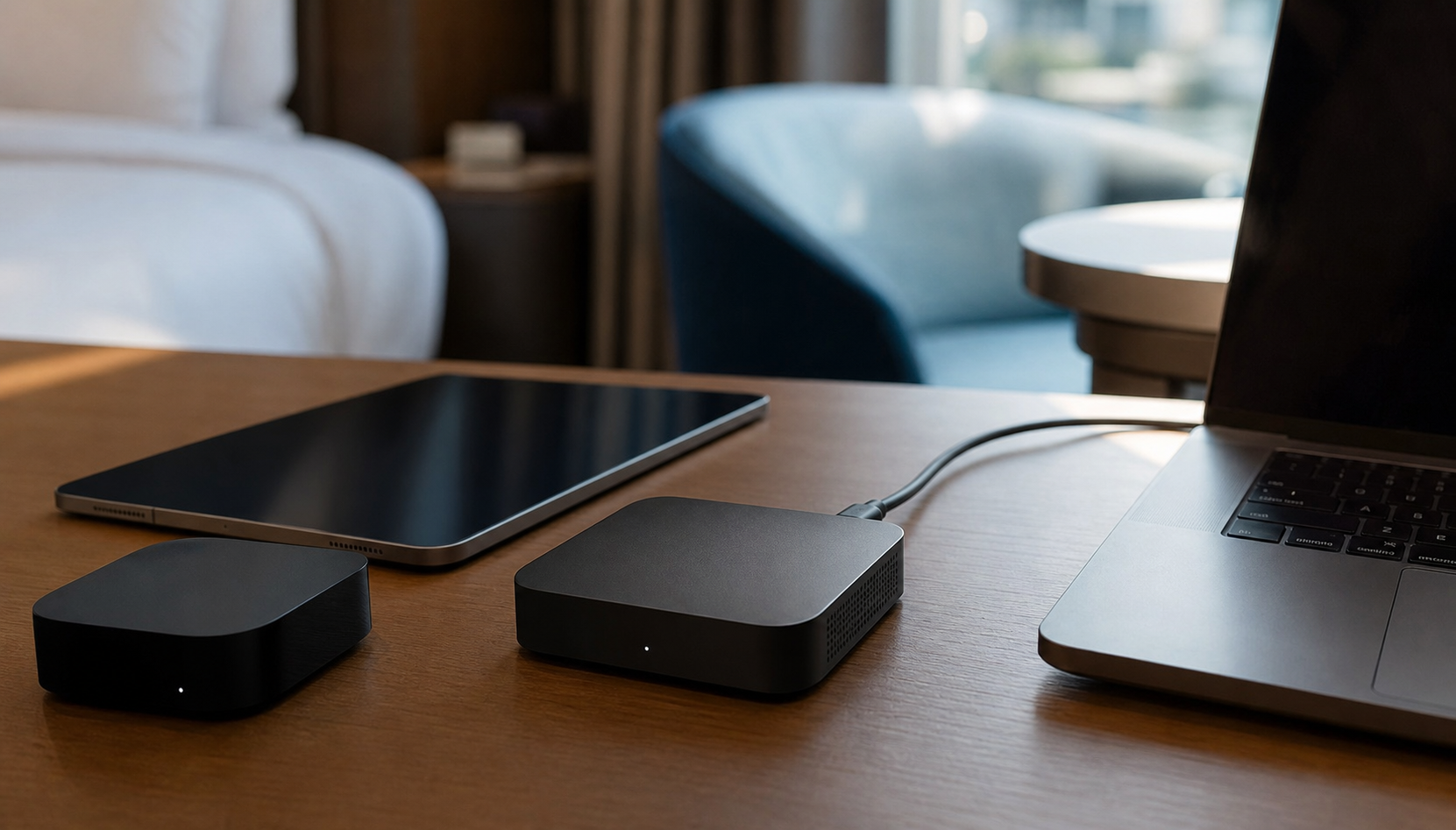
Routed mode is not bridge mode
Do not assume every setting provides the same protection. GL.iNet's network-mode documentation says its Router mode provides NAT, DHCP, and firewall functions, while non-router modes disable several routed features. A bridge or access point may extend the upstream network without creating the same private subnet and firewall boundary. Names vary by manufacturer, so confirm that the selected mode provides the documented routing and firewall behavior you intend to use.
Network address translation and a firewall improve local isolation. They do not prove that the hotel Wi-Fi name is genuine. They also do not guarantee that a captive portal belongs to the hotel. Confirm both with staff before letting the router connect.
What the travel router cannot promise
WPA2 or WPA3 protects the local wireless hop between your devices and the router. It does not automatically encrypt all traffic after the router sends it upstream. Websites and apps still need HTTPS or their own transport security. A VPN is separate unless you configure one.
The router also does not automatically provide private DNS, stop phishing, scan every download, repair a compromised laptop, or prevent account takeover. A traveler can still type a password into the wrong site while using a well-configured router.
Captive portals can conflict with custom DNS and VPN settings. GL.iNet's captive-portal instructions explain that its Public Hotspot Login Mode temporarily suspends certain services and switches DNS to automatic. That changes protection during setup. Follow your model's procedure only for the verified hotel Wi-Fi login, keep ordinary browsing and sensitive apps closed, and restore the intended settings afterward. Confirm that the VPN reconnects before starting protected work. A valid portal certificate confirms a hostname, not the traveler's trust relationship with the hotel network.
Configure the router before leaving home
Use the same fundamentals the FTC recommends for securing a Wi-Fi router:
- install current stable firmware from the official manufacturer channel;
- create separate, unique passwords for local Wi-Fi and router administration;
- select WPA3 Personal when available, or WPA2 Personal when needed;
- keep the firewall enabled;
- disable remote administration, WPS, and UPnP unless a specific need justifies them;
- log out of the administration panel after changes.
When choosing a device, look beyond speed claims. NIST's consumer-router security recommendations identify authenticated configuration access, secure initial credentials, signed firmware, and reliable update mechanisms as important outcomes. A discounted router with abandoned software support is a poor security tool.
Test the equipment at home. Know how to reach its local administration page, switch connection modes, complete a portal, view connected clients, update firmware, and restore the configuration if something fails. Save instructions offline without including secrets.
Where a VPN Helps and Where It Does Not
A virtual private network creates an encrypted connection from a device to a VPN server. When it is working properly, someone monitoring hotel Wi-Fi sees encrypted VPN traffic rather than the contents carried through the tunnel.
That protection can be useful, but it is narrower than many advertisements suggest.
A VPN protects the first part of the route
The FTC's guidance on choosing a VPN app explains that an encrypting VPN can prevent observers on an open network from reading traffic between the device and the provider. It may be appropriate when:
- an employer requires its approved corporate VPN;
- the work involves confidential or regulated information;
- an app's transport encryption is difficult to assess;
- the traveler frequently uses unfamiliar networks and wants a consistent additional layer;
- a personal threat assessment justifies more protection.
A common setup sequence is to confirm the hotel Wi-Fi network, complete its legitimate captive portal, then connect the VPN and confirm that it is working before beginning the sensitive task. Some portals will not load while a VPN or custom DNS configuration is intercepting the login flow. That can be a setup conflict rather than proof of an attack.
A managed always-on VPN or a fail-closed setting may deliberately block access until the tunnel is connected. Do not disable an employer's required protection to get through a hotel Wi-Fi portal. Use its documented portal exception, ask support, or switch to cellular. On personally managed equipment, follow the VPN or router instructions if a temporary portal-login exception is needed, keep the exception brief, and avoid sensitive activity until normal protection is restored.
Check what happens when the VPN disconnects as well as when it connects. GL.iNet's documentation on blocking non-VPN traffic distinguishes controls and defaults by firmware version and routing mode; a single setting name does not establish that every device or route is covered. Review the documentation for your actual version. A connected badge alone is insufficient if an app is outside the tunnel or the configuration permits traffic to continue when the VPN drops.
For ordinary browsing on correctly spelled HTTPS sites, a personal VPN can be optional. For employer-controlled equipment, the organization's policy decides. A traveler should not disable required protection simply because the browser shows a secure connection.
A VPN does not validate a website
A VPN will not make a fraudulent domain legitimate. It will not stop you from entering a password into a phishing page, approving a fake multifactor prompt, opening a malicious attachment, or installing an unsafe app. It also cannot repair a device that was compromised before the tunnel began.
HTTPS still matters while a VPN is active. The VPN protects the path from the device to its provider. HTTPS protects the content between the browser or app and the intended service. These layers overlap in useful ways, but they have different endpoints and trust relationships.
A VPN also does not make a traveler anonymous. Websites can identify a person who signs in, submits an email address, accepts tracking technologies, or reveals other identifying details. The VPN provider itself sees the account and may be able to handle a large share of the device's traffic.
Choosing a VPN means choosing another party to trust
Review who operates the service, what traffic it encrypts, which permissions it requests, how it makes money, and what its policy says about logging and sharing. A free VPN is not automatically unsafe, and a paid VPN is not automatically trustworthy.
Avoid downloading a VPN in response to a pop-up or urgent ad that appears after joining hotel Wi-Fi. Research and install the service before the trip. If an employer provides a specific client, get it through the employer's normal support channel and test access at home.
How the Connection Choices Fit Real Trips
The quick table above gives you a starting point. These examples explain when to keep that setup, when to change connections, and when organizational rules take priority.
Ordinary browsing on one updated device
For news, maps, restaurant research, weather, and ordinary shopping research, a verified hotel Wi-Fi network may be enough. Use updated software, correctly spelled HTTPS sites, a public network profile, and limited sharing. A personal VPN can add another layer, but it is not a prerequisite for every low-risk page.
If the hotel Wi-Fi name cannot be confirmed, do not guess. Use cellular data while you ask the hotel. The same applies when the portal behaves differently from the procedure staff described.
Banking, purchases, and account recovery
For a financial transaction or a password reset, reducing uncertainty is worth the small inconvenience of switching connections. CISA's 2021 travel guidance for internet-connected devices recommends cellular rather than open public Wi-Fi for sensitive transactions. That is conservative advice for a task with meaningful consequences, while the FTC's newer guidance explains why encrypted ordinary browsing on public Wi-Fi is generally safer than older warnings suggest.
That is a conservative and practical choice when cellular service is reliable. Open the bank or service through its saved app, bookmark, or independently typed address. Do not follow a link from a hotel portal, text, or unexpected email. Cellular protects the local path choice, but correct destination selection remains essential.
Confidential or employer-controlled work
Follow the employer's remote-access rules. The approved setup may require a managed laptop, corporate hotspot, specific VPN, security key, or a ban on local hotel Wi-Fi. Those controls address information and threats that ordinary consumer guidance does not fully cover.
If cellular coverage fails, do not invent a workaround that violates policy. Contact the employer's support channel. A travel router alone is not a substitute for an approved VPN or managed connection.
A family with several devices
A phone hotspot can be ideal for a quick connection, but several devices may drain its battery and data plan. A travel router is more useful when family phones, tablets, a laptop, and a streaming device need a stable local network over hotel Wi-Fi throughout the stay.
Put the router in routed mode, protect its Wi-Fi, and complete the verified hotel Wi-Fi portal through the router. Children and other family members can then join the familiar local network without separately interacting with the portal. The adults still need to explain that the connection does not make unexpected login pages or downloads safe.
A longer stay with heavy data use
A travel eSIM or hotspot may be convenient on arrival, in transit, and during short sensitive sessions. Hotel Wi-Fi may be better for operating-system updates, cloud backups, streaming, or other heavy use if the cellular plan is limited.
This does not have to be an all-or-nothing decision. A traveler can use a routed travel router over the verified hotel Wi-Fi network for ordinary and high-volume activity, then switch the phone and laptop to cellular or a hotspot for a financial task.
Weak or unavailable cellular service
Cellular is not a meaningful safety recommendation when it does not work. A basement room, remote resort, crowded event, or roaming outage may leave hotel Wi-Fi as the only practical option. Verify the network, keep the device updated, limit sharing, use HTTPS, and add an approved or trusted VPN when the task or policy calls for it.
If the task can wait, another option is to postpone it until a better connection is available. Convenience does not turn a certificate warning or suspicious portal into an acceptable risk.
A higher-risk traveler
A person who may be deliberately targeted should use the plan provided by the relevant security team. That may include dedicated travel devices, a managed cellular connection, an approved VPN, minimal data, hardware security keys, and rules for inspecting or replacing equipment after the trip.
This is different from telling every vacationer to fear hotel Wi-Fi. Threats, consequences, and available support differ. The right standard is proportional and explicit.
What to Do Before, During, and After the Stay
A few preparations reduce exposure and make recovery much easier. The aim is not zero risk. It is a connection setup you understand, with fewer automatic behaviors and a clear response when something looks wrong.
Before leaving home
Update the operating system, browser, apps, security software, and any travel-router firmware. Turn on automatic updates where practical, but complete large installations before departure so you are not forced to do them through an unfamiliar connection.
Prepare each device:
- require a passcode, password, fingerprint, or face recognition to unlock it;
- disable automatic connection to open Wi-Fi networks;
- turn off file and printer sharing unless it is needed;
- limit AirDrop or Quick Share to contacts or your own devices;
- confirm how to select the cellular data line and control roaming;
- set and test the personal hotspot password;
- install and test any required VPN;
- test the travel router in the mode you intend to use.
Protect the accounts that help recover everything else. Use unique passwords and multifactor authentication for primary email, financial, carrier, password-manager, and work accounts. Save recovery codes securely somewhere that will remain available if the phone is lost. Do not put the only copy in the same bag as the device.
Back up important files. A backup will not make hotel Wi-Fi safer, but it can limit the consequences of theft, malware, accidental damage, or a failed update during travel.
Download critical information for offline use: boarding passes, hotel details, maps, reservation numbers, carrier contacts, employer support instructions, and medication or emergency information. Do not include passwords or sensitive recovery secrets in an exposed note.
At the hotel
Ask for the exact hotel Wi-Fi network name and expected portal procedure. Compare them with what appears on the device. Be cautious when several nearly identical names appear, an unexpected network has the strongest signal, or the portal asks for details the hotel did not mention.
If you join hotel Wi-Fi directly, keep the laptop on the Public network profile where that option exists. Complete only the verified captive portal, then open your intended site independently and inspect its address and connection status. Start the trusted VPN if you use one, following its portal procedure rather than weakening a managed security setting. Recheck that sharing and broad nearby discovery are off.
If using a travel router, connect only after you know the correct hotel Wi-Fi network. Confirm that the router is in its documented routed mode, with the firewall enabled. Complete the portal using the model's instructions, then restore and verify the intended DNS and VPN settings. Do not assume that a device called a repeater creates a firewall boundary; the selected operating mode matters.
If using a travel eSIM or personal hotspot, check which line carries data and whether roaming is on for the intended line. Confirm that the laptop is joined to your hotspot, not a hotel Wi-Fi network with a similar name.
During the stay
Watch the destination, not just the Wi-Fi icon. Stop if the browser says the connection is not private, a certificate is invalid, or a site that normally uses HTTPS appears without encryption. Do not assume hotel Wi-Fi caused a harmless glitch and click through automatically.
Keep devices with you or locked. Turn off unused wireless and sharing features. Do not accept unexpected nearby-sharing requests, approve unfamiliar multifactor prompts, or install software that a portal claims is required without confirming the request with the hotel or employer.
For a particularly sensitive task, switch to the connection selected for that purpose. Confirm cellular or hotspot status, open the service independently, and connect an approved VPN if required. When finished, close the session and turn off sharing that is no longer needed.
At checkout
Forget the hotel Wi-Fi network on each device or at least turn off automatic joining. Apple's instructions for forgetting Wi-Fi networks show how to remove a current or previously joined network and disable Auto-Join when removal is not appropriate.
Turn off the personal hotspot and disconnect the travel router. Review temporary network configurations you intentionally installed, and ask the administrator before altering managed equipment. Apple's instructions for erasing an eSIM say not to erase it for troubleshooting unless the carrier directs you to do so; erasing can require the carrier to supply a new one. Losing service is a reason to check the selected line, plan, and provider instructions, not a reason to remove the profile automatically.
Review recent security notifications for important email, financial, carrier, and work accounts. An unfamiliar login or SIM-change alert deserves action. Using hotel Wi-Fi by itself does not prove that anything was compromised.
If Something Already Went Wrong
The response depends on what happened. Joining a suspicious hotel Wi-Fi network without entering information is different from submitting a reusable password, installing software, or providing payment details.

You joined a suspicious network but entered nothing
Disconnect, forget the hotel Wi-Fi network, and disable automatic joining. Switch to cellular, a secured personal hotspot, or another connection you independently verified. Record the network name, hotel, approximate time, and what appeared on the screen. Tell the hotel if an access point appears to be impersonating its network.
If you did not bypass a warning, enter information, download a file, or install anything, the practical response may end there. Keep watching for unusual prompts or account alerts. Do not assume that merely joining hotel Wi-Fi means every account password must be changed.
You entered only a hotel access detail
If you submitted a room number, surname, email address, hotel access code, or another detail used only for the portal, disconnect and tell the hotel what happened. Ask whether the network and page were legitimate and whether the access code should be replaced. Record the network name, time, and information submitted without returning to the suspicious page.
These details usually do not justify changing unrelated account passwords by themselves. They can still help someone send a convincing hotel-themed message or call, so be cautious about follow-up that mentions the stay, room, or checkout. If the portal also received a reusable password, payment card, government identifier, or downloaded content, use the relevant branch below.
You entered an account password
Use a known-clean device and trusted connection to change the password. Change any other account that reused the same or a similar password. The FTC's hacked-account recovery guidance also recommends signing out other sessions, checking recovery email addresses and phone numbers, reviewing recent activity, and enabling multifactor authentication.
Start with the affected account, then protect the email account that can reset it. If a work credential was involved, contact the employer immediately through the normal security or support channel. Do not wait to see whether an attacker uses it.
You approved a multifactor prompt or lost phone service
Deny any prompt you did not initiate. If one was approved, use a trusted device to change the password, sign out other sessions, and review registered devices and authenticators. Check recovery details as well, because a password change alone may not undo an attacker's changes. Tell the employer promptly if the account belongs to work.
If calls, texts, and cellular data suddenly stop, do not treat that alone as proof of fraud; roaming problems and outages can also interrupt service. Contact the carrier from another phone and ask whether the SIM, eSIM, or number-port status changed. If an unauthorized change occurred, recover the number, secure the carrier account, and then review accounts that use text messages for recovery or verification.
You entered payment or identity information
Contact the card issuer or financial institution using a number from the card, official app, or independently located site. Explain what was submitted and follow its fraud instructions. Monitor the account and replace the card if advised.
If Social Security, government identity, or other identity information may be misused, IdentityTheft.gov can generate a recovery plan based on what happened. Preserve relevant messages and screenshots, but never keep interacting with the suspicious portal to gather proof.
You downloaded a file but did not open it
Do not open the file to inspect it. Delete it, remove it from any recycle or trash folder, and confirm that the browser did not launch it automatically. Update the operating system and security software, then run the platform's normal security scan if the source was suspicious. If the file opened, ran, requested permissions, or installed anything, use the next branch.
You opened, ran, or installed something
Stop using the affected device for banking, account recovery, and confidential work. Disconnect it from networks until you understand what ran or was installed. This includes an app, browser extension, executable file, mobile-device-management enrollment, certificate, VPN profile, or other configuration profile. The FTC's malware detection and removal steps recommend updating security software, running a scan, and removing detected malware. Use the tools appropriate to the affected platform. Password and session recovery follows the account-recovery steps above.
An installed iPhone or iPad configuration profile needs a different check from a suspicious desktop program. Apple's guidance on unknown configuration profiles points to Settings > General > VPN & Device Management. A file or profile merely downloaded is different from one installed with permission. Review installed profiles; seek help before removal if you do not understand their role, because removal can also delete associated settings, apps, and data. For an employer- or school-managed device, contact its administrator. A desktop-style malware scan is not a substitute for this profile check.
Use another known-clean device for important password changes if the original still redirects pages, displays pop-ups, installs unfamiliar tools, or behaves unpredictably. Seek qualified technical help when you cannot determine what a profile or application changed.
The response guide for a suspicious link provides a step-by-step path based on whether you clicked, entered credentials, downloaded something, or sent money.
Conclusion
Travel internet security is not a contest to collect the most products. It is a matter of knowing which layer you are changing and choosing a setup that matches the task.
For most routine browsing, an updated device on verified hotel Wi-Fi can be a reasonable choice when HTTPS is working and local sharing is limited. A travel eSIM or personal hotspot provides greater separation from the local hotel Wi-Fi network when cellular coverage and plan terms cooperate. A travel router earns its place when several devices need isolation, one stable local network, or help with a captive portal. A trusted or employer-approved VPN adds an encrypted path when policy, sensitive work, or a higher-risk situation calls for it.
None of those options validates a misspelled domain, blocks every malicious download, repairs a compromised device, or secures a reused password. Confirm the hotel Wi-Fi network, inspect the destination, keep devices updated, protect key accounts, and know how to disconnect and recover.
The simplest setup you can operate confidently is often safer than a complicated kit you have never tested. Prepare before departure, make deliberate connection choices, and use a stronger layer only when the task justifies it.
For more calm, practical guidance on protecting your devices and accounts, subscribe to Quantum Cyber AI.
FAQ
Is hotel Wi-Fi safe for banking?
A verified hotel Wi-Fi network with a valid HTTPS connection protects much more than older public-network warnings imply. Still, banking carries higher consequences, and a lookalike access point or fraudulent site can defeat a careless login even when encryption is present.
If reliable cellular service is available, using the bank's saved app over cellular data or a secured personal hotspot is a simple way to avoid the local hotel Wi-Fi network. Open the bank independently rather than following a link in a portal, email, or text. Follow any employer or financial institution guidance that sets a stricter rule.
If hotel Wi-Fi is the only workable connection, confirm the network with staff, use an updated device, verify the bank domain, heed every certificate warning, limit sharing, and use a trusted VPN if your risk model or policy requires it. The VPN is an added tunnel, not proof that the bank page is genuine.
Is a travel eSIM safer than hotel Wi-Fi?
A travel eSIM lets the phone use cellular service, which avoids the local hotel Wi-Fi network. That removes uncertainty about lookalike hotel access points and exposure to other devices on the hotel LAN. In that specific sense, cellular can offer a cleaner local path.
The eSIM itself is not a VPN and does not add special encryption to every site or app. It also leaves carrier-account fraud, phishing, malware, weak passwords, and device compromise outside its scope. Its practical safety depends on buying from a verified provider, protecting the carrier account, selecting the intended data line, and using secure services.
Coverage and availability matter too. A weak signal or exhausted plan can make hotel Wi-Fi the more reliable option. The best answer may be to use both at different times rather than declaring one universally safer.
Does a travel router make hotel Wi-Fi private?
Not completely. In routed or WISP mode, a travel router can create a private local subnet and firewall boundary. Your devices join the router instead of joining hotel Wi-Fi directly, and the router can protect that local wireless hop with WPA2 or WPA3.
The hotel Wi-Fi network still carries the router's upstream traffic. The router does not automatically validate the hotel Wi-Fi connection, encrypt every internet connection, stop phishing, or make websites trustworthy. HTTPS remains important, and a VPN is a separate layer if one is needed.
The word private is therefore useful only with a qualifier: the router can give your devices a private local network. It does not make the whole internet path private.
Do I still need a VPN if websites use HTTPS?
Not necessarily for every ordinary task. HTTPS already encrypts the content exchanged with the correctly identified website. A VPN adds an encrypted path between your device and the VPN provider, which can reduce what the local network observes and cover traffic from apps with uncertain protection.
A VPN is most clearly justified when an employer requires it, the work is sensitive, an app's encryption is unclear, or the traveler has a higher threat profile. It can also be a reasonable personal preference for frequent use of unfamiliar networks.
It does not replace HTTPS, correct domain checks, updates, multifactor authentication, or safe download decisions. It also shifts trust to the VPN company. Evaluate the provider before travel instead of treating any VPN label as a guarantee.
Can a phone hotspot use hotel Wi-Fi instead of cellular data?
The answer depends on the phone and its software. Many phones use cellular data as the upstream connection while the Wi-Fi radio creates the hotspot. Some devices and configurations can share an existing Wi-Fi connection.
Check the status indicators and data settings rather than assuming. If the security goal is to keep a laptop off the local hotel Wi-Fi network, confirm that the phone is actually using cellular data. If it is repeating hotel Wi-Fi, the hotspot may give you a local password and convenience without providing the same separation from the hotel's upstream network.
Also check the carrier plan before travel. Tethering may have separate limits, slower speeds, or extra costs, particularly while roaming.
What is the simplest secure setup for most travelers?
For ordinary browsing, use an updated device, strong account protection, automatic connection disabled, a confirmed hotel Wi-Fi name, HTTPS, a public network profile, and limited sharing. Switch to cellular or a personal hotspot for a sensitive task or when the network cannot be verified.
Add a routed travel router when several devices need a persistent private local network. Use an employer-approved or carefully chosen VPN when work rules or a higher-risk situation calls for it. Prefer the smallest setup you have tested and can recover.