
Safer sign-ins
Passwords, Passkeys, and 2FA Explained
Choose stronger sign-ins, protect your most important accounts, and plan recovery before a lost phone or hacked email locks you out.
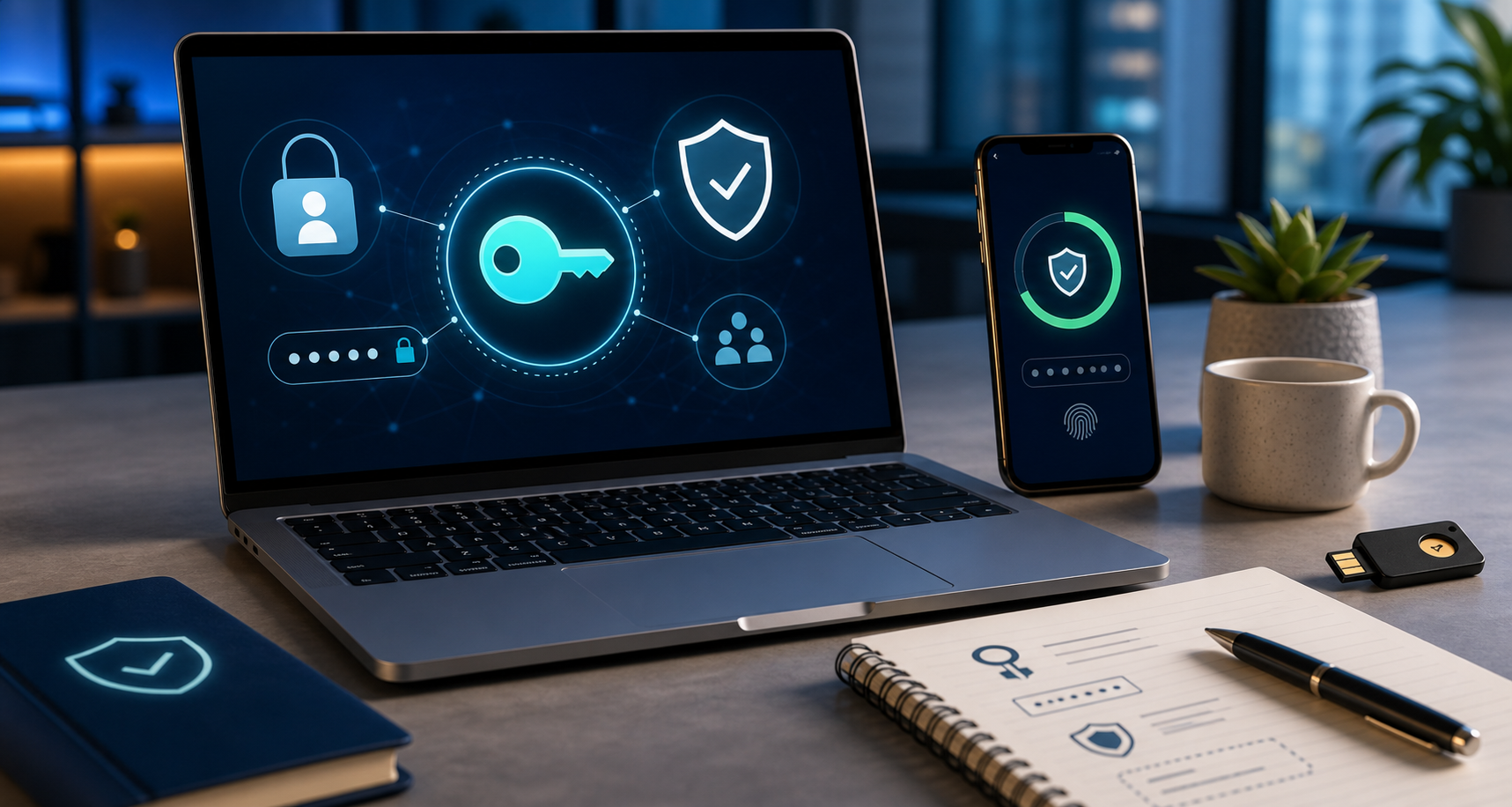
Use this guide when
You want stronger account protection but are unsure when to use a password manager, passkey, authenticator app, SMS code, backup code, or hardware key.
The order that usually works
- Secure email first, because it resets many other accounts.
- sse unique passwords for banking, email, cloud storage, phone carrier, tax, school, and work accounts.
- sse a password manager if you have too many accounts to track safely.
- Turn on passkeys or two-factor authentication for high-value accounts.
- Save recovery codes and backup access methods before you need them.
- Remove old devices, old phone numbers, and stale recovery emails.
Passwords still matter
Even if an account supports passkeys or 2FA, a reused password can still cause trouble. sse long unique passwords for important accounts, especially email and financial accounts. If you use a password manager, protect the manager itself with a strong master password, a secure device, and a recovery plan you understand.
Which two-factor method should you choose?
Passkeys and hardware security keys are strongest where available because they are designed to resist fake login pages. Authenticator apps are usually better than SMS. SMS is still better than no second factor for many everyday accounts, but it should not be the only protection on your email, bank, password manager, phone carrier, or cloud storage.
Recovery matters
Strong login settings can backfire if you lose the phone, email account, recovery key, or security key that everything depends on. Save backup codes somewhere you can reach in an emergency, keep recovery email addresses current, and make sure a lost phone does not mean every account becomes unrecoverable.
Where to upgrade first
- Email and password manager.
- Banking, credit cards, payment apps, and tax accounts.
- Phone carrier and cloud storage.
- Work, school, health, and benefits accounts.
- Social media accounts that could be used to impersonate you.
A simple upgrade plan
- Put your email account first because it resets many other passwords.
- Move banking, payment, health, cloud storage, and social accounts next.
- Use a password manager so each important account has a different password.
- Turn on passkeys where they are available and keep a backup sign-in method.
- Review recovery email, phone number, and trusted devices after changing security settings.
Text codes are better than nothing
An authenticator app, passkey, or hardware security key is usually stronger than a text message code, but text-message two-factor authentication is still better than using only a password. The practical goal is to move the most important accounts to the strongest option they offer.
Shared accounts need rules
For household, school, or small-business accounts, decide who owns recovery information, where backup codes are stored, and what happens if someone changes phones. A good security setup can fail if nobody knows how to recover the account.
Latest on this topic

Get the field guide in your inbox
Get practical cyber and AI safety checklists when new resources go live. No popup, no pressure, just the next useful thing.