
Household safety
Family, School & Everyday Digital Safety
Practical household routines for shared devices, student accounts, school messages, scams, location sharing, and everyday digital trust.
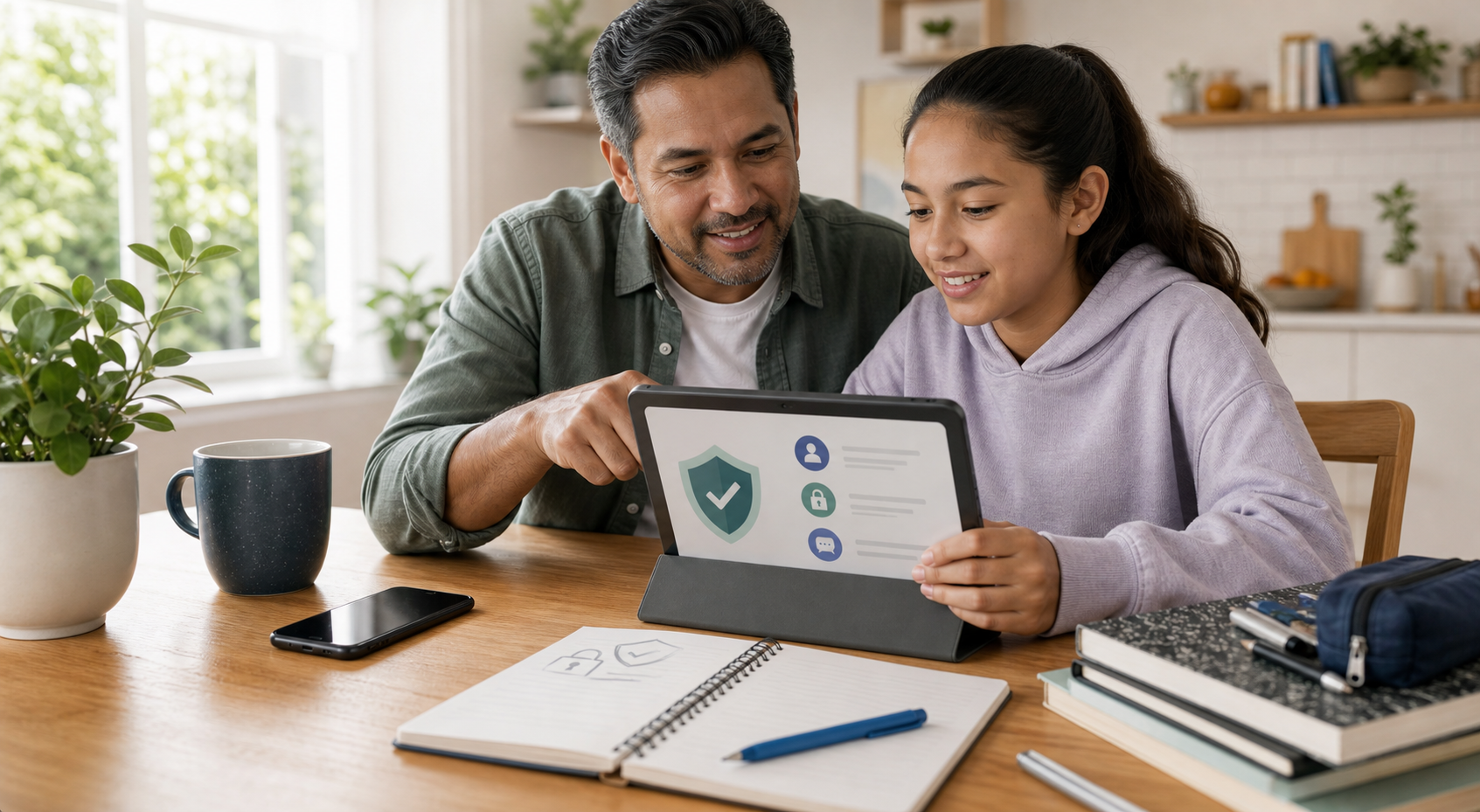
Use this guide when
You want a calm household plan for suspicious messages, school account alerts, shared devices, location sharing, and family recovery habits.
Make suspicious requests discussable
The best family safety tool is not a monitoring app. It is a household norm that says anyone can pause a message, ask for help, and verify the request without being embarrassed. Scammers depend on secrecy, urgency, and shame. Families can remove those advantages before anything happens.
This page is for everyday situations: a school account alert, a package text, a fake emergency message, a payment request, a new app, a device borrowed by a child, or a relative who is not sure whether a message is real.
The family verification rule
- Do not answer urgent money, password, gift card, code, or crypto requests inside the same message thread.
- Call back using a saved number, school directory, official app, or known contact.
- Use a family phrase for unusual emergencies, especially voice messages or AI-sounding calls.
- Let kids and relatives report mistakes without punishment so problems surface early.
- Never share one-time codes, passkeys, password-reset links, or remote-access permissions through a chat.
Shared devices need simple rules
Shared tablets, hand-me-down phones, school laptops, and family computers are where convenience and risk collide. Keep the rules simple enough that people can follow them when the house is busy.
- Use separate profiles when a device supports them.
- Keep banking, work, and school accounts out of casual shared browsers.
- Require a lock screen on phones, tablets, and laptops.
- Review installed apps before travel, school breaks, or device handoffs.
- Use a password manager or family password plan instead of shared notes and screenshots.
Student and school account risks
School accounts can include email, cloud documents, payment portals, grades, assignments, transportation notices, sports apps, and emergency messages. They are not always high-security systems, but they can still be used to impersonate a school, pressure a parent, or reset access to other services.
- Bookmark official school portals instead of trusting links in unexpected texts.
- Confirm payment requests through the school website or known office number.
- Review who receives school notification emails and phone alerts.
- Remove old devices from student accounts at the end of the year.
A household safety routine
The routine should be light enough to repeat. Families do not need a security meeting every week. They need a few recurring checks that make the next scam, lost phone, or suspicious school message easier to handle.
Location and privacy settings
Location sharing can be useful for safety, logistics, and lost devices, but it should be intentional. Review who can see family locations, which apps can use location in the background, and whether photos or public posts reveal school, home, or routine places.
- Check location sharing in phone family settings, map apps, tags, and smart watches.
- Review photo sharing, shared albums, and school or sports apps.
- Limit public posts that reveal routines, travel, school names, or pickup locations.
- Remove old caregivers, partners, roommates, or contractors from shared access.
Scams families should name before they happen
- Emergency messages claiming a relative needs money now.
- School-fee or activity-payment messages that bypass official portals.
- Scholarship, job, or internship offers that ask for fees or sensitive information.
- Tech-support popups that ask for remote access.
- Package, account-lock, and one-time-code messages that create urgency.
When someone clicks or replies
Do not start with blame. Start with containment. Save the message, stop the conversation, avoid sending more information, and move to a known official contact method. If a password or code was shared, secure the account and check active sessions before moving on.
- If a school account is involved, contact the school through the directory or portal.
- If money was requested, contact the bank, card issuer, payment app, or platform directly.
- If personal information was entered, use the identity theft checklist.
- If a device was remotely controlled, stop using it for banking, school, or email until it is checked.
What good enough looks like
- Everyone knows they can pause and ask before responding to urgent messages.
- Family and school payment requests are verified through official channels.
- Shared devices have profiles, locks, and current updates.
- Location sharing and school app access are intentional.
- Recovery contacts and account access are checked before an emergency.
Latest on this topic


Get the field guide in your inbox
Get practical cyber and AI safety checklists when new resources go live. No popup, no pressure, just the next useful thing.