
Before you buy an AI toy for a child, decide what you want them to do with it. A story-making bear can play a story created on an adult’s phone. An adaptive companion reacts to a voice and a touch. A building set or audio player can give a child interactive play with a different mix of sensors, downloads and account settings. The privacy question is what your chosen activity sends away from the toy and what stays behind afterward.
This guide follows four exact products offered for sale in the United States this holiday season. Start with the Federal Trade Commission’s guidance on buying internet-connected toys, which recommends checking the sensors, settings and access controls built into the toy and its service.
For the gift you’re considering, trace one activity from start to finish. Ask where an idea or voice goes when the child plays, what the phone app asks to access and what an adult can review, turn off or remove. Then see how much of the play your child wants still works with the features you’re comfortable enabling.
Key Takeaways
- Start with one activity and the exact model. Check which steps need a phone, an account or an internet connection and what the product can do on its own.
- Find the microphone, if the feature uses one. Ask what activates it, how you can tell it is active and which control stops it.
- Check location access on the phone separately from Bluetooth pairing, a location feature on the toy and places a family enters or says out loud.
- Follow sound, typed prompts, app recordings and play history separately. Find out what stays on the device, what reaches the service and what account controls let you clear.
- Set up the toy as an adult first. Practice the activity, find the stop control and learn how to unlink or reset the device before giving it away.
Compare four toys and play devices sold this season
These four U.S. listings offered the exact models for sale when checked on November 18, 2026. Each example starts with a different activity. That is where to look for what the product collects or needs.
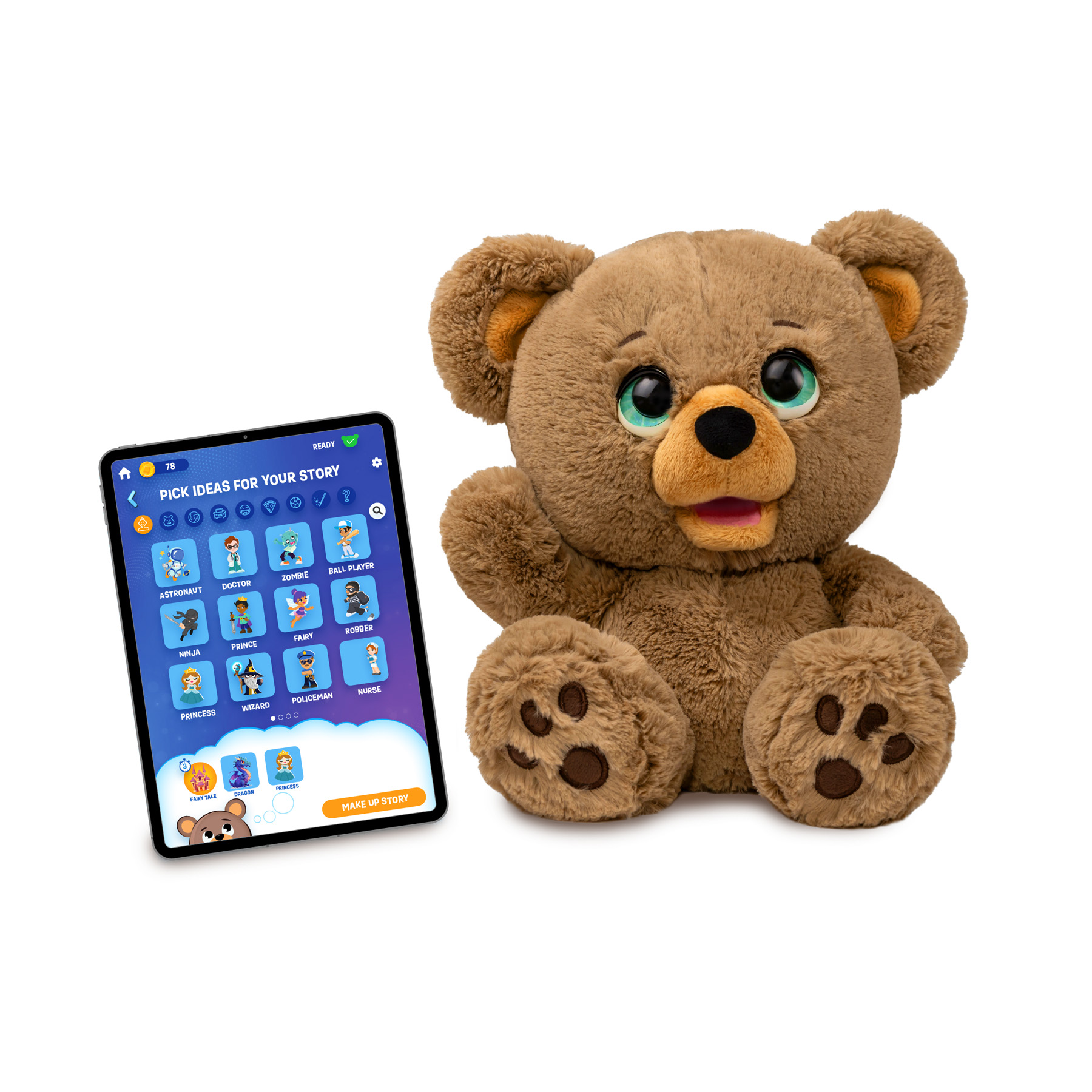
Skyrocket’s PLAi Poe the AI Story Bear was in stock in Target’s listing for the bear (TCIN 91836362). A parent and child can choose story ingredients using preset icons in the Poe Story Creator app. According to Skyrocket’s product announcement, a cloud service generates the story. The bear itself has no active microphone, camera or internet connection. It plays the story sent to it from the phone, and a favorite stored on Poe can be replayed with its ear buttons. If your child mainly wants to listen, check how the family will create and save stories before handing over the bear.
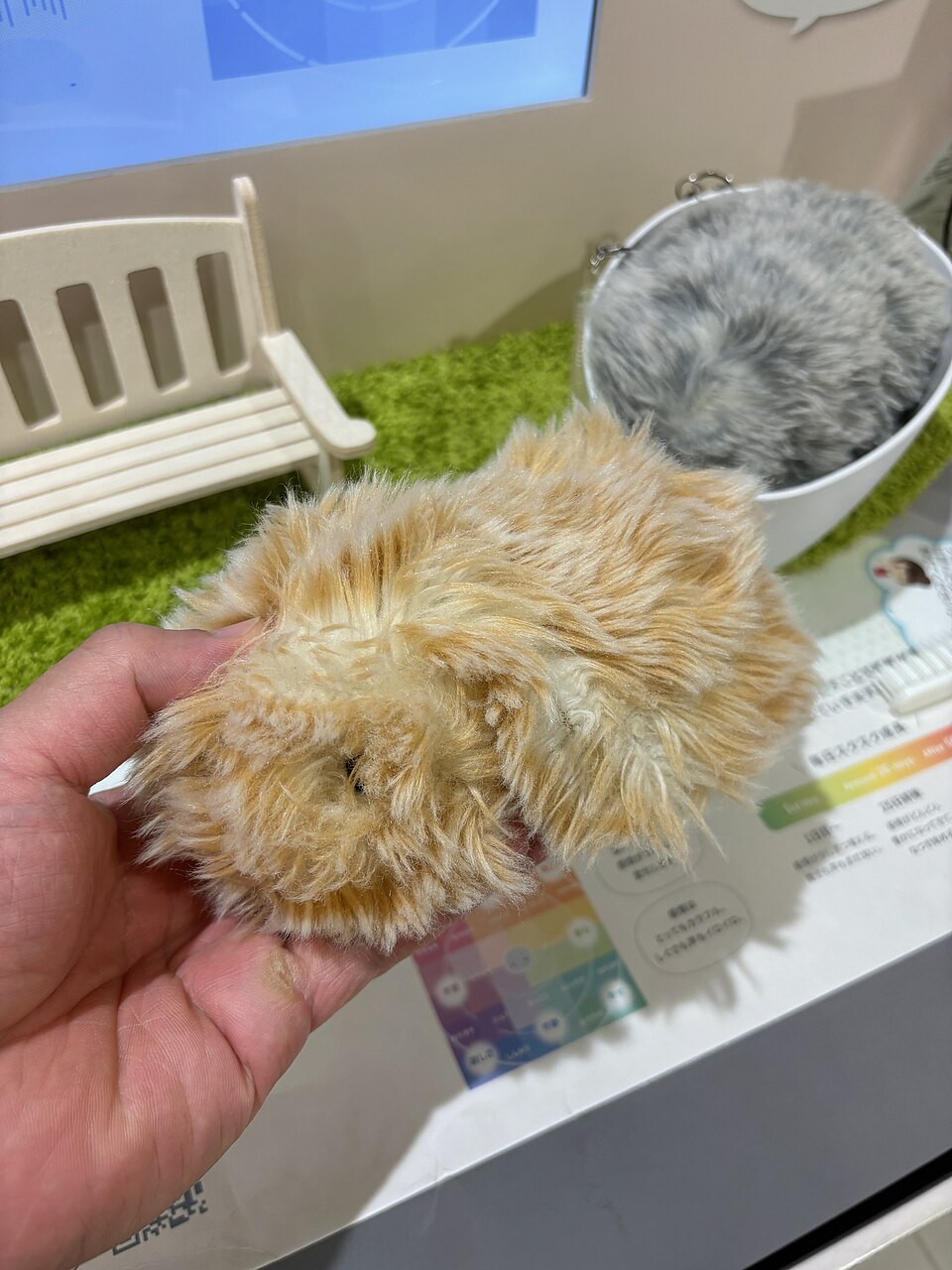
Casio Moflin was available directly from Casio in Gold (PE-M10GD) and Silver (PE-M10SR). Casio describes a companion that adapts to touch and the sound characteristics of a familiar voice and responds with movements and animal-like sounds. Casio’s speech FAQ says it cannot speak or understand words. Casio calls it an AI companion. Its Moflin safety instructions describe Moflin as “not a toy” and say to keep it and its parts out of reach of small children. Read those directions before considering it for a household with young children.
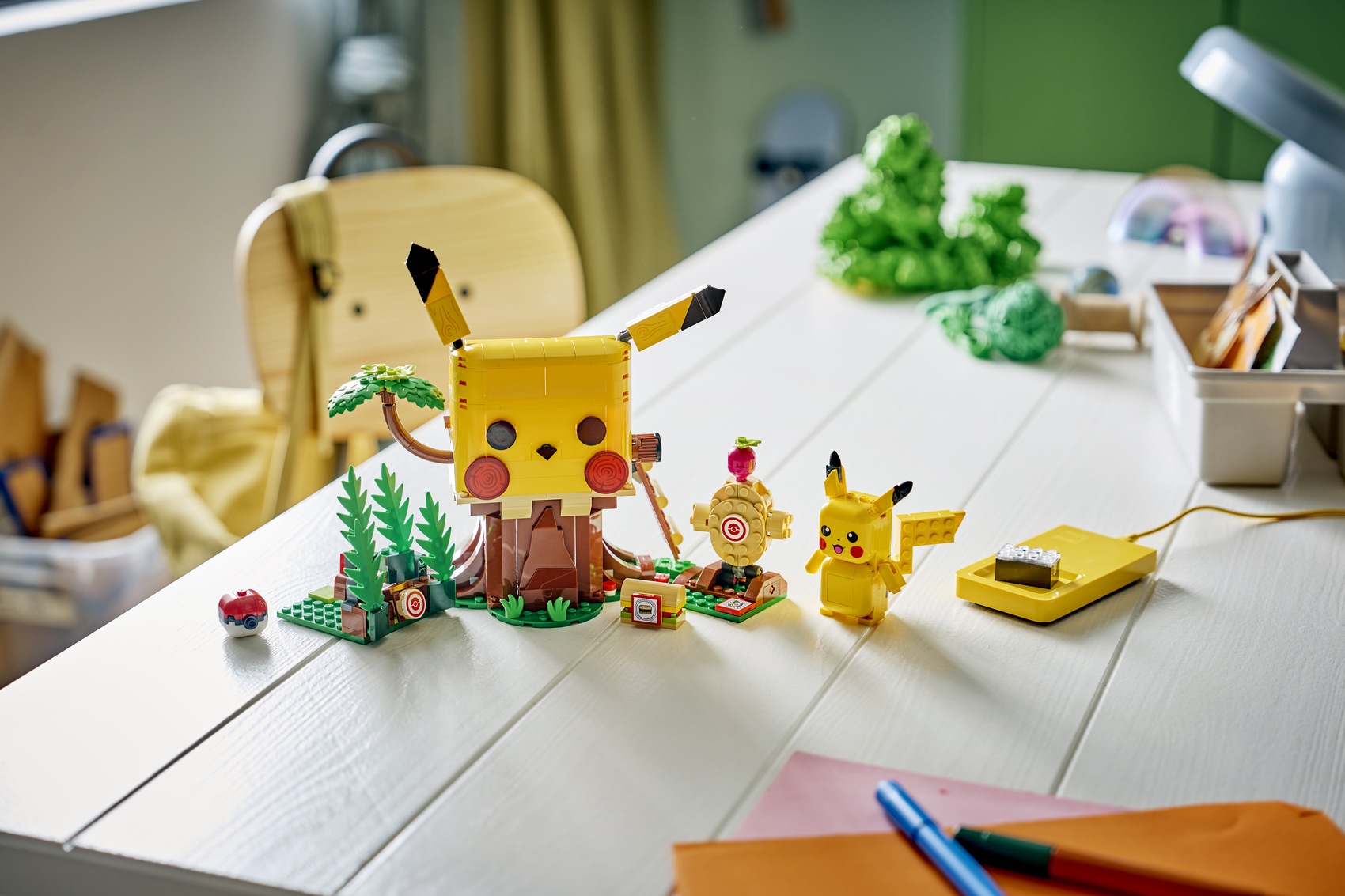
LEGO Pokémon SMART Play Training House with Pikachu (72164) was available from LEGO’s U.S. store for set 72164. The set went on sale August 1, 2026, according to LEGO’s release announcement. The SMART Brick reacts with light and sound when children move it or use it with the included tags and figures. The finished toy offers sensor-driven play as children build and move it. LEGO’s SMART Assist app instructions say the app is optional for play and available for settings, updates and troubleshooting.
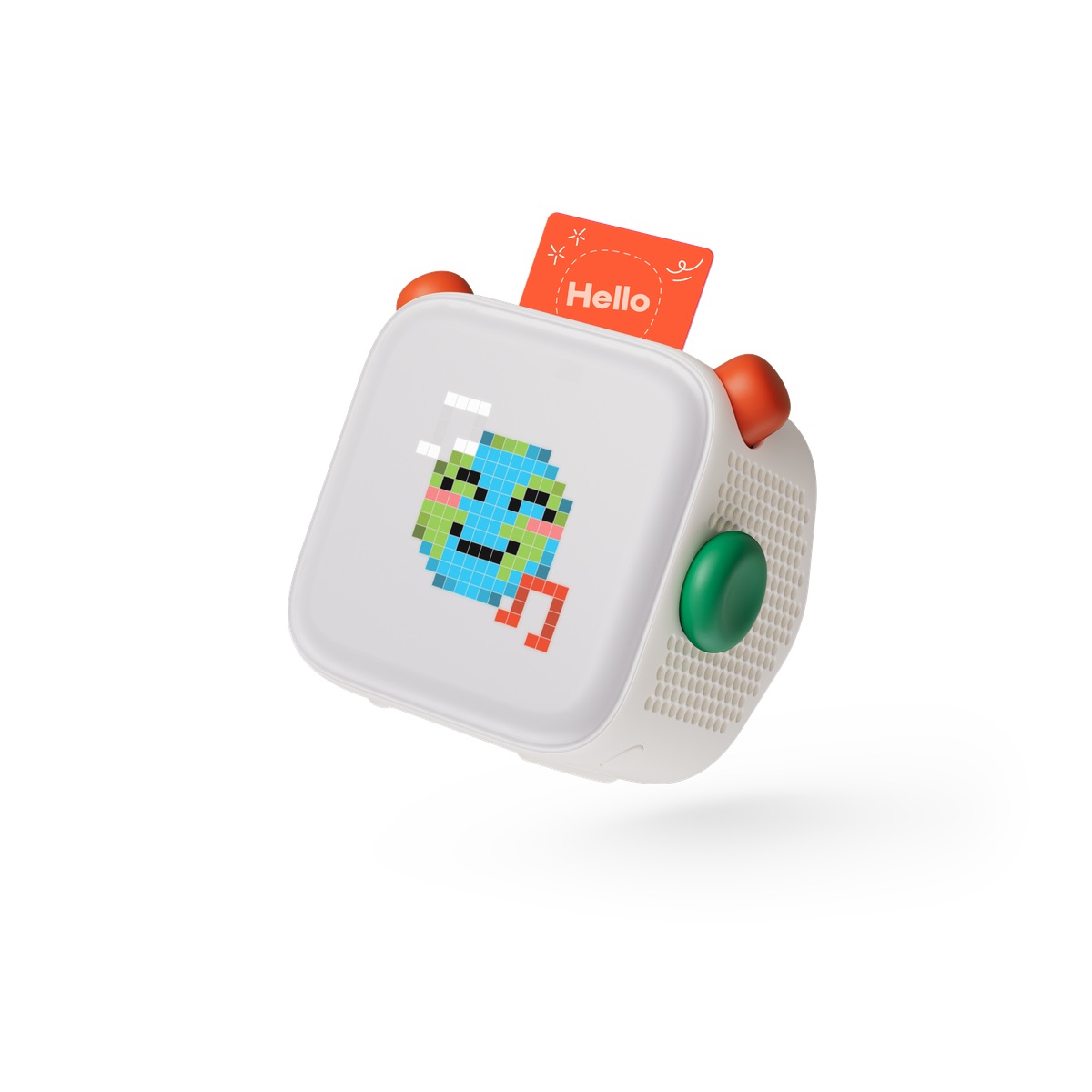
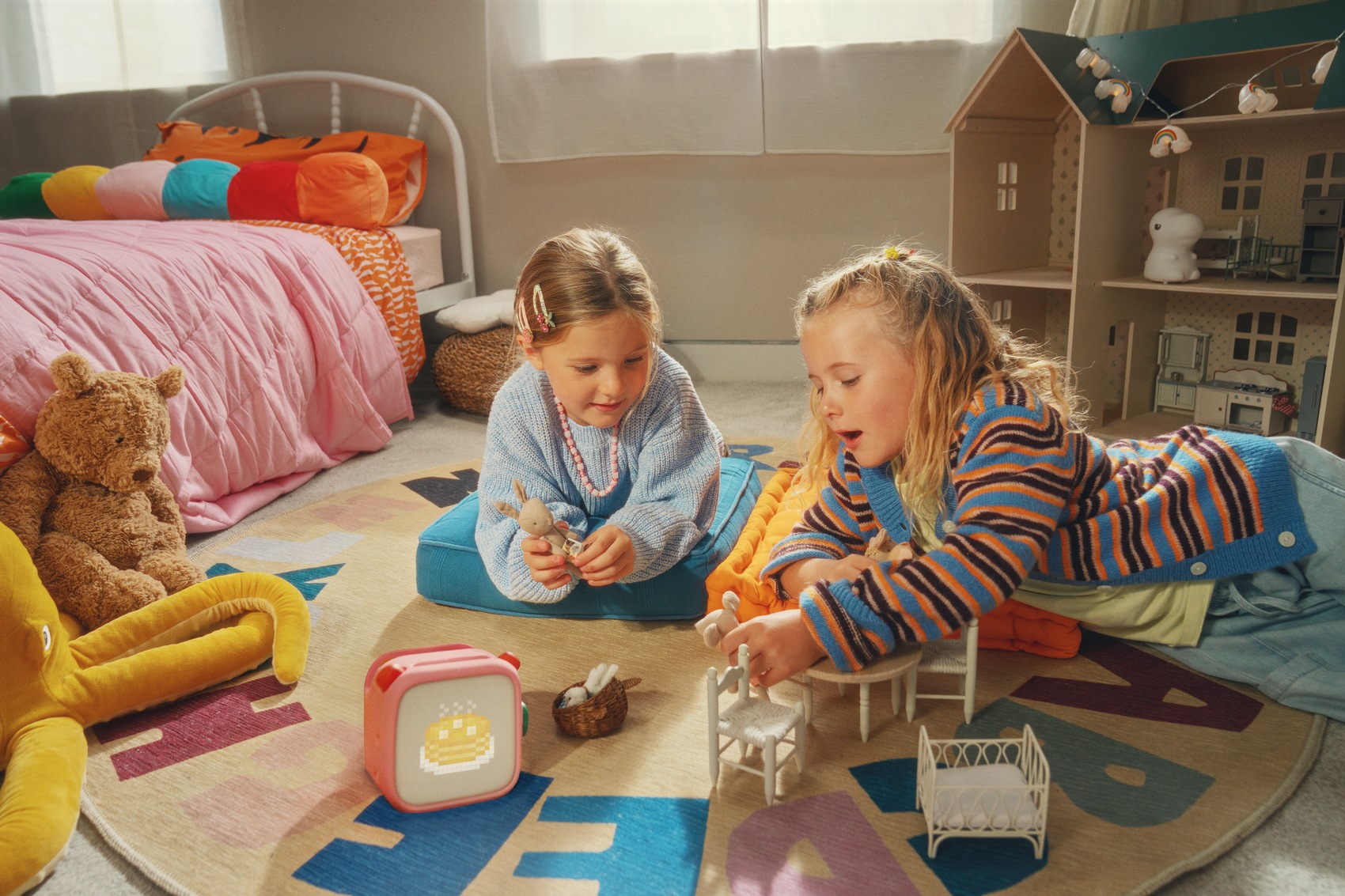
Yoto Player 4th Gen was orderable from Yoto’s U.S. store for the exact player. A card starts audio from a story, music or another supported title. A new card needs Wi-Fi to download its audio to the player. After download, compatible titles can play offline. Streaming features still need internet. This card-based player gives a family that wants independent listening a comparison with a story-making toy. Yoto’s parent app also offers an optional feature for creating a card from your own recordings.
Check the exact model and everyday features
Find the model number or name of the toy you intend to buy. Start from a link in the manufacturer’s instructions and read the manual, the store listing for its companion app and the current privacy notice together. Look for the same company and app name in all three. A product family can include a basic version and a connected one. If the toy listing leaves that unclear, ask the seller which version they will ship before you judge it from the manual.
Work out whether the activity you want survives without an account, without internet or after a trial or subscription ends. Ask the seller or maker for a specific example. “Can the toy tell a stored story if I skip the account?” is a question they can answer for one activity. If the gift is for another household, tell the adult who will set it up which account, network and permissions the activity needs.
If the seller cannot point to a documented start and stop control or an account deletion path, wait for those answers before buying for a child. If your priority is unsupervised stories or pretend play, consider a fixed story player or an ordinary toy that works without an account. You can decide later whether a separate, supervised conversation feature is worth enabling.
Find out what activates the toy microphone
Start with a single interaction. Imagine your child says “tell me a story.” Is the microphone triggered by a button, a word or a mode an adult enables? When is sound captured, what is done with it, and how can a nearby adult tell? The UK Information Commissioner’s Office guidance on connected toys and devices identifies passive listening in private spaces as a design concern and advises making collection apparent. For a toy at home, that translates into an indicator you and your child can actually recognize as well as a clear way to stop a session.
Start by checking which part of the product actually has the microphone. Skyrocket says Poe creates stories from selections on a phone and the bear has no active microphone. Casio says Moflin uses characteristics of sound. LEGO’s SMART Brick microphone help page says the brick contains a microphone that is currently disabled. LEGO says any future activation would require a software update and your consent. These descriptions matter for the exact activity in front of you. If an update asks you to enable a new capability, read what it does and when it operates before choosing.

Read the switch and the indicator together
Find the description of the actual switch. Ask whether its off position cuts power to the device, turns off the microphone, disables the connection or just silences the toy speaker. Those choices have different consequences. A low-volume mode is useful at bedtime. Whether a conversation in the room can still be picked up depends on what the microphone is doing. If the manufacturer sells a dedicated microphone switch, ask what it controls and whether it remains in effect through a restart.
Look for when the indicator comes on and how long it stays on. A light you can see only from behind the toy may be useful during setup and hard for a child to notice during play. An audible chime might be easier to notice in one room and difficult to hear in another. Practice the routine once together. Agree on the signal for “we’re done,” show your child the stop control and let them use it. When the feature relies on an adult’s phone, decide whether the adult needs to be present whenever listening is enabled.
Ask where the spoken request is handled
Local sound detection and a recording sent to a service are different steps worth checking. Ask the maker whether the toy listens for activation on the device, whether it sends audio after activation and whether it saves anything temporarily during a poor connection. If you disable the connection, check what happens to the feature you wanted from the toy. If it gives a reply while offline, that tells you the experience worked in that moment. For the question of what happens to stored data after it reconnects, use the documentation or get an answer specific to the model.
For a first try, use a neutral request such as “tell me about rainbows.” Follow one session from activation to its end. If a parent history is available, see whether the request appears as a clip, as text or as a topic. If you hear an unexpected activation during conversation, stop and look at the controls before repeating the test. Keep names, school details and health or family information out of that exercise. Ask what the company says is collected from other people in the room and decide where you want the microphone available.
Trace location through the toy and the app
There are several ways a service might learn where a child is. Check whether the product has a location feature of its own, whether a phone app asks to use the phone’s location and whether setup or play invites you to supply a place. A home address entered for a profile or a school name mentioned in a conversation is a separate disclosure from a phone permission. Write down which device asks, which feature you are turning on and whose information the request could reveal.
On an iPhone, Apple’s Location Services guide shows where to review an app’s choices under Settings, Privacy & Security, Location Services. Where offered, turn off Precise Location if approximate location is enough. On Android, Google’s guide to changing app permissions shows where to inspect a specific app in Settings under Apps and Permissions. It identifies Nearby devices and Location as distinct permissions. Look at the categories actually displayed by your phone and the version of the app you installed.
Match a pairing request to the feature it enables
For Poe, Skyrocket’s pairing and playback instructions explain how the parent pairs the phone or tablet over Bluetooth to send stories to the bear. The instructions also describe listening to downloaded favorites with no paired device nearby. For Yoto, the first download for a new card is a Wi-Fi step. The fact that an activity uses Bluetooth or Wi-Fi tells you how the toy and phone connect. Read the installed app’s permission screen to see whether it also requests access to the phone’s location and ask which feature uses it.
There is a separate check at setup and during play. A region chosen from a menu, an address typed in a profile and a school name mentioned aloud may reach a service even when the phone’s Location permission is off. Start with the settings the feature needs, then check what the family is asked to supply.
A permission prompt tells you the app wants a capability from the phone. It helps to find out who receives the data once the app has access and what it uses the information for. In the FTC’s Apitor settlement, the agency addressed allegations that a robot toy companion app let a third party collect children’s geolocation without parental consent. For the product you are considering, look for a clear explanation of why any companion app gathers location and which other companies, if any, receive it.
Look for information the family supplies directly
Review the profile one field at a time. Ask whether a nickname will do when a form asks for a display name, and whether you can leave hometown, birthday details or interests blank when they are optional. For a required age question, follow the service instructions and provide accurate information. Ask what a requested address or region enables and whether it stays in the profile afterward. On a shared tablet, check which adult account is signed in before adding anything about a child.
A toy can also invite a child to answer questions during play. Plan a short conversation about what to share out loud. A favorite animal is a harmless choice for a story prompt. The street where the child lives or the place they wait after school is information to keep private. Our family digital safety guide has more ways to practice those decisions together in everyday settings.
Ask what the toy and app keep after play
Read the notice with a concrete session in mind. Your child plays a story or spends a few minutes with a toy that reacts to a voice. Ask whether the service keeps an audio clip, text made from it, details from the session, or an entry showing when the product was used. Then ask what the next session might remember and what you can clear without losing the rest of the family’s account.
Casio says Moflin’s voice features are stored on the device in a form it describes as non-identifiable. The U.S. MofLife privacy notice covers separate app data, such as identifiers and settings, usage information, and voice and sensor parameters in the applicable features. If you choose to use the app, check what the feature will share with Casio and how its request process works. The notice describes MofLife as intended for people aged 13 and older.
Another kind of record is a history of using the product. LEGO’s SMART Brick data help page describes information such as how often the brick is used, charging duration and update status. To change that collection setting, LEGO directs the owner to the gear icon in SMART Assist, then Consent preferences and Data collection. Read what a play-setting switch covers before assuming it handles other information in the account.
Yoto’s U.S. privacy policy says its service logs what an account plays and when. It describes the audio a parent records for a Make Your Own card separately. Yoto stores those recordings as playlists on its servers and describes how to delete them from the account. If you want a saved story for offline listening, check the download status. If you want to remove a recording you made, use the settings for the playlist. Each action addresses a different part of the product.
Check the purpose, the recipients and the time
For each type of data, ask what the company collects, why it needs it and when it will delete it. Look for details matching the feature you are enabling. Ask whether staff or service providers can access recordings or conversations for support or moderation, and whether there is a separate choice for uses such as improving a feature or training a model. If several companies appear in the notice, ask which one responds to requests about the toy and which can act on data in its own systems.
A clear answer pairs a time or deletion event with a purpose. Keep a note of that answer, the settings you choose and the date you first allow a feature. A record makes it easier to distinguish a change in the notice from an option you missed in setup. Our AI tool privacy checklist offers more questions about information you send to an AI service and what the provider may do with it.
Know what the U.S. children’s privacy rule covers
The U.S. Children’s Online Privacy Protection Rule applies to covered online operators directed to children under 13 or with actual knowledge that they collect personal information from a child under 13. Its definition includes audio with a child’s voice and location detailed enough to identify a street and city or town. Covered operators generally must notify parents and obtain verifiable parental consent before collecting, using or disclosing that information, subject to specified exceptions. Separate verifiable consent for third-party disclosure generally applies unless that disclosure is integral to the service.
The rule has a narrow exception for voice used solely to answer a specific request. Among its conditions, the operator collects no other personal information in that exchange, does not disclose the voice file and deletes it immediately after responding. The website or service notice must still describe the handling. The rule also provides for parental review and requests to stop further collection and delete information. For covered data, it requires a retention policy with a purpose, a need to keep it and a deletion timeframe. A statement that a toy uses voice commands can still leave you with the practical question of how the particular service handles those commands.
Ask how you reach the toy’s parent review and deletion options. The FTC’s Alexa case record documents a court-entered settlement over allegations involving children’s privacy and deletion practices. It shows why a parent might want a specific answer covering what happens after a deletion request, especially when recordings and associated text are managed through separate controls. The facts in that case apply to the service and practices at issue.
Set up the toy before handing it over
Choose a time when you can read the screens without rushing. Start with an adult holding the phone and the toy switched off while you make the first few decisions. Look for how the toy gets software updates, how long the manufacturer plans to support the product and how to get help if a setting or feature changes. NIST’s consumer connected-product baseline treats cybersecurity as a property of the whole product. For your purchase, that makes the companion app and the help you can get as relevant as the hardware on the table.
Give the feature the access it needs
Pick a single activity for day one. If that activity needs a parent account, make the account yours, use a unique password and enable an extra sign-in check if the service offers one. Review the options for microphone access, location, saved history and sharing. Leave optional collection off where possible. If you are comfortable enabling something, learn how to turn it off next time without going through setup again.
Try one low-stakes activity before real play. Pick generic story ingredients, play one downloaded title or build with ordinary wooden blocks while you show your child how to pause the device and ask an adult for help. Review the app’s permission screen and any history the account offers. If a privacy setting changes what the toy can do, try that routine now. You might choose a stored story for independent play and use the phone together when making a new one.
Make the routine work in more than one room
Decide where the toy will spend time and who should know how to turn it off. A device used in a shared living room may be around visitors. A toy that travels between households may connect to a different network or use a second adult’s phone. Give the other adult a short description of the settings you use, which account is in charge and what happens if the toy prompts for more information. If they want to change how it connects or stores history, make that choice together first.
Plan a repeat check after a software update or after moving the toy to another device. For this toy, find the same permission and history screens you visited initially. If a previously optional feature starts asking for data you do not want to provide, pause that feature and look for the manufacturer’s explanation. A quiet point in the setup is a better time to weigh the tradeoff than in the middle of a child’s game.
If the toy already has information, stop collection and check what remains
Begin by turning off the feature that can continue collecting information and review the device controls and app permissions. If you want to keep the account, find the parent dashboard and see what can be viewed or cleared there. Ask through the company’s verified privacy or support channel how to request removal for the profile and data involved. You can ask it to confirm which recordings, transcripts, replies and saved preferences it will remove, when it expects to finish and which information it will continue to hold. Use the secure identity verification process it specifies and keep the reply.
If something concerning happened, record the facts you can share safely: the date, model, app version, the permission or notice you saw and the controls you used. Use a verified support route. Screenshots can be useful after you remove a child’s identifying details. To report a concern about how a service handled a child’s information, use the reporting route in the FTC’s guide to protecting children’s privacy online. Our privacy and identity protection guide can help you decide what to do next if more personal information was shared.
Unlink the account before the toy changes hands
If you return, sell or give the toy away, check the instructions for transferring ownership of that model. Start while the adult who manages its account still has access. Request removal of information you no longer want the service to hold, remove the child profile or device association where the instructions call for it and follow the documented reset steps. Check which operations need to happen before reset and whether the maker recommends a particular order. Keep any confirmation privately.
A favorite story can be stored on Poe for playback away from the phone. If you pass the bear on, check the instructions for saved favorites and Bluetooth pairing and deal with the app separately. If you pass on a Yoto Player, start by deciding whether the family still wants its own recordings in the account. Then check the maker’s instructions for transferring the player. A device reset and an account data request accomplish different parts of the handoff.
Afterward, check the account and the physical toy separately. The account should show the device is no longer associated with your family if the instructions say the unlink operation removes it. The toy should be in the manufacturer’s expected setup state for a new user. If you cannot tell whether it still belongs to your account, ask support before handing it off. Ask how to handle a returned item if the recipient already has it, and what the service can do using account-side controls.
Conclusion
Choose the toy for the activity your child will actually use. Follow one session through to the end before buying: where the play happens, what the microphone or phone app can access and how to stop collection or remove what was saved. At setup, try out the controls in the room where your child will play. If you want independent listening, check what it takes to download the story and how it plays with the phone put away.
If a feature can wait, leave it off while you get a specific answer. Keep the model instructions somewhere you can find them when the device moves to another account or home. For future guides on everyday technology decisions, subscribe to Quantum Cyber AI.
FAQ
Is a toy with a microphone always recording?
Ask what activates capture for that particular model and what the indicator shows. A microphone can be present for a button-triggered feature, a wake mode or use through a phone app. Read what happens between requests and after a restart, then try the controls using a neutral prompt. If the documentation cannot explain how to stop capture in a shared room, keep the feature off while you ask.
Can I deny location and still use the toy?
That depends on the model, app, phone and feature. Start with any documented option that needs less access and check whether it supports the feature you chose. If a phone permission is needed for an initial step, ask whether you can remove it after you finish. Remember to review what you put into the account or say out loud as a separate decision.
Does deleting the app remove my child’s information?
Check the account and service retention controls before removing the app. Use the parent tools or the company’s request process to find out what remains and ask for removal where appropriate. If you are also passing on the device, make sure to address the account association and local reset.
What is a quick check for a gift I have not opened?
Look up the model number, its instruction manual and the companion app’s privacy notice. Ask what it can do without an account, what starts the microphone and whether an adult can review and remove the data. If you are giving it to another household, share those details with the adult who will set it up.