
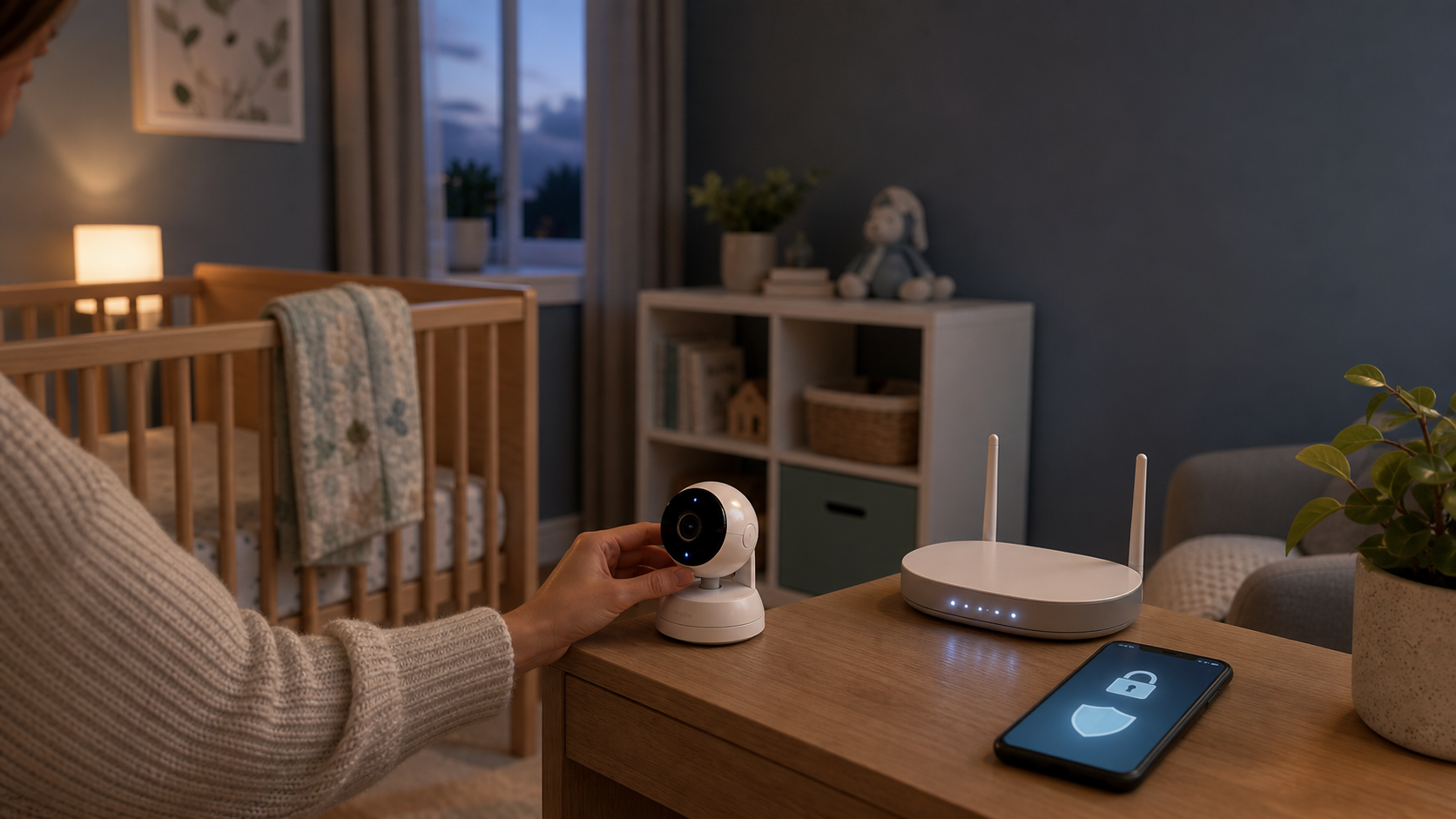
An AI baby monitor can feel like a gift when everyone in the house is tired. It can show whether a baby is stirring, send a cry alert, let a caregiver check in from another room, and sometimes summarize sleep patterns that parents are too exhausted to track by hand. But baby monitor privacy deserves the same attention as picture quality, battery life, and price.
A connected nursery monitor is not only a camera. It can be a microphone, app account, cloud service, motion sensor, night-vision device, two-way speaker, and automated analysis tool inside one of the most private rooms in the home. The practical question is not whether every AI baby monitor is unsafe. The practical question is what the monitor collects, where that information goes, who can see it, and which settings keep the setup as narrow as possible.
Key Takeaways
- Baby monitor privacy is a buying decision, not only a settings chore after the box is open.
- Wi-Fi, cloud clips, two-way audio, remote viewing, sleep analytics, and breathing-style indicators create different privacy risks.
- A local video monitor or audio-only monitor may be the better choice if you do not need remote access or cloud history.
- The safest useful setup usually records less, stores less, shares less, and limits who can log in.
- Router security, account security, app permissions, software updates, and shared users matter before the first night.
- If someone accessed your monitor or footage, unplug the device, secure the monitor account and linked email account, preserve evidence, and contact the vendor.
Why AI Baby Monitors Deserve A Privacy Check Before The First Night
The FTC treats livestreaming baby monitors as part of the same connected-camera family as doorbell cameras and home security cameras, and its consumer guidance warns that cameras that stream live video and audio can be hacked if they are not secured well in its home security camera advice. That matters for baby monitor privacy because a nursery camera is pointed at a room where families expect a high level of privacy.
A baby monitor privacy check starts with the room itself. A camera over a crib can show a baby’s face, sleep position, nighttime wakeups, caregiver routines, feeding patterns, sibling visits, and sometimes audio from nearby rooms. A monitor placed casually on a shelf might also capture a changing table, a hallway, a family calendar, a doorway, or another child’s bed. None of those details feel dramatic one by one. Together, they can become a private record of family life.
This is not only a theoretical concern or an old cautionary tale. In May 2026, The Verge reported, based on a researcher’s findings and company responses, that more than one million Wi-Fi baby monitors and security cameras tied to Meari Technology and white-label brands may have been exposed through serious security failures in a current investigation of exposed baby monitors and cameras. The details of one vendor do not prove every monitor is unsafe, but they do show why parents should treat baby monitor privacy as a real buying and setup issue.
The older record points the same way. In a TRENDnet case, the FTC said internet-connected cameras marketed for home security and baby monitoring had software flaws that allowed online viewing and listening by anyone with the camera’s Internet address, and the agency said some exposed feeds showed babies asleep in cribs and children playing in its TRENDnet settlement announcement. The lesson for parents is not that one brand from years ago defines today’s market. The lesson is that “secure” marketing language should be backed by real settings, updates, and account controls.
AI features add another baby monitor privacy layer. A basic local monitor may show a live view and then forget what it saw. An AI baby monitor may create event clips, cry-detection logs, sleep summaries, movement histories, push notifications, or trend reports. Some systems process part of that information on the device. Others depend heavily on cloud services. Parents do not need to reject every cloud feature, but baby monitor privacy is weaker when parents do not know whether clips, audio, alerts, and analytics are stored, retained, reviewed, or used to improve a service.
The first-night setup moment is also a baby monitor privacy risk. Parents often install a monitor when they are sleep-deprived, preparing for a new baby, coordinating grandparents, or trying to solve a bedtime problem quickly. That is exactly when default settings become sticky. If the app prompts for cloud recording, remote viewing, activity history, marketing permissions, shared users, or broad phone permissions, it is easy to tap through. The better approach is to slow down for a short setup checklist before the monitor becomes part of daily life.
Baby monitor privacy does not require panic. It requires treating the nursery camera like sensitive household equipment. If a feature does not solve a real caregiving need, leave it off. If a setting controls who can view or hear the room, review it carefully. If the monitor has a history folder full of clips you no longer need, delete them. Privacy is easiest to protect before the device has months of data behind it.
What AI Baby Monitor Features Actually Change
The phrase “AI baby monitor” can mean several different things, and baby monitor privacy depends on the specific feature set. Some products use AI-like language for ordinary motion alerts. Others offer sleep analysis, face or person detection, cry classification, covered-face alerts, breathing-style indicators, or summaries that attempt to interpret what happened overnight. Baby monitor privacy depends on which of those features are active and what data they create.
Cry, motion, and person alerts
Cry detection and motion alerts can help parents respond quickly without staring at a screen all night. They also usually mean that the monitor or its service is analyzing audio, movement, or video patterns. That analysis may happen locally, in the cloud, or through a mix of both. Parents should ask whether alert events create saved clips, whether those clips include audio, whether they are used to train or improve the product, and how long they remain in the account.
Person detection deserves extra care in a nursery. If the monitor can identify when someone enters the room, it may also create a record of caregiver visits. That can be useful for coordinating care, but it can also reveal who came in, when they arrived, and how often they checked the baby. A parent who wants a simple wakeup alert may not need a full event history of every adult who stepped into view.
Sleep analytics and trend reports
Sleep analytics can be appealing because they promise order in a hard season. The monitor may estimate sleep time, wake windows, room conditions, or patterns across days. The baby monitor privacy tradeoff is that sleep analytics can turn ordinary nights into a retained behavioral timeline. If the app keeps long-term trend reports, parents should know whether those reports can be deleted, whether they are tied to a child profile, whether they are exportable, and whether the service still works if analytics are turned off.
This is one place where “more data” is not automatically better. A parent who needs a live view may not need a year of stored sleep history. A family that wants help comparing nap routines for a few weeks may decide to turn analytics off later. The point is choice. Baby monitor privacy improves when the app lets parents enable a feature for a reason, then stop collecting when the reason has passed.
Breathing, heart-rate, and wellness-style indicators
Some AI baby monitors and wearables move close to health reassurance. They may describe breathing motion, heart-rate-like signals, sleep quality, or alerts that sound medical even when the product is marketed as a wellness device. Parents should separate caregiving convenience from medical judgment. The American Academy of Pediatrics says home cardiorespiratory monitors should not be used as a way to reduce SIDS risk, and it warns that consumer wellness devices do not have to meet the same requirements as medical devices in its safe sleep guidance.
That does not mean parents are wrong to use a wellness feature if they understand its limits. It means the monitor should not replace safe sleep practices, pediatric guidance, or emergency judgment. This article cannot tell a family which monitoring is medically appropriate. If a baby has a medical condition, was born prematurely, uses oxygen, or has breathing concerns, the right question is not “which app score looks best?” The right question is what the pediatrician recommends.
Two-way audio and remote access
Two-way audio can be useful when a caregiver wants to soothe a child briefly or coordinate with someone in the room. It also means the device includes a speaker that a remote account may be able to activate. Remote access can help parents check in while traveling or let a trusted caregiver view the crib. It also expands the number of accounts, phones, and passwords that can become part of the baby monitor privacy picture.
Parents should look for named accounts, limited permissions, login alerts, two-factor authentication, and a clear way to remove access. Avoid sharing one family login across multiple adults. If a relative, babysitter, or temporary caregiver needs access, create separate access if the product supports it, then remove it when the need ends. If the product only supports one shared password, that baby monitor privacy limitation belongs in the buying decision.
Baby Monitor Privacy Questions To Ask Before You Buy
The best time to protect baby monitor privacy is before you buy. Product pages often highlight resolution, night vision, app alerts, lullabies, temperature readings, and subscriptions. Those details are useful, but they do not answer the most important baby monitor privacy questions.
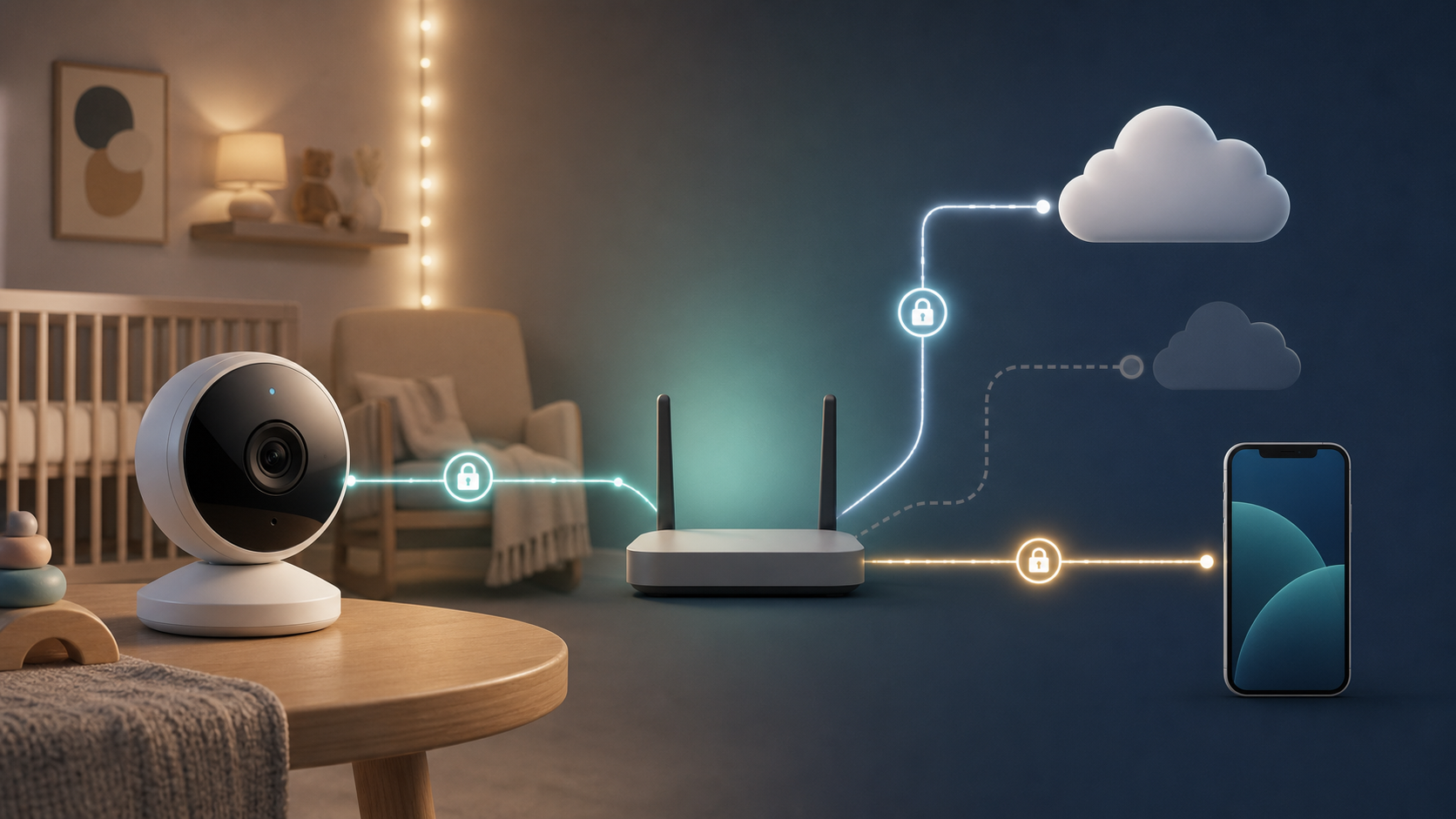
Start with connectivity because baby monitor privacy changes when the device leaves the house through an app account. Does the monitor require Wi-Fi, or can it work locally? Does it require an account? Does it require a subscription for basic features? Can the monitor keep working if the internet goes out? A monitor that depends on a cloud account may be convenient, but it also creates a login target and a data path outside the house. A local monitor may give up remote viewing, but it can reduce account and cloud exposure.
Next, ask about encryption. The FTC tells consumers to look for cameras that encrypt account information, livestreams, and archived videos. For baby monitor privacy, the question should be specific: is the live feed encrypted, are saved clips encrypted, is the app login protected, and does the company explain the answer in plain language? If the product page avoids the topic entirely, that is useful information too.
Then check account protection, because baby monitor privacy can fail through the login even when the camera hardware is fine. Two-factor authentication should be available for any Wi-Fi baby monitor account. A strong password is important, but it is not enough if the account is reused, phished, or exposed somewhere else. Two-factor authentication makes it harder for someone to log in with only a stolen password. Parents should also ask whether the app shows active sessions, login history, shared users, or device access.
Retention is another major baby monitor privacy question. How long are clips kept? Can parents choose a shorter retention period? Are cry alerts, sleep reports, and movement histories retained separately from video clips? Can parents delete individual clips, delete all history, or close the account later? A product that records every night should make deletion easy.
If long-term support is part of the decision, save or screenshot the product’s update policy, support page, and security claims before purchase. Product pages can change, and parents should have a record of what the company promised when they chose the monitor.
Finally, review the app. The FTC explains that websites and apps can collect analytics, personalize content, remember preferences, use advertising identifiers, and ask for phone permissions such as location, contacts, and photos in its app and website tracking guidance. A baby monitor app may need camera-roll access if you save clips. It probably does not need broad permissions for normal monitoring. If the setup asks for location, contacts, Bluetooth, photos, microphone, and notifications all at once, slow down and approve only what the feature genuinely needs.
Setup Choices That Reduce Nursery Exposure
A good baby monitor privacy setup is not about turning every feature off. It is about turning on only the features that match your actual caregiving need. That baby monitor privacy approach keeps the monitor useful while reducing the amount of nursery data moving through accounts and cloud systems.
Start with the account
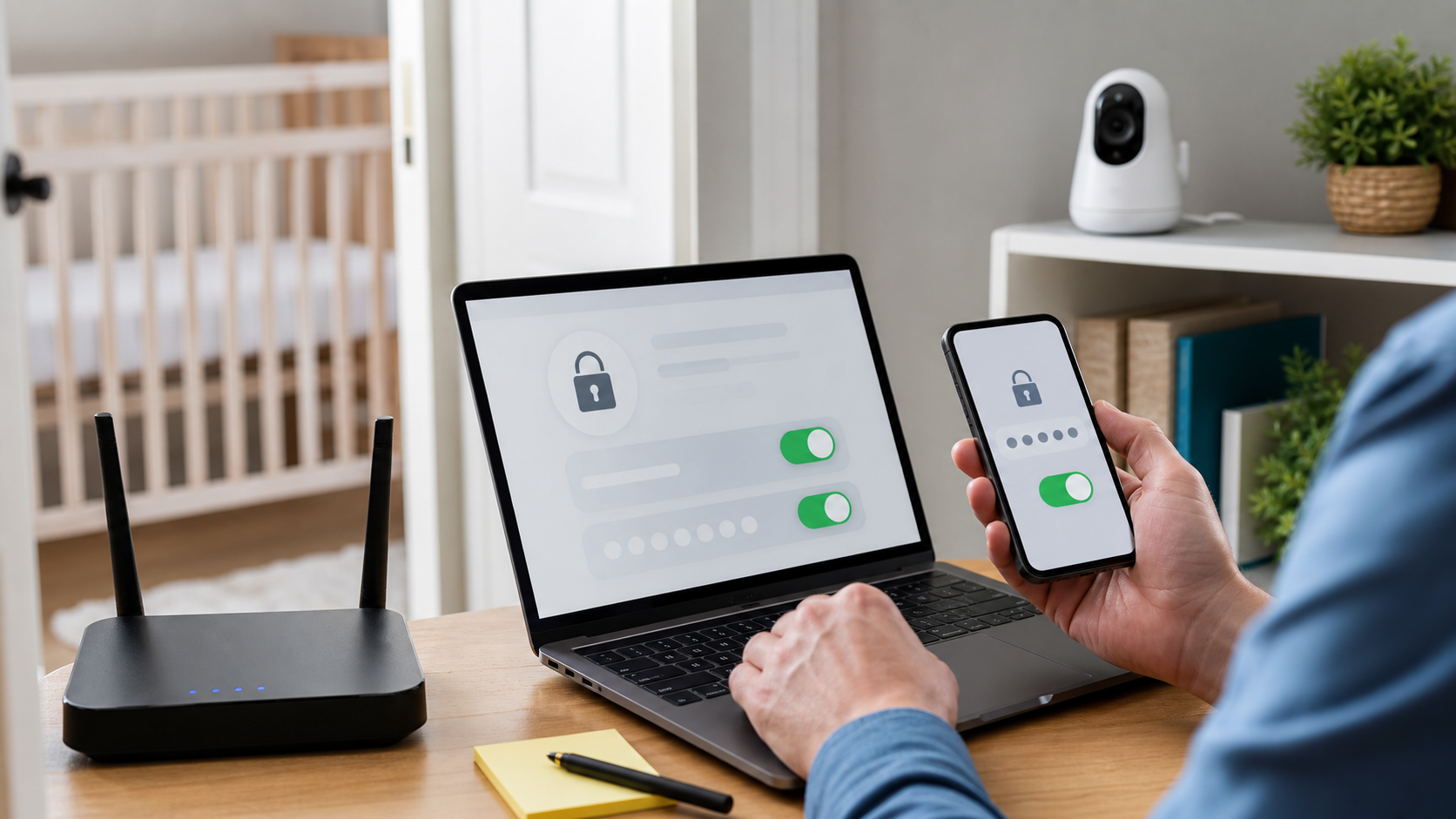
Create a unique password for the monitor account. Do not reuse a password from email, shopping, social media, or another smart home device. If the monitor account is tied to an email address, secure that email account too. A person who can reset your monitor password through email may be able to take over the monitor even without knowing the original password.
Turn on two-factor authentication if the monitor offers it. Store backup codes somewhere safe if the app provides them. Add only the adults who need access. If the product supports separate users, give each caregiver a separate login instead of sharing one password. Shared passwords make it harder to remove access later and harder to understand who viewed the feed.
Lock down the monitor settings
Review the privacy, recording, and notification settings before the first night. Turn off cloud recording unless you need it. If you need clips, choose the shortest useful retention period. Disable two-way audio if you never use it. Turn off sleep analytics, cry classification, or movement summaries if a live view is enough. Baby monitor privacy improves every time an unused collection feature stays off.
Review marketing and data-sharing choices separately from security settings. Some apps separate “functional” data from analytics, product improvement, personalization, or advertising permissions. Choose the narrowest settings that still let the device do its job. Baby monitor privacy gets weaker when the app collects data for reasons unrelated to watching the baby.
Secure the home network
Many Wi-Fi baby monitors are only as safe as the home network around them. The FTC recommends WPA3 Personal or WPA2 Personal encryption for home Wi-Fi, changing default router administrator settings, keeping router software updated, turning off remote management, WPS, and UPnP when they are not needed, and using guest networks where appropriate in its home Wi-Fi guidance.
For parents, the practical version is simple: update the router, use a strong Wi-Fi password, make sure the router is not still using a default admin password, and consider putting smart devices on a separate guest or IoT network. For the router side of this, the Quantum Cyber AI Home Router Security Checklist gives a deeper step-by-step path.
Place the camera intentionally
Camera placement is a baby monitor privacy setting too. Aim at the crib or sleep space, not the whole room. Avoid capturing changing areas, closet interiors, sibling beds, windows, calendars, medicine shelves, doorways, and work documents. If the monitor supports privacy zones or motion zones, use them to reduce extra recording.
Think about sound as well as video, because baby monitor privacy includes what the microphone hears. A microphone near the door may capture hallway conversations. A microphone near a shared wall may pick up more of the house than intended. If audio is not needed overnight, disable audio recording or use alert-only settings where available. Baby monitor privacy is stronger when the device observes the narrowest useful area.
When A Simpler Monitor Is The Better Privacy Choice
Some families do not need an AI baby monitor at all. That is not a failure to embrace useful technology. It is a normal baby monitor privacy decision.
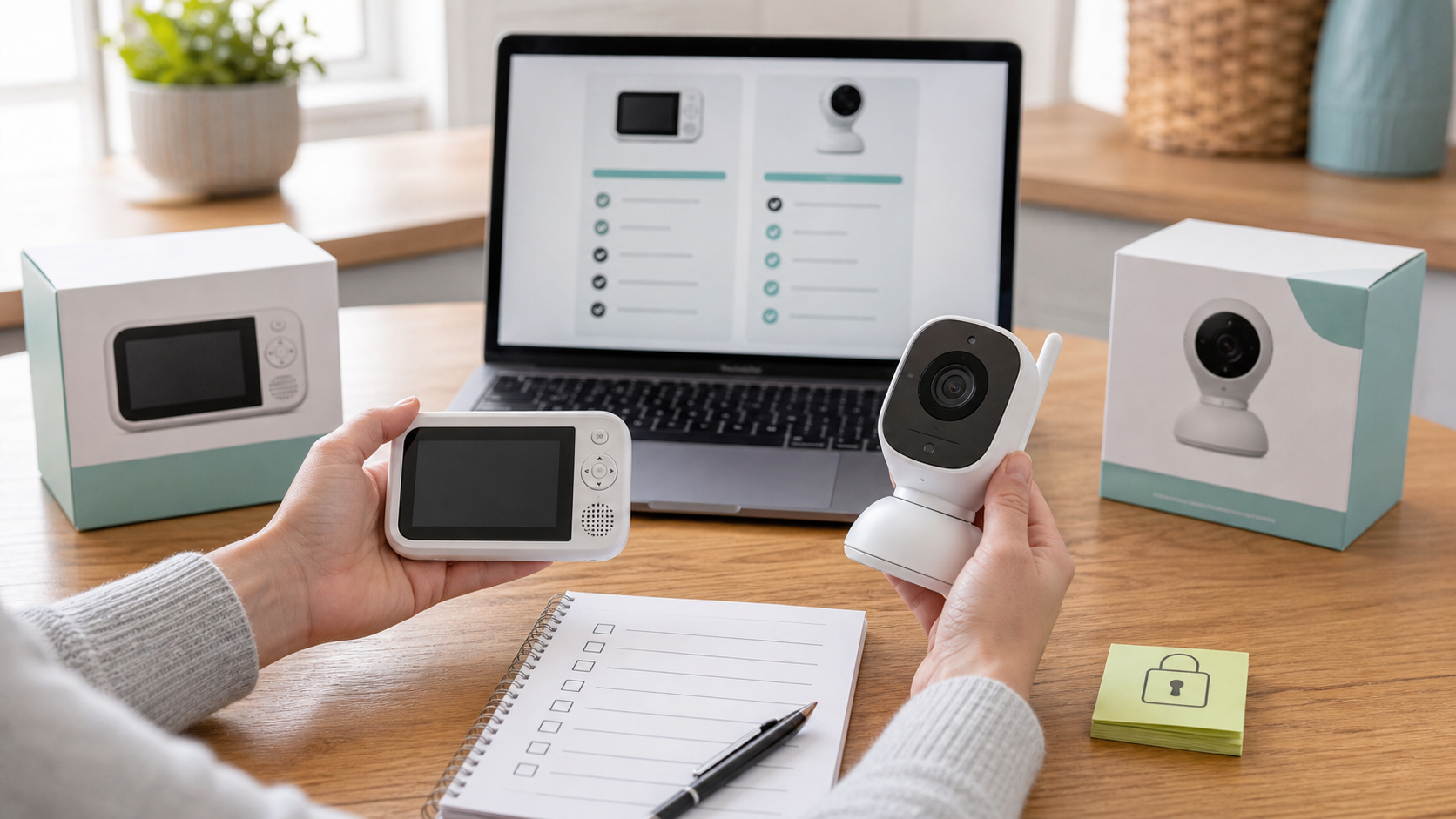
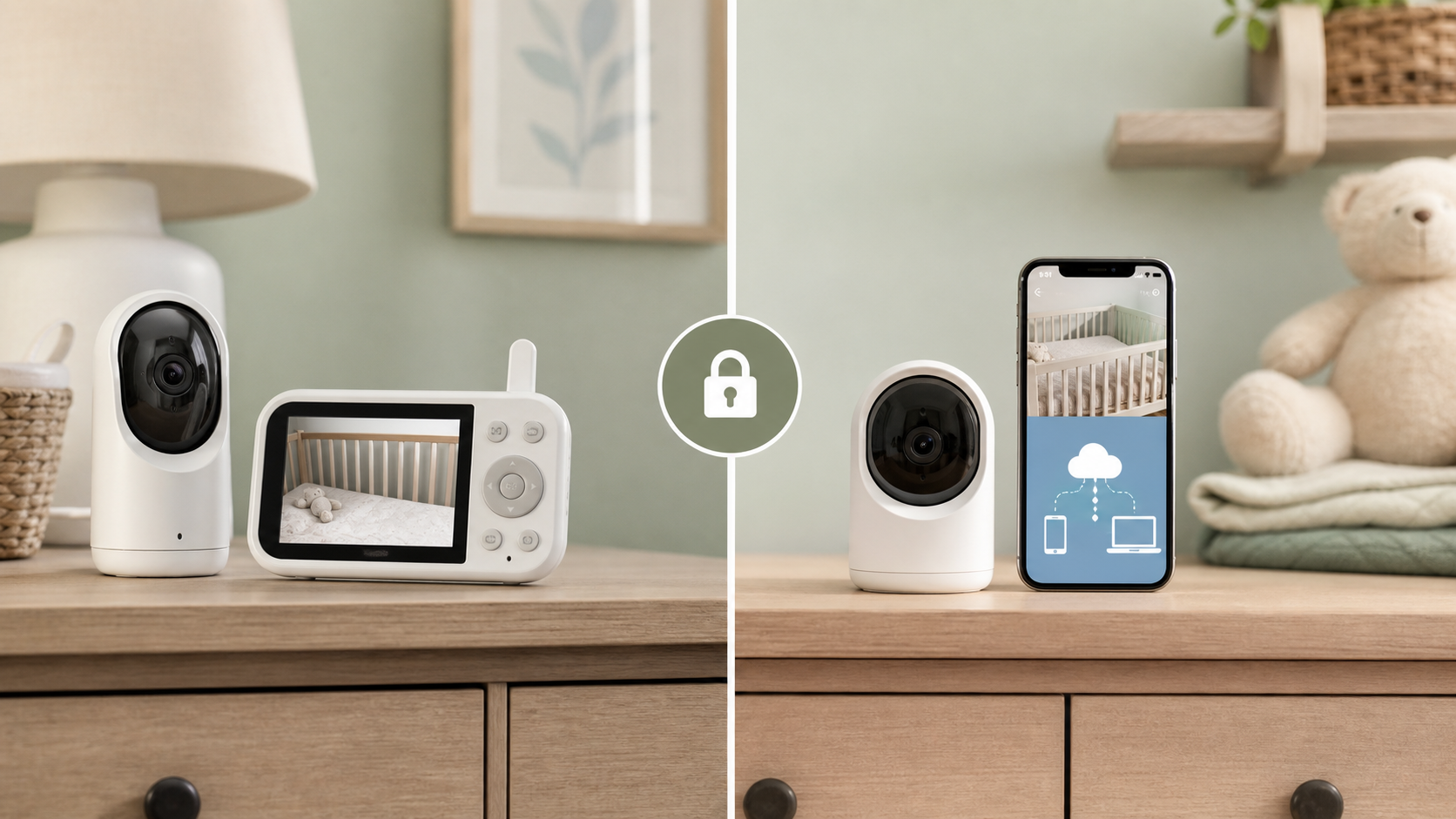
An audio-only monitor may be enough if the goal is simply to hear crying from another room. A local video monitor may be enough if parents want to see the crib from inside the house but do not need remote viewing from work or travel. A Wi-Fi monitor may make sense for split households, caregivers, travel, unusual schedules, or parents who need to check in from outside the home. The right choice depends on the actual problem, not the longest feature list.
Local monitors have tradeoffs. They may have shorter range, fewer alerts, no cloud history, and no phone app. They are not magically perfect. But for baby monitor privacy, they can reduce account exposure, cloud retention, app permissions, and remote login risk. For many families, that is exactly the point.
If you already own a connected monitor, you do not necessarily need to throw it away. First, decide which features you actually use. If remote viewing is never used, disable it if the product allows that. If sleep analytics were helpful during a transition but no longer matter, turn them off and delete old history. If a grandparent account was useful during a visit, remove it afterward. Baby monitor privacy is not one decision at purchase. It is a maintenance habit.
For broader device decisions across cameras, speakers, locks, and sensors, Quantum Cyber AI’s Smart Home Security Checklist can help you keep the whole house from becoming a collection of forgotten accounts.
What This Means For Parents In 2026
Nursery technology is shifting from “show me the baby” toward “interpret the baby.” That can be helpful when the feature is accurate, limited, and genuinely useful. It can also normalize collecting more data from childhood than families intended, which is why baby monitor privacy needs a 2026 refresh.
The FTC’s broader Internet of Things report recommends that companies build security into connected devices from the start, monitor devices through their expected life cycle, provide patches where feasible, and consider data minimization rather than collecting and retaining information indefinitely in its IoT privacy and security report announcement. Parents can borrow that same baby monitor privacy logic at home. If a feature is not needed, do not collect the data. If clips are no longer needed, do not retain them. If a device is no longer supported, replace or retire it.
NIST’s IoT Device Cybersecurity Capability Core Baseline describes device cybersecurity capabilities as features provided through device hardware and software that help protect device data, systems, and ecosystems in its IoT baseline publication. For parents, that translates into practical buying questions: can the device be updated, can settings be secured, is data protected, are users identifiable, and does the company explain how the product is supported?
Baby monitor privacy also intersects with family safety. A monitor may be used by parents, grandparents, babysitters, nannies, separated co-parents, or temporary caregivers. The more people who can view a nursery, the more important permission controls become. Separate named accounts, limited access, and easy removal are not luxury features. They are part of making the device fit real family life.
For families building a safer connected home overall, the Quantum Cyber AI Home Network & Device Security hub can help connect monitor settings to router, phone, and smart-device habits.
What To Do Now If You Already Own One
If an AI baby monitor is already installed, start with a short baby monitor privacy audit rather than a full replacement decision.
Update the monitor firmware and the phone app. Check the vendor’s support page if the app does not show update status. If the device has not received updates in a long time, note that as a risk. Update the home router too, because the monitor depends on it.
Change the monitor account password and turn on two-factor authentication. Change the linked email password if it is weak, reused, or old. Remove shared users who no longer need access. If the app shows logged-in devices or sessions, sign out anything unfamiliar.
Open the monitor settings and review the collection choices. Is cloud recording on? Is audio recording on? Are sleep analytics on? Are clips saved automatically? Is remote viewing enabled? Are marketing or product-improvement permissions broader than you expected? Turn off what you do not use.
Check storage and history as part of the baby monitor privacy audit. Delete old clips, exports, screenshots, and downloaded videos that no longer serve a safety or caregiving purpose. If you saved monitor clips to a camera roll, cloud drive, messaging app, or shared album, remember that baby monitor privacy now depends on those locations too.
Review the phone app permissions because baby monitor privacy can extend to the phone that controls the camera. A monitor app may need notification access to send alerts. It may need local network access. It may need photo access if you save images. It may not need contact lists, precise location, or broad background permissions for ordinary monitoring. Use the phone’s privacy settings to narrow access where possible.
Finally, make a calendar reminder to check the setup again after travel, a babysitter arrangement, a new phone, a router replacement, a vendor breach notice, or a subscription change. Baby monitor privacy is easiest when it becomes routine maintenance rather than a crisis chore.
If Someone Accessed The Monitor Or Footage
If you hear an unfamiliar voice, see unexpected movement, notice unknown users, receive strange login alerts, or find clips you did not create, act quickly and calmly.
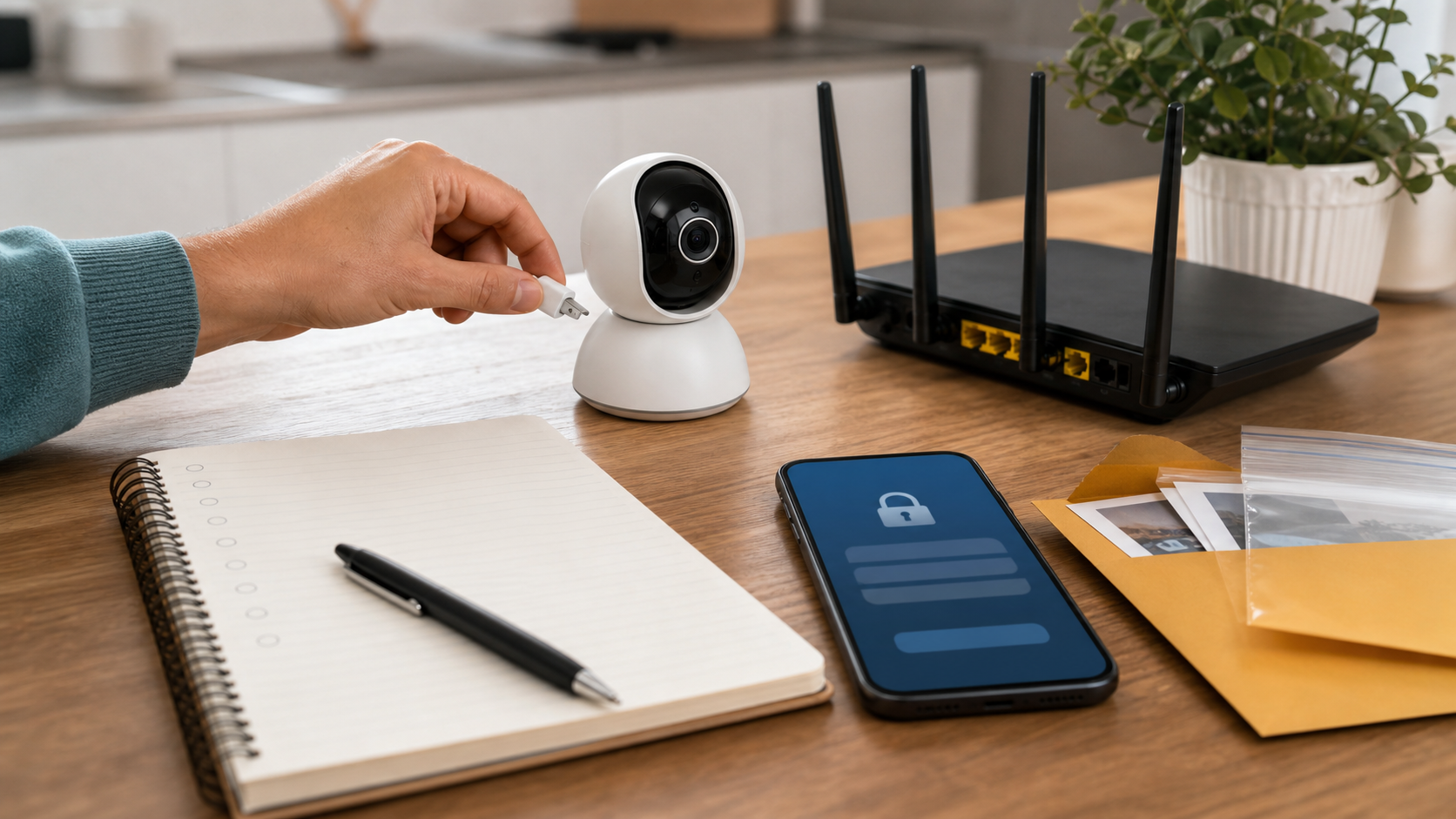
First, unplug the monitor or disable it in the app. If you need a monitor that night, use a temporary replacement that does not depend on the same account. Then change the monitor account password from a trusted phone or computer. Change the linked email account password too, because email access can allow account resets. Turn on two-factor authentication for both accounts if it is not already active.
Next, remove shared users, old devices, and unfamiliar sessions. Check cloud clip history, alert history, and account activity if the app provides it. Save screenshots, dates, times, messages, emails, clips, or access logs before deleting anything. Evidence may matter if the access involved threats, stalking, domestic safety, custody conflict, a caregiver dispute, or child-safety concerns.
Contact the vendor and ask direct questions. Was there an account login from an unfamiliar location? Was there a known vulnerability? Is a firmware update available? Can the device be reset safely? Can the company confirm whether clips were accessed or downloaded? If the vendor cannot answer basic security questions, consider replacing the monitor with a simpler model or a brand that provides clearer support.
Report threatening or targeted conduct to law enforcement. If identity theft or account compromise is part of the incident, use Quantum Cyber AI’s Privacy & Identity Protection hub to plan the next steps for connected accounts and personal information.
How To Choose A Monitor Without Getting Lost In Feature Lists
A simple decision path can make baby monitor privacy easier.
If you only need to hear the baby, start with audio-only. If you want to see the crib from nearby, consider local video. If you need remote caregiver access, choose a Wi-Fi monitor with two-factor authentication, separate users, encrypted feeds, deletion controls, and clear update support. If you want sleep analytics, decide how long you actually need them and whether the data is worth the retention. If you are worried about breathing, oxygen, heart rate, prematurity, or another medical issue, talk with a pediatrician before relying on consumer wellness features.
Do not buy by feature count alone. A monitor with fewer features can be safer for baby monitor privacy if it solves the real problem. A more advanced monitor can be reasonable if the family needs remote access or specific alerts, but only if the account, cloud, and sharing controls are strong enough.
Before you purchase, look for a clear privacy policy, plain-language security information, update history, two-factor authentication, encryption, separate viewer permissions, deletion controls, and support contacts. After you purchase, set it up as if the nursery feed is sensitive, because baby monitor privacy starts with that assumption.
A Parent-Friendly Setup Checklist
Use this baby monitor privacy checklist before the first night:
- Buy for the caregiving need, not the longest feature list.
- Prefer local operation when remote viewing is not needed.
- Use a unique password and two-factor authentication.
- Secure the linked email account.
- Add separate users instead of sharing one login.
- Remove temporary caregivers when access is no longer needed.
- Turn off cloud recording, audio recording, two-way audio, sleep analytics, or AI alerts you do not use.
- Choose the shortest useful retention period.
- Delete old clips and reports.
- Review app permissions on every phone that has the monitor app.
- Update the monitor, app, and router.
- Put smart devices on a separate network if your router supports it.
- Aim the camera only where it needs to see.
- Keep safe sleep practices separate from monitor marketing.
Conclusion
An AI baby monitor can be useful without becoming a permanent surveillance system in a child’s room. The difference is intention.
Parents should ask what the device collects, whether the feature is worth it, who can log in, how long clips and analytics are kept, and whether a simpler monitor would solve the same problem with less exposure. The safest useful baby monitor privacy setup is usually narrow: watch the sleep space, protect the account, limit remote access, shorten retention, and turn off features that do not help your family.
Baby monitor privacy is not about rejecting help. It is about making sure the technology serves the household instead of quietly collecting more of a child’s life than anyone meant to share.
For more practical home privacy and security checklists, subscribe to Quantum Cyber AI.
FAQ
Are Wi-Fi baby monitors safe?
Wi-Fi baby monitors can be safe enough for many families when the device has strong account security, encryption, updates, two-factor authentication, clear sharing controls, and sensible retention settings. They are riskier when they use weak default settings, unclear cloud storage, shared passwords, outdated apps, or broad remote access. Baby monitor privacy is strongest when parents turn on only the features they need.
Is an AI baby monitor better than a regular baby monitor?
An AI baby monitor is not automatically better. It may be better if you need specific alerts, remote access, or short-term sleep insights. A regular local video monitor or audio-only monitor may be better if you want fewer accounts, less cloud storage, and a smaller privacy footprint. Choose based on the job you need the monitor to do.
Should parents use breathing or sleep tracking features?
Parents should treat breathing, heart-rate-style, and sleep-tracking features as wellness information unless a pediatrician tells them otherwise. The AAP says consumer wellness devices are not a substitute for safe sleep guidance or medical advice. If a baby has medical risks, ask a pediatrician what monitoring is appropriate.
What settings should I change first on a baby monitor?
Start with the account password, two-factor authentication, shared users, cloud recording, retention, app permissions, remote viewing, and two-way audio. Then update the device, app, and router. Aim the camera narrowly so it captures the crib or sleep space, not the whole room.
Is an audio-only baby monitor better for privacy?
An audio-only monitor can be better for privacy if you only need to hear when the baby wakes. It usually collects less visual information and may avoid cloud video storage entirely. It is not the right fit for every family, but it is worth considering before buying a Wi-Fi camera with features you do not need.
What should I do if someone accessed my baby monitor?
Unplug or disable the monitor, change the monitor and linked email passwords, enable two-factor authentication, remove shared users, check account and clip history, preserve evidence, and contact the vendor. If the incident involves threats, stalking, domestic safety, custody concerns, caregiver conflict, or child-safety issues, report it to law enforcement.