
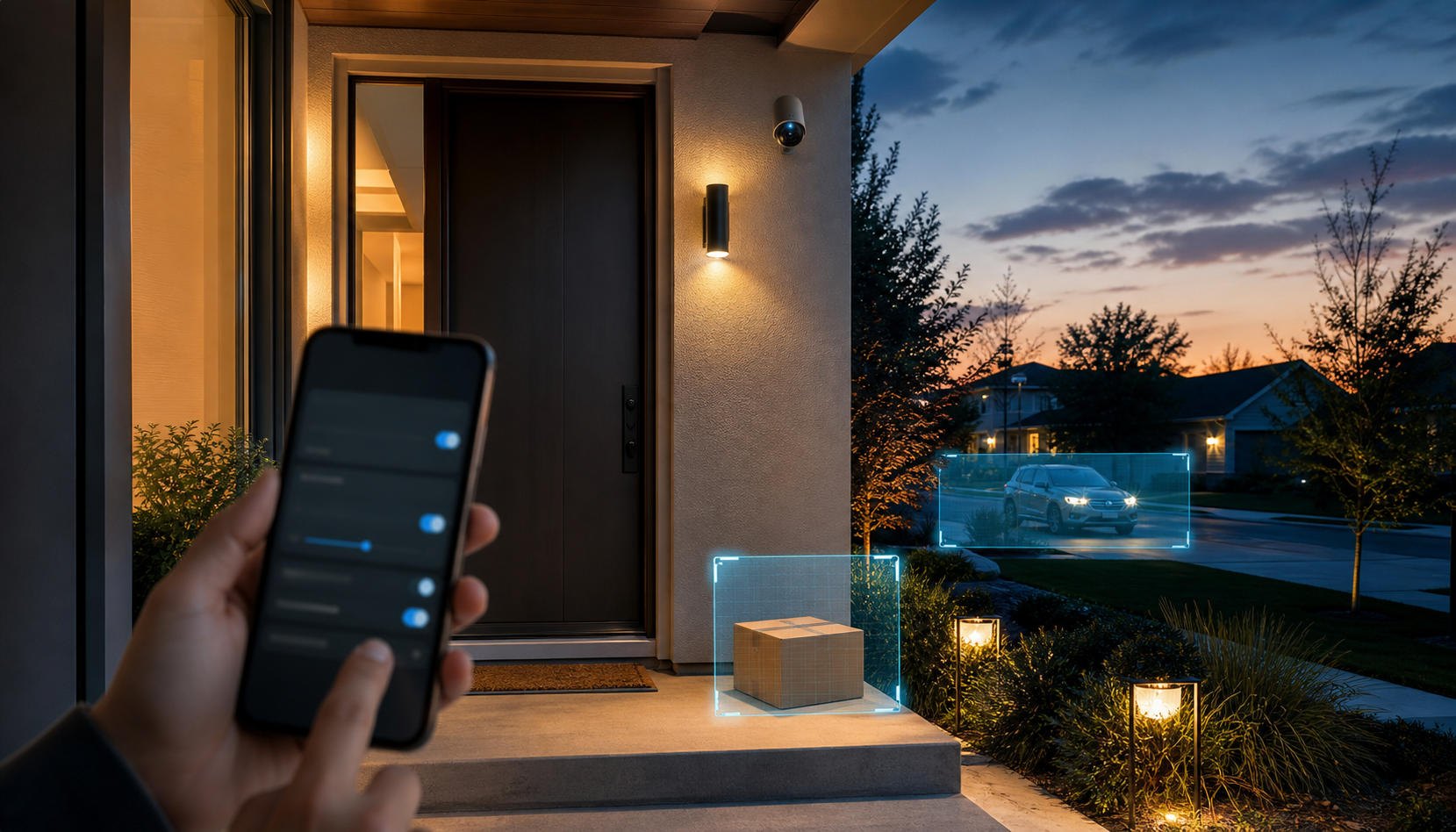
Buying a home security camera used to feel like a hardware choice. You compared video resolution, night vision, battery life, weather resistance, and whether the camera worked with the phone already in your pocket. Those things still matter, but they are no longer enough. A camera on your porch, hallway, nursery shelf, garage, or driveway is also an internet-connected account, a cloud service, a microphone, a sensor, and increasingly an AI system.
That changes the buying question. The practical issue is not whether home security cameras are good or bad. Many are useful. They can help you spot package theft, check a driveway, monitor a second home, talk to a visitor, or see whether a relative arrived safely. The better security question is whether the camera collects only what you need, protects the footage well, gives you clear control, and keeps working securely after the first week.
In 2026, the smartest camera is not always the safest camera. AI features can reduce useless motion alerts, but they can also create more sensitive information about faces, visitors, routines, vehicles, and household behavior. Before you buy, ask a simple question: would I still be comfortable with this camera if the account, app, vendor, or sharing setting failed?
Key Takeaways
- A home security camera is now a privacy decision, not only a security purchase.
- AI features such as familiar-face detection, person alerts, package detection, and event summaries can make footage more useful and more sensitive.
- Before buying, compare storage model, encryption, AI processing, law-enforcement sharing policies, subscription dependence, and update support.
- After installation, review camera placement, privacy zones, audio settings, shared users, account security, firmware updates, and old devices.
- If footage may have been exposed, secure the account first, then review shared access, stored clips, vendor guidance, and personal-safety concerns.
- The best camera is the one that collects the least sensitive data needed for the job.
Why Home Security Cameras Are Different in 2026
Home security cameras now sit in the same category as smart speakers, routers, door locks, baby monitors, and connected TVs. They are physical devices, but the real risk often lives in the account, app, cloud service, and default settings. A camera can be installed in ten minutes and left in place for years, long after the buyer has forgotten who has access or whether the device still receives updates.
That is why the buying decision should start before the camera is in the cart. Think about the camera’s job. A camera used to watch packages at the front door does not need to see the entire living room. A driveway camera does not need to record private conversations. An indoor camera used while traveling may not need to run every day when the household is home.
The Camera Is Now a Cloud Account
Most consumer cameras are tied to a vendor account. That account may control live viewing, cloud clips, shared users, subscriptions, smart-home integrations, notifications, and deletion. If someone gets into the account, they may not need to hack the camera itself. They may only need a reused password, a compromised email account, an old shared login, or access from a phone that was never removed.
The Federal Trade Commission’s Ring case shows why this matters. The agency said Ring compromised customer privacy by allowing employees or contractors to access private videos and by failing to stop hackers from taking control of users’ cameras, according to the FTC’s Ring enforcement announcement. The FTC also said hackers accessed stored videos, live streams, and account profiles for about 55,000 U.S. customers.
That case does not mean every vendor has the same history. It does mean camera footage deserves stronger protection than a routine app login. A camera account can expose the inside of a home, the front of a child’s school day, a caregiver visit, a neighbor’s routine, or a private conversation. Treat it more like a house key than a streaming subscription.
For broader household setup, Quantum Cyber AI’s Home Network & Device Security guide is the right companion because camera security depends on the router, Wi-Fi, updates, passwords, and the other devices connected to the same home network.
The Camera Is Now an AI Sensor
The newest privacy issue is not only recording. It is interpretation. Cameras can detect people, vehicles, packages, pets, familiar faces, and patterns of activity. Google Home is rolling out stronger familiar-face recognition that can use cues such as clothing and body size when a face is not clearly visible, according to The Verge’s report on Google Home camera recognition updates.
Those features can be genuinely useful. A camera that knows the difference between a tree branch and a person can reduce alert fatigue. A package alert can help you act quickly. A familiar-face feature may let you know a family member arrived home. But each improvement also says something about what the system is analyzing.
The practical question is whether the feature is worth the sensitivity of the data. Motion detection asks, “Did something move?” Person detection asks, “Was that a person?” Familiar-face detection asks, “Which person might that be?” Those are different privacy levels.
The Camera Is Now Part of the Home Routine
A camera can reveal more than a single event. Over time, it can show when people leave for work, when children get home, when packages arrive, when guests visit, when a house is empty, and which rooms are used. Indoor cameras are especially sensitive because they may capture family conversations, work documents, health routines, children, caregivers, or personal conflict.
That is why placement matters as much as product choice. A camera pointed at a narrow package zone is different from a camera that watches an entire living room. A doorbell camera that captures the immediate entrance is different from one that watches a neighbor’s window, shared hallway, or public sidewalk all day.
What This Means Before You Buy
Before buying a home security camera, compare privacy settings the same way you compare resolution and battery life. The most important questions are not hidden in technical jargon. They are plain: where does the footage go, who can see it, what does AI do with it, how long is it kept, and what happens when the company changes the app or policy?
Check Where Video Is Stored
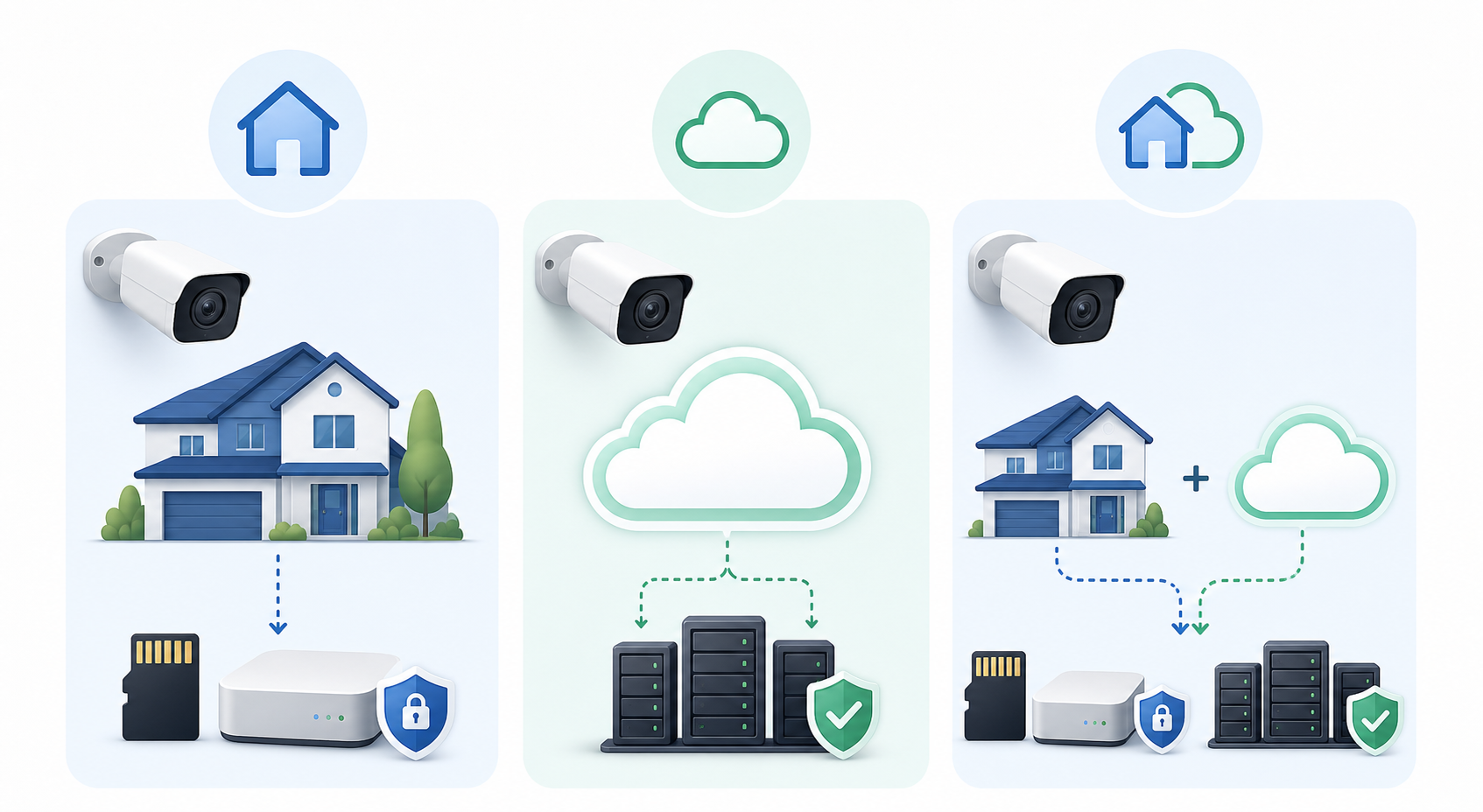
Start with storage. Some cameras store video locally on a memory card, hub, or network device. Others store clips in the cloud. Many use a hybrid model, with local recording plus cloud notifications or cloud backups. None of those models is perfect.
Local storage may reduce cloud exposure, but it can be lost if the camera is stolen, damaged, or reset. Cloud storage can preserve clips after a theft and make them easier to review from anywhere, but it creates a dependency on vendor security, account security, retention settings, and subscription terms.
Ask these questions before buying:
- Can the camera record without a paid subscription?
- Can it store video locally?
- How long are cloud clips kept by default?
- Can you delete clips permanently?
- Does deletion remove every copy, or only the copy visible in your app?
- Can the camera still function if the cloud service changes or shuts down?
If the product page makes storage confusing, slow down. Storage is not a minor feature. It determines where the most sensitive data from the camera lives.
Check What Encryption Actually Means
Encryption is another term that needs translation. Encryption in transit protects footage while it moves between the camera, app, and cloud. Encryption at rest protects stored footage. End-to-end encryption is stronger because it can limit who can decrypt footage, sometimes including the vendor.
The tradeoff is that end-to-end encryption may disable some cloud features. For example, cloud-based AI analysis, web viewing, sharing, or certain notifications may not work the same way. That does not make end-to-end encryption bad. It means the buyer should understand the choice.
Before buying, look for clear answers:
- Does the camera offer end-to-end encryption for video?
- Is it on by default?
- What features stop working if it is enabled?
- Can vendor employees, contractors, support teams, or cloud systems access footage?
- Does the company publish security documentation that ordinary buyers can understand?
If a company uses broad phrases like “military-grade encryption” without explaining how access works, do not treat that as enough.
Check Whether AI Runs Locally or in the Cloud
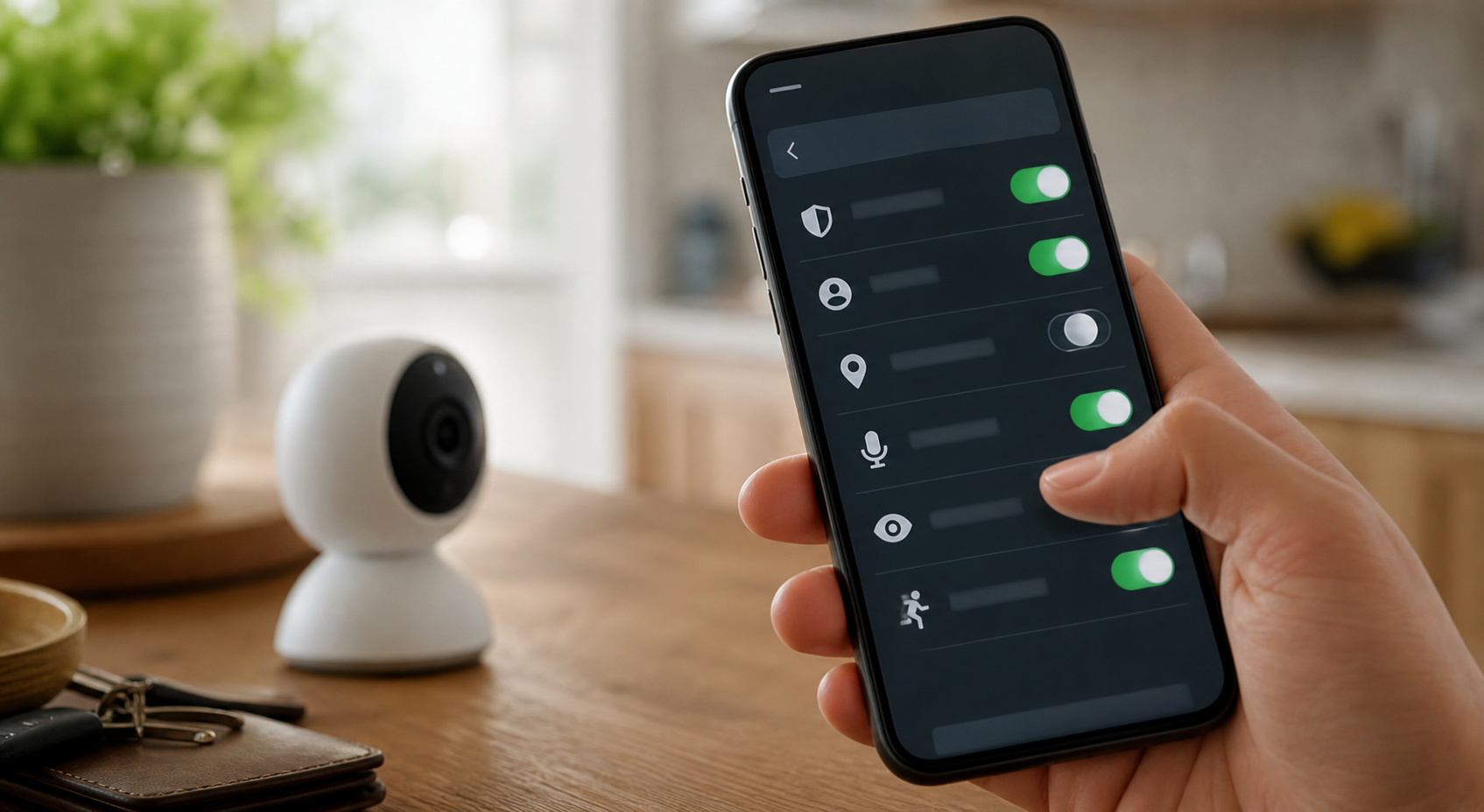
AI processing can happen on the device, in the cloud, or through a mix of both. On-device processing can reduce how much footage needs to leave the home. Cloud processing can support more advanced features, faster model updates, and richer alerts, but it also increases dependency on vendor systems.
This is not a simple “local good, cloud bad” issue. A poorly secured local device can still be risky. A well-run cloud service may offer strong protections. The point is control and exposure. Buyers should know where the analysis happens and whether AI features can be disabled separately from basic recording.
Ask:
- Does person detection work on the camera itself?
- Does familiar-face detection upload video or face data?
- Can AI event descriptions be turned off?
- Can the camera record without identifying people?
- Does the company say whether clips are used to improve AI systems?
If the camera is for a sensitive indoor space, choose the least invasive setting that still solves the problem.
Check Facial Recognition and Biometric Claims
Facial recognition deserves special care because it can affect people who did not buy the camera. Ring is facing a proposed class action alleging that its Familiar Faces feature collected visitor facial biometrics without consent, according to TechRadar’s coverage of the Ring biometric privacy lawsuit. That is an allegation, not a final court finding, but it captures the real consumer issue.
A homeowner may think of face recognition as a convenience feature. A visitor may experience it as being identified by someone else’s device. A delivery worker, neighbor, babysitter, contractor, or family member may not know how the camera is configured.
Before enabling facial recognition, ask:
- Does the camera create a face library?
- Who can add, label, or delete recognized people?
- Is consent required from household members or visitors?
- Does the feature work differently in some states or regions?
- Can the camera still meet your needs with person detection instead of face recognition?
For broader questions about identity-like data and personal exposure, use Quantum Cyber AI’s Privacy & Identity Protection guide alongside this buying checklist.
Check Police Access and Sharing Policies
Camera sharing policies can change, so do not assume last year’s headline still describes the current product. Ring said in 2024 that it would stop allowing police to request footage through the Neighbors app’s Request for Assistance feature, according to AP’s reporting on Ring ending police footage requests in Neighbors. AP also noted that law enforcement could still use warrants and that Ring retained limited emergency-disclosure rights.
The policy changed again. In 2025, Ring reintroduced a route for police to request footage through an Axon partnership, while users could decide whether to send footage, according to The Verge’s report on Ring’s renewed police video-sharing integration.
The lesson is not limited to one vendor. Before buying any home camera, check:
- Can law enforcement request footage through the app or a partner system?
- Is user approval required for ordinary requests?
- Are emergency exceptions described clearly?
- Can you see a log of requests?
- Can you turn off neighborhood or community sharing features?
If your camera watches shared spaces, neighbors, tenants, children, or visitors, this question matters even more.
Check How Long the Company Supports the Device
Cheap cameras can be tempting. The risk is that the lowest upfront price may come with weak update support, unclear security practices, or poor customer communication. A connected camera without updates can become a long-term liability.
NIST’s consumer IoT cybersecurity work is useful here because it frames connected-device security as a product-lifecycle issue, not only a user responsibility. NIST says its consumer IoT baseline recommendations are designed to inform cybersecurity labeling for consumer IoT products, as explained on NIST’s Consumer IoT Cybersecurity page. NIST’s broader Cybersecurity for IoT Program also addresses how manufacturers approach connected-product security before and after products reach customers.
Before buying, check whether the vendor says:
- How long the camera will receive updates.
- How security vulnerabilities are handled.
- Whether updates are automatic.
- How customers are notified about end of support.
- Whether the product can be safely reset, resold, or retired.
If the answer is hard to find, that is information too.
Practical Signs a Camera May Be a Poor Fit
A camera does not need to be perfect to be worth buying. It does need to fit your privacy comfort level. These warning signs do not automatically mean “never buy it,” but they should make you pause.
The Privacy Policy Is Vague About Video and AI
If the company does not clearly explain storage, retention, AI processing, deletion, facial recognition, sharing, and law-enforcement requests, you are being asked to trust a black box. That may be acceptable for a low-risk gadget. It is harder to justify for a camera pointed at your home.
Look for plain answers. If the company uses broad promises but avoids specifics, compare another product.
The Camera Requires a Subscription for Basic Controls
Subscriptions are not automatically bad. Cloud storage, alert history, and advanced detection can cost money to operate. The issue is whether privacy and security controls are locked behind a paid plan.
Check whether basic recording, deletion, encryption, user access, update support, and privacy zones require a subscription. A camera that is cheap upfront but weak without a subscription may be more expensive and less private than it appears.
Account Security Is Weak
If the camera account does not support multifactor authentication, that is a serious drawback. If the app makes shared users hard to review, that is another problem. If password reset depends on an old email address you rarely check, that camera account may be easier to lose than you think.
The FTC advises consumers to secure home Wi-Fi with strong encryption, strong passwords, firmware updates, and a guest network where appropriate, as explained in its guide on how to secure your home Wi-Fi network. Camera account security should be treated with the same seriousness. A camera on a weak network, tied to a reused password, is asking for trouble.
Indoor Cameras Have Weak Privacy Controls
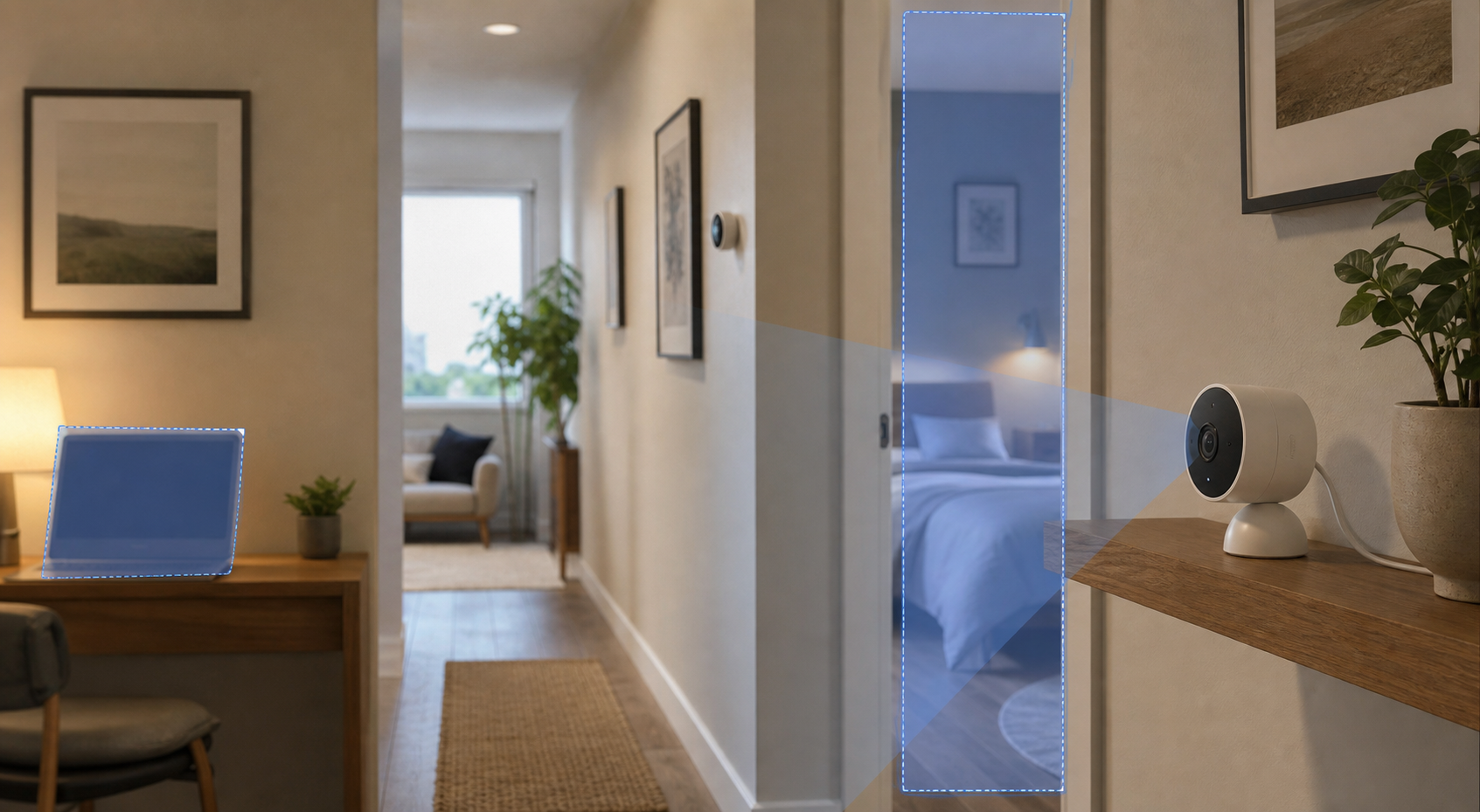
Indoor cameras deserve extra caution. A doorbell camera may capture the front step. An indoor camera may capture a child’s room, a medication routine, a work call, a private argument, or a guest changing clothes after swimming. The privacy difference is enormous.
If an indoor camera lacks privacy zones, clear recording indicators, easy scheduling, audio controls, shared-user review, and strong account protection, it may be the wrong product for that space.
Reviews Focus Only on Convenience
Many reviews compare picture quality, app speed, battery life, and smart-home compatibility. Those are useful, but incomplete. If a review says nothing about storage, encryption, updates, law-enforcement sharing, facial recognition, and account security, keep researching.
Convenience is part of the decision. It should not be the whole decision.
What To Do After You Install a Camera
The first hour after installation matters. Many people install the camera, confirm the picture works, and move on. A better habit is to treat setup as a privacy and security review.
Change Default Settings Before Relying on the Camera
Start with the account. Use a unique password, enable multifactor authentication, confirm the recovery email and phone number, and sign out of old devices if the app allows it. Then review storage, clip retention, notifications, sharing, AI features, and audio recording.
If the camera offers familiar-face recognition, decide whether you really need it. If the camera offers neighborhood sharing, community alerts, or public clip sharing, check whether those features are on and what they expose.
Place the Camera for the Job It Actually Needs To Do
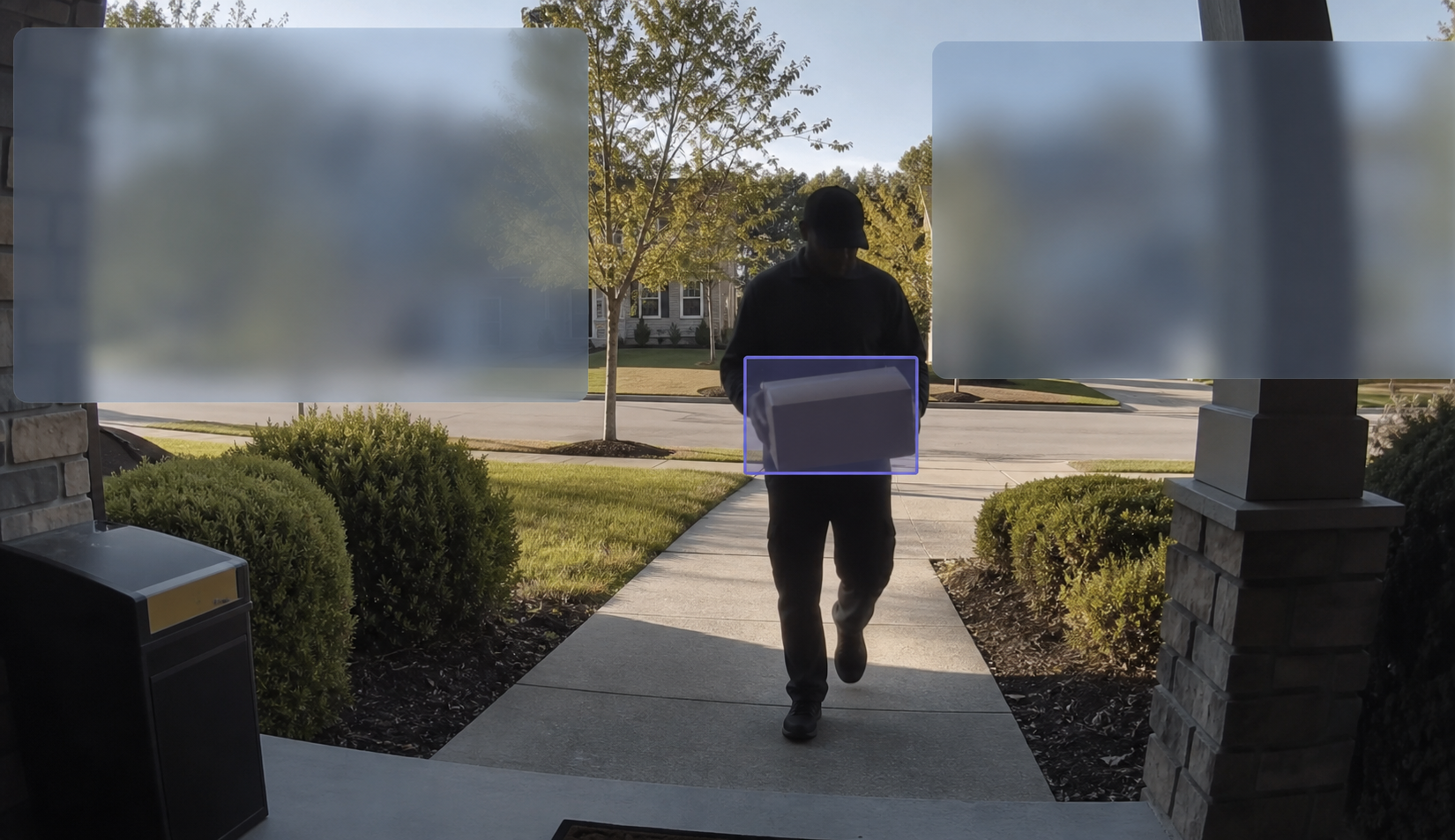
Camera placement is one of the strongest privacy and security controls. Aim the camera at the job. If the goal is package detection, focus on the package zone. If the goal is driveway activity, avoid capturing a neighbor’s window. If the goal is indoor travel monitoring, consider turning the camera off when the household is home.
For indoor spaces, avoid bedrooms, bathrooms, children’s private spaces, work screens, and places where guests reasonably expect privacy. A camera placed slightly differently can often provide security value without collecting unnecessary footage.
Use Privacy Zones and Audio Controls
Privacy zones can block parts of the camera view, such as a neighbor’s door, a shared hallway, a sidewalk, or a window. They are not perfect, but they are better than recording everything by default.
Audio deserves its own review. A camera microphone can capture conversations from people who never noticed the camera. If audio is not needed, turn it off. If it is needed, be clear with household members and regular visitors.
Review Shared Users and Old Devices
Shared users are easy to forget. Review them after a move, breakup, roommate change, caregiver change, contractor job, or device replacement. Remove anyone who no longer needs access.
Also check old phones and tablets. If an old device still has access to the camera app, losing that device can create a camera risk. Treat camera access like a key to the house.
Keep the Home Network Clean
A camera is only one part of the home network. Router settings, Wi-Fi passwords, device updates, and guest networks matter too. Quantum Cyber AI’s Smart Home Security Checklist is a useful next step after installation, and the Home Router Security Checklist can help with the network foundation.
For more practical analysis on AI security, privacy, scams, and account protection, subscribe to Quantum Cyber AI.
If Camera Footage Was Shared, Exposed, or Accessed
If something feels wrong, do not start by deleting everything. First, secure the account and preserve the information you may need.
Secure the Account First
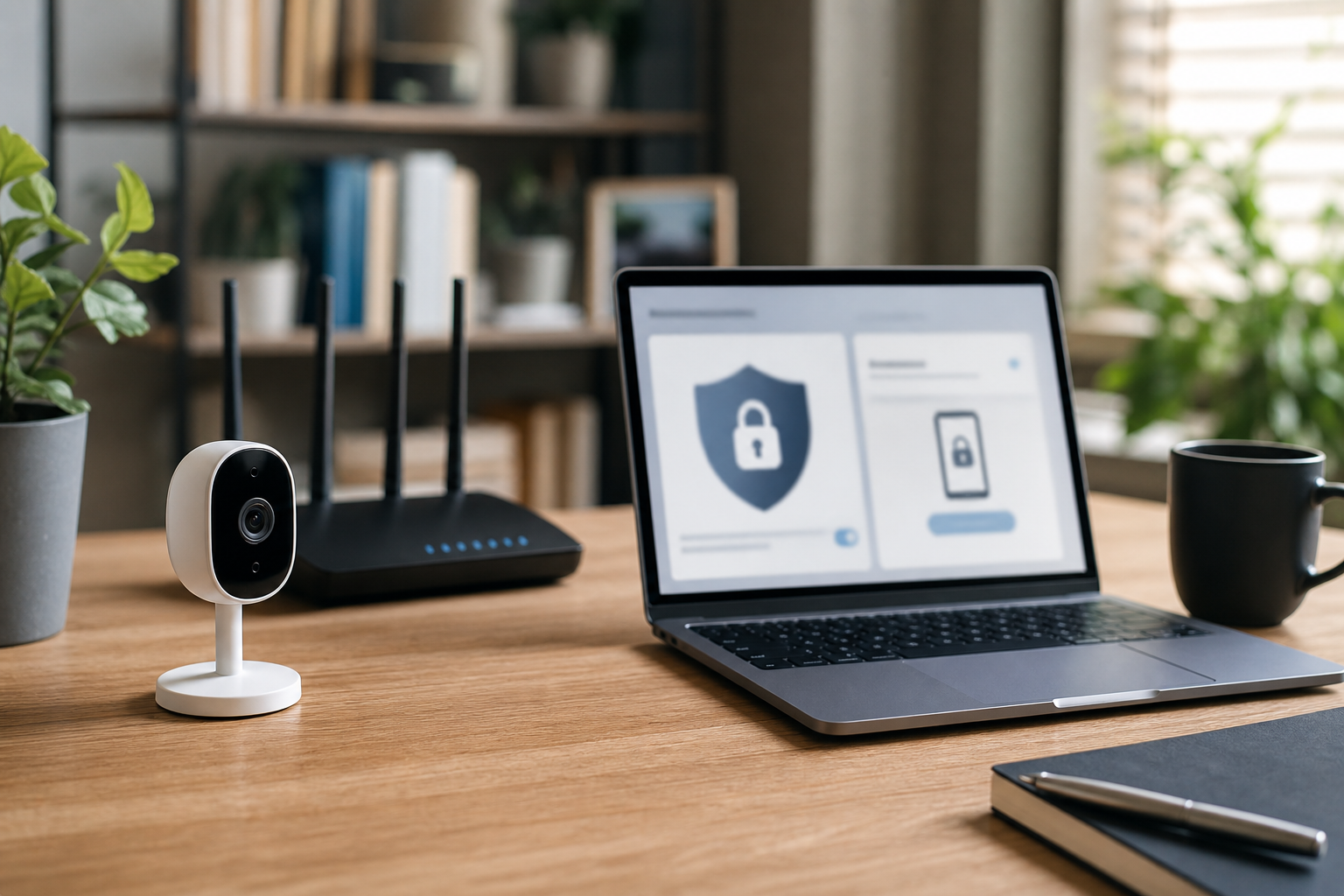
Change the camera account password from a trusted device. Enable multifactor authentication. Review recovery email and phone settings. Remove unknown shared users. Sign out other sessions if the app offers that option. Check whether clips were downloaded, shared, deleted, or viewed.
Then secure the email account tied to the camera. If an attacker controls the email account, they may be able to reset the camera password again.
Review Footage, Clips, and Connected Services
Check stored clips, cloud history, linked smart speakers, smart displays, routines, automations, and third-party integrations. A camera account may connect to displays, voice assistants, home hubs, cloud drives, or security monitoring services.
Look for changed settings. An attacker might turn on audio, change motion zones, add a user, adjust notifications, or disable recording.
Preserve Evidence When Personal Safety Is Involved
If the incident involves stalking, harassment, threats, child safety, domestic abuse, elder care, workplace exposure, or a dispute with someone who had access, preserve evidence before deleting clips or logs. Take screenshots of account users, device names, timestamps, settings, and vendor notices.
This is not only a cybersecurity issue. Camera access can become a personal-safety issue.
Follow Vendor Incident Guidance
If the vendor announces a security issue, follow its specific guidance. That may include app updates, firmware updates, password resets, device resets, or removing integrations. If the camera no longer receives updates, consider replacing it or removing it from sensitive areas.
Conclusion
Home security cameras can help, but the safest choice is not automatically the sharpest lens, the longest battery life, or the richest AI feature list. The best choice is the camera that matches the job, collects the least sensitive data needed, stores footage in a way you understand, gives you strong account controls, receives updates, and makes sharing choices clear.
Before buying, compare privacy with the same seriousness as price and picture quality. Before installing, decide what the camera should see and what it should never see. After installing, review account security, shared users, audio, privacy zones, AI features, and network settings.
A camera is supposed to make a home feel safer. It should not quietly become a second privacy problem. The goal is not to avoid every smart-home device. The goal is to buy and configure them with your eyes open.
FAQ
Are AI home security cameras safe?
AI home security cameras can be safe when they are chosen carefully, placed thoughtfully, updated regularly, and protected with strong account security. The risk depends on storage, encryption, AI processing, sharing settings, vendor support, and where the camera points.
The safest setup usually collects the least sensitive data needed for the job. A camera used for package alerts does not need to recognize every visitor’s face or record indoor conversations.
Should I use cloud storage or local storage for security camera footage?
Cloud storage can help if a camera is stolen or damaged because clips may remain available through the app. It can also make remote review easier. The tradeoff is that footage depends on vendor security, account security, retention settings, subscription terms, and the buyer’s own security habits.
Local storage can reduce cloud exposure, but it may be lost with the device or harder to access remotely. Many households may prefer a hybrid approach, but the key is to understand exactly where footage is stored and how long it remains there.
Is facial recognition worth using on a home camera?
Facial recognition may reduce false alerts and help identify familiar visitors, but it creates stronger privacy questions than ordinary motion detection. It can affect household members, visitors, delivery workers, neighbors, and passersby who did not buy the camera.
Before enabling it, check whether the camera creates a face library, who can manage that library, how data is stored, and whether person detection without face recognition would be enough.
Can police access my doorbell or home camera footage?
It depends on the vendor, the user’s settings, the request type, and the legal process involved. Some vendors allow user-approved requests through app or partner systems. Law enforcement may also seek footage through warrants or emergency processes, depending on the situation and vendor policy.
Before buying, check the current law-enforcement request and emergency-disclosure policy. Then check again after major app or policy changes.
What should I do if someone accessed my security camera?
Change the camera account password from a trusted device, enable multifactor authentication, remove unknown shared users, review stored clips, and check connected services. Also secure the email account tied to the camera.
If the incident involves stalking, harassment, threats, a child, a caregiver, or domestic abuse concerns, preserve evidence before deleting logs or clips. Camera access can be a personal-safety issue, not only a technical problem.