
Connected devices
Smart Home Security Checklist
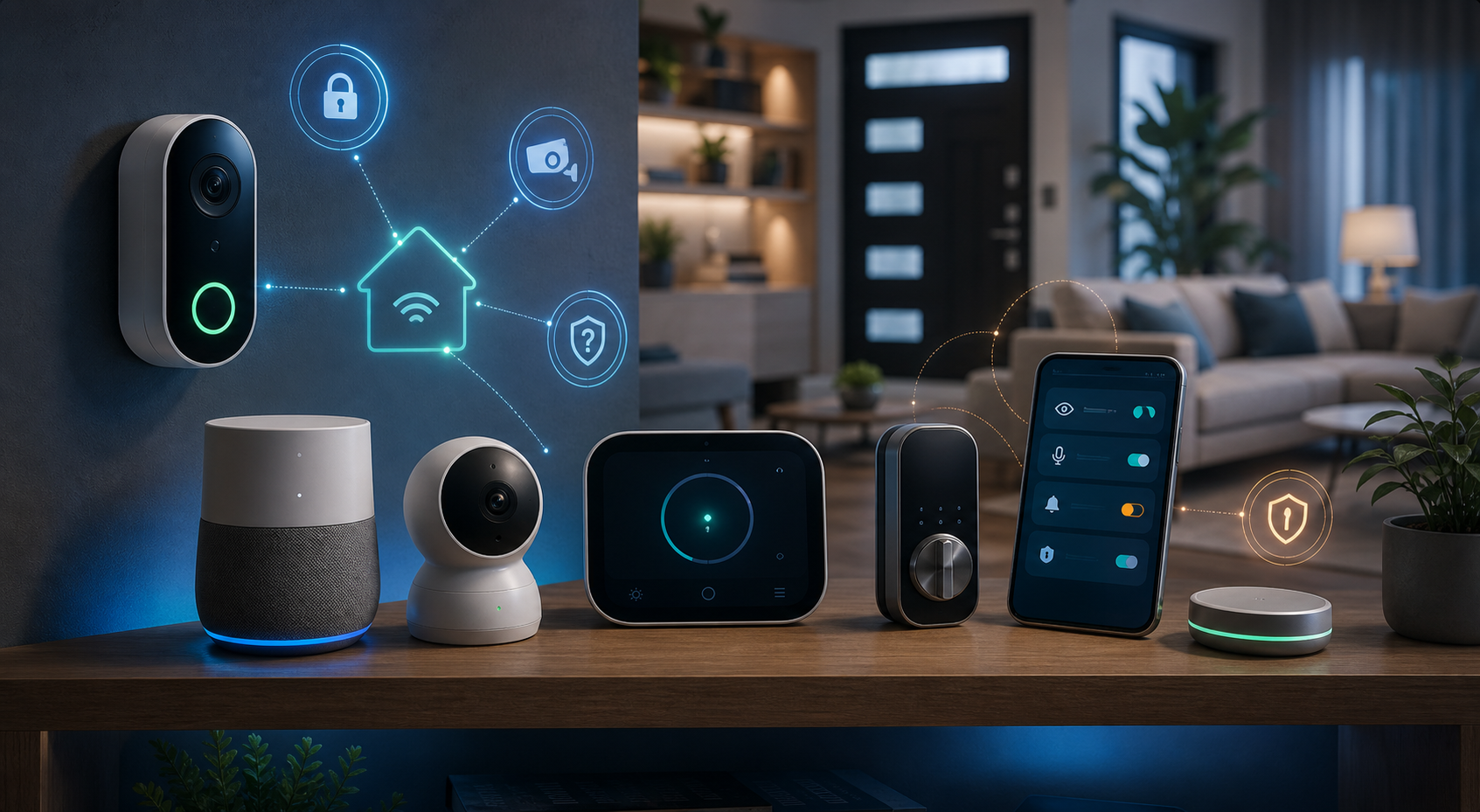
Review the cameras, speakers, locks, TVs, thermostats, toys, appliances, apps, and accounts that can see, hear, or control parts of your home.
Use this guide when
You have cameras, smart speakers, locks, thermostats, toys, TVs, or connected appliances in the house and want a practical review without turning every device into a project.
Start with an inventory
Smart-home risk usually comes from forgotten devices, old apps, shared accounts, and permissions nobody has reviewed since setup day. Make a quick list from your router app, device apps, app store subscriptions, and account settings. If you do not recognize a device or cannot explain why it needs access, pause before adding more.
Device-by-device checklist
- Change default usernames and passwords.
- Turn on two-factor authentication for device accounts when available.
- Update firmware and companion apps.
- Disable unused remote access, microphones, cameras, location, sharing, and integrations.
- Remove old users, unknown devices, and stale app permissions.
- Check whether devices are on your main Wi-Fi or a guest network.
- Retire devices that no longer receive updates or cannot be managed safely.
Extra checks by device type
- Cameras and baby monitors: review access logs, sharing, passwords, and cloud storage.
- Voice assistants: review voice history, purchase controls, and recording settings.
- Smart locks and garage devices: remove old codes and keep a backup way in.
- Smart TVs: remove unused apps and review tracking settings.
- Children’s devices: review contacts, location sharing, microphone access, and camera access.
Privacy settings worth checking
Security is not only whether someone can break in. It is also what the device collects when it works normally. Look for settings that control voice recordings, video history, face recognition, motion alerts, location, purchase permissions, ad personalization, shared users, and cloud storage. If a device records inside the home, decide who can view it and how long recordings should be kept.
Shared access needs a review
Smart-home accounts often accumulate old roommates, relatives, contractors, sitters, former phones, and shared tablets. Review who can unlock doors, view cameras, change thermostats, control speakers, or approve purchases. Remove stale users and devices, then make sure the main account uses a strong password and two-factor authentication where available.
Make the router part of the routine
Most smart-home devices depend on your router, so the smart-home checklist and router checklist belong together. If a camera, speaker, lock, or toy seems suspicious, check both places: the device app and the router’s connected-device list. A device can look fine in its own app while still using old Wi-Fi settings or sitting on the wrong network.
When not to connect a device
If you cannot change security settings, updates have stopped, the app demands excessive permissions, or the device adds little real value, leaving it offline may be the safer choice. A connected lock, camera, toy, or appliance should earn its place on your network.
Latest on this topic
Get the field guide in your inbox
Get practical cyber and AI safety checklists when new resources go live. No popup, no pressure, just the next useful thing.