
Reduce exposure
Privacy & Identity Protection
Reduce what apps, extensions, accounts, and people-search sites can expose, then know what to do if identity information is already at risk.
Use this guide when
You are reviewing app permissions, cleaning up online exposure, checking an AI tool, or responding to signs that personal information may be in use.
Privacy is an exposure problem
The goal is not to disappear from the internet. The goal is to reduce unnecessary access to sensitive accounts, location, documents, contacts, browsing, financial information, and recovery details.
Review the places data leaks from
- Browser extensions and AI tools with broad site access.
- Old apps connected to email, cloud storage, social media, or payment accounts.
- Public profiles that reveal location, workplace, family, school, or recovery clues.
- Data broker and people-search listings.
- Account recovery settings that still point to old phone numbers or email addresses.
Make permission checks concrete
Before installing a tool or extension, ask what it can see, whether it truly needs that access, who runs it, how data is deleted, and what account damage would look like if the tool were compromised.
- Remove permissions for tools you no longer use.
- Prefer limited access over full account access when there is a choice.
- Separate sensitive work from casual browsing when possible.
- Do not paste tax, medical, financial, or identity documents into tools you have not checked.
Identity warning signs
Unexpected account alerts, tax notices, benefit claims, loans, collection letters, new phone accounts, or unexplained charges should be treated as signals to document, secure email, contact providers, and consider a credit freeze or fraud alert.
A simple cleanup rhythm
Once a quarter, review app permissions, browser extensions, connected accounts, social profile details, password manager security alerts, and people-search listings. Small reviews beat one massive cleanup you never start.
What to protect first
Privacy work gets easier when you separate annoying exposure from dangerous exposure. A newsletter tracking pixel is not the same as a stolen Social Security number. Start with the information that can unlock accounts, open accounts, move money, impersonate you, or help someone pressure your family.
The permission audit
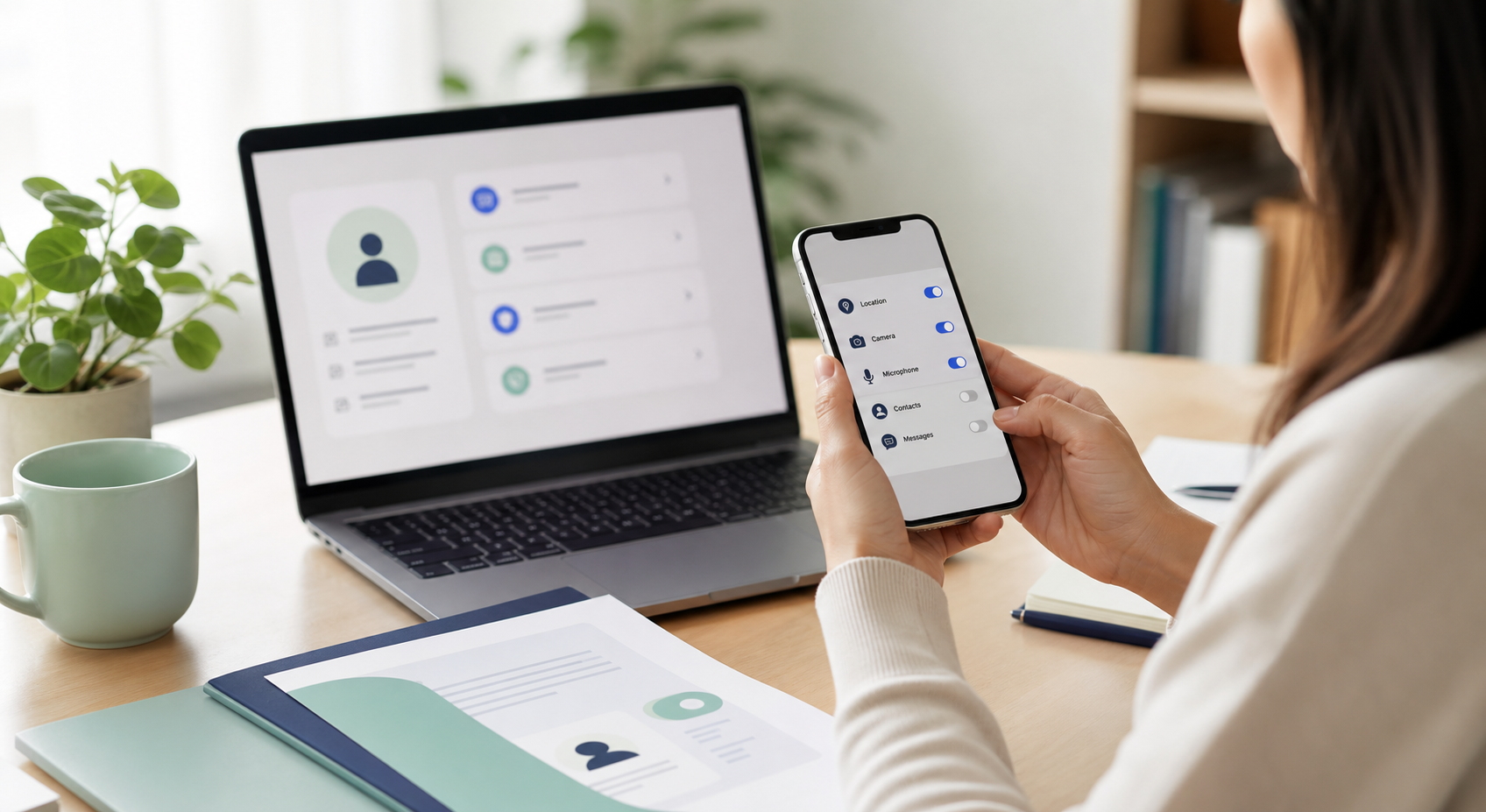
A permission audit means looking at what can see your data, not just whether you recognize the app name. Pay extra attention to tools that can read email, files, browser tabs, location, contacts, photos, microphone, camera, calendar, or payment data.
- Remove apps and extensions you no longer use.
- Turn off permissions that are not needed for the tool’s main job.
- Check connected apps inside Google, Apple, Microsoft, Facebook, and payment accounts.
- Be cautious with AI tools that ask for full browser, email, document, or cloud-drive access.
The public exposure audit
Public exposure is information someone can use to impersonate, pressure, or target you. You do not need to erase every public mention. Focus on details that make scams easier: personal phone numbers, home address, family relationships, school details, routine locations, and recovery clues.
- Search your name plus city, phone number, and email address.
- Review social profiles as if you were a stranger trying to guess recovery answers.
- Remove or limit old public posts that reveal routines or family details.
- Start data broker removal with listings that expose address, relatives, age, and phone number.
When identity protection becomes incident response
If sensitive personal information may already be in use, stop treating the problem like a privacy cleanup. Move into response mode. Document what happened, secure email and financial accounts, contact affected providers, consider credit freezes or fraud alerts when financial identity risk is involved, and use IdentityTheft.gov for a recovery plan.
- Use a credit freeze or fraud alert when the risk involves credit, loans, or new-account fraud.
- Contact the provider directly when a bank, payment app, phone account, tax account, or benefit account is involved.
- Save notices, account alerts, messages, phone numbers, transaction IDs, and screenshots.
- Keep a simple timeline of what happened and what you changed.
Household privacy checks
Privacy is rarely one-person work. Shared devices, family plans, school apps, smart speakers, photo libraries, and shared cloud folders can expose more than one person at a time. Review who can see location, purchases, calendars, documents, saved passwords, and smart-home controls.
- Check location sharing for phones, family accounts, maps, tags, and photos.
- Review shared albums, shared drives, family payment methods, and old household devices.
- Remove former partners, roommates, contractors, or old caregivers from accounts they no longer need.
- Teach kids and relatives to verify urgent money, password, and code requests through a separate channel.
Latest on this topic

Get the field guide in your inbox
Get practical cyber and AI safety checklists when new resources go live. No popup, no pressure, just the next useful thing.