
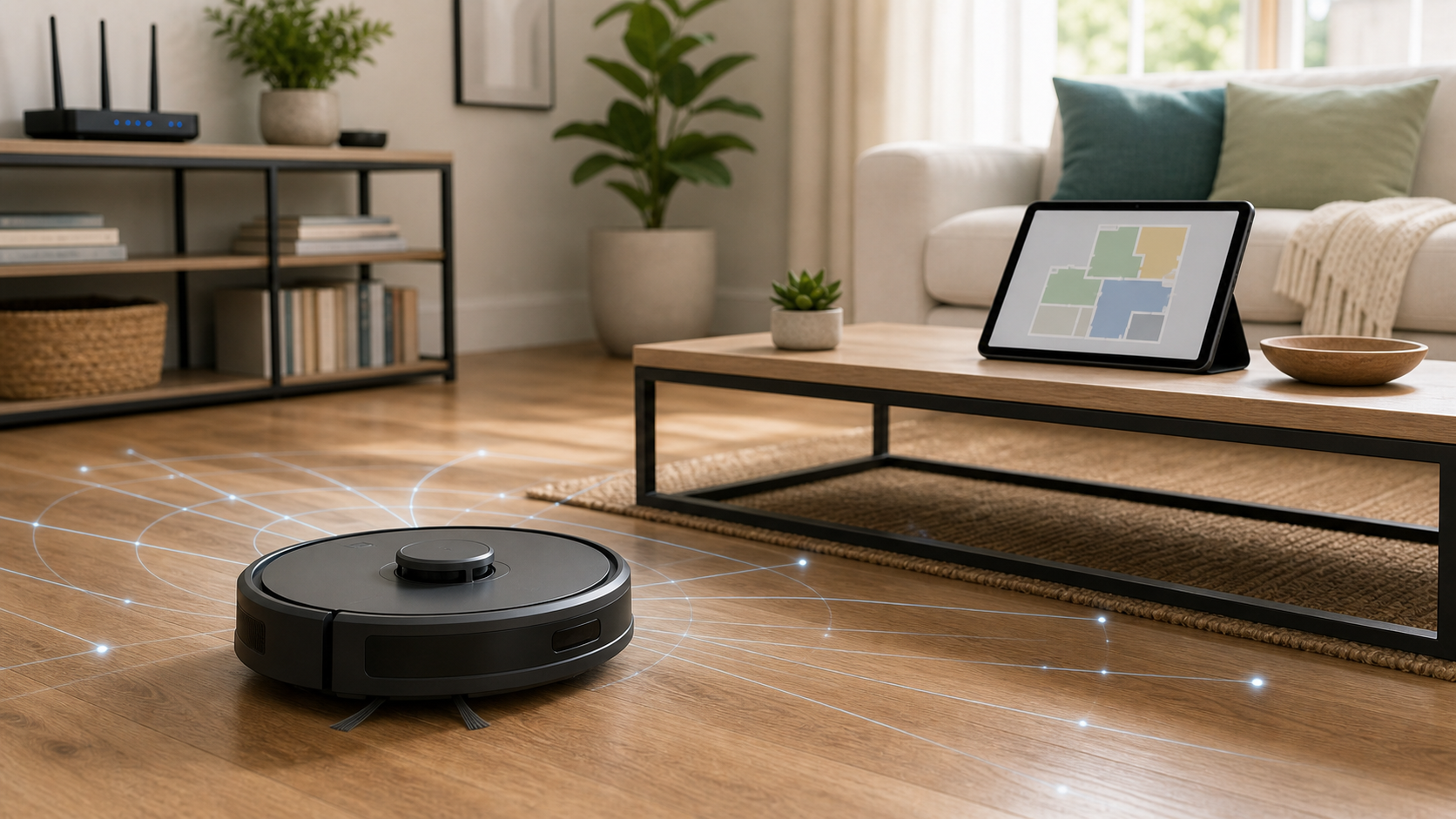
A robot vacuum looks like one of the least dramatic smart devices in the house. It bumps under chairs, gets stuck on cords, complains about socks, and quietly makes the floor a little less gritty. But the most useful models can also be mobile mapping devices. They may learn room layouts, recognize obstacles, save cleaning history, or offer remote viewing through a household account.
The buying decision therefore involves more than suction power, mop pads, and whether the dock empties itself. Ask what the robot vacuum needs to know, where its data goes, who can access it, and whether the extra convenience is useful enough to justify those choices. You can keep helpful cleaning features while declining optional data uses you do not need.
Key Takeaways
- A saved home map can reveal layout and room labels. Cleaning history may suggest routines, but a scheduled run does not prove that someone is home or away.
- Camera, microphone, remote-viewing, map-storage, and image-sharing features vary by exact model and app. A LiDAR label does not establish that the product has no camera or cloud features.
- No-go zones control cleaning routes. They should not be treated as a guaranteed boundary for sensor collection, stored maps, or cloud data.
- Check account access, app permissions, software support, and the actual data controls separately. A guest network does not stop permitted internet communication.
- Basic offline cleaning may be sufficient, but confirm what your model can do without an account or connection before relying on it.
- Before transfer, follow the official reset and unlinking order. A hardware reset, removal from an app, cloud-data deletion, and whole-account deletion can have different effects.
Start With These Robot Vacuum Checks
If you already own a robot vacuum, start in the app before the next routine cleaning cycle:
- Review saved maps and shared access. Remove obsolete maps or users through supported controls, and use room labels that reveal no more than the cleaning task requires.
- Check remote viewing, obstacle-image review, image contribution, microphones, and assistant links separately. Do not assume one opt-out disables every camera-related function.
- Use a unique account password and enable stronger sign-in protection if supported. Secure the email account that can reset it.
- Check official software updates for the robot vacuum, dock, and app. Find the model-specific instructions for offline operation and eventual transfer.
- If there is credible unauthorized access, stop the device safely and contain the affected account. Disconnecting the robot vacuum does not revoke another person's cloud session.
The rest of this guide explains the limits behind those steps. It also helps buyers distinguish features they will use from data collection accepted only because the setup screen suggested it.
Why Home Maps Deserve a Privacy Decision
A map in a robot vacuum app can look harmless: a kitchen, hallway, living room, and bedrooms drawn as simple shapes. Its meaning changes when you add room names, cleaning records, an identifiable account, and access from other household phones. A generic outline may reveal little on its own; a detailed labeled map linked to a person is a different kind of record.
The FTC's 2015 Internet of Things report announcement recommended security by design, appropriate access controls, patching, and data minimization for connected consumer products. That is historical guidance, not a finding that every current robot vacuum violates those principles. It remains a useful question for buyers: does this product collect only what its useful features require?
Room labels add information that the sensors may not know. “Bedroom 1” is less personal than a child's name. Labels referring to medication, a safe, or confidential work can make a simple layout more revealing. Use ordinary functional names when the app needs names at all. Avoid adding private details merely to make voice commands more elaborate.
Cleaning history can also suggest habits. A weekday run might coincide with a work schedule, or it might run while someone works from home. A skipped room might be occupied, cluttered, inaccessible, or simply excluded from that day's job. These are possible inferences rather than proof of presence, absence, or what happens in a room. The privacy concern is the accumulated context, not a claim that a cleaning log reliably reports household activity.
Keep the map useful without treating every available label or log as necessary. If advanced mapping solves a real problem, manage it deliberately. If a simpler robot vacuum can do the job with fewer saved details, that can be a reasonable tradeoff. The Home Network and Device Security hub places this decision alongside the household's other connected equipment.
What a Robot Vacuum and Its App Can Collect
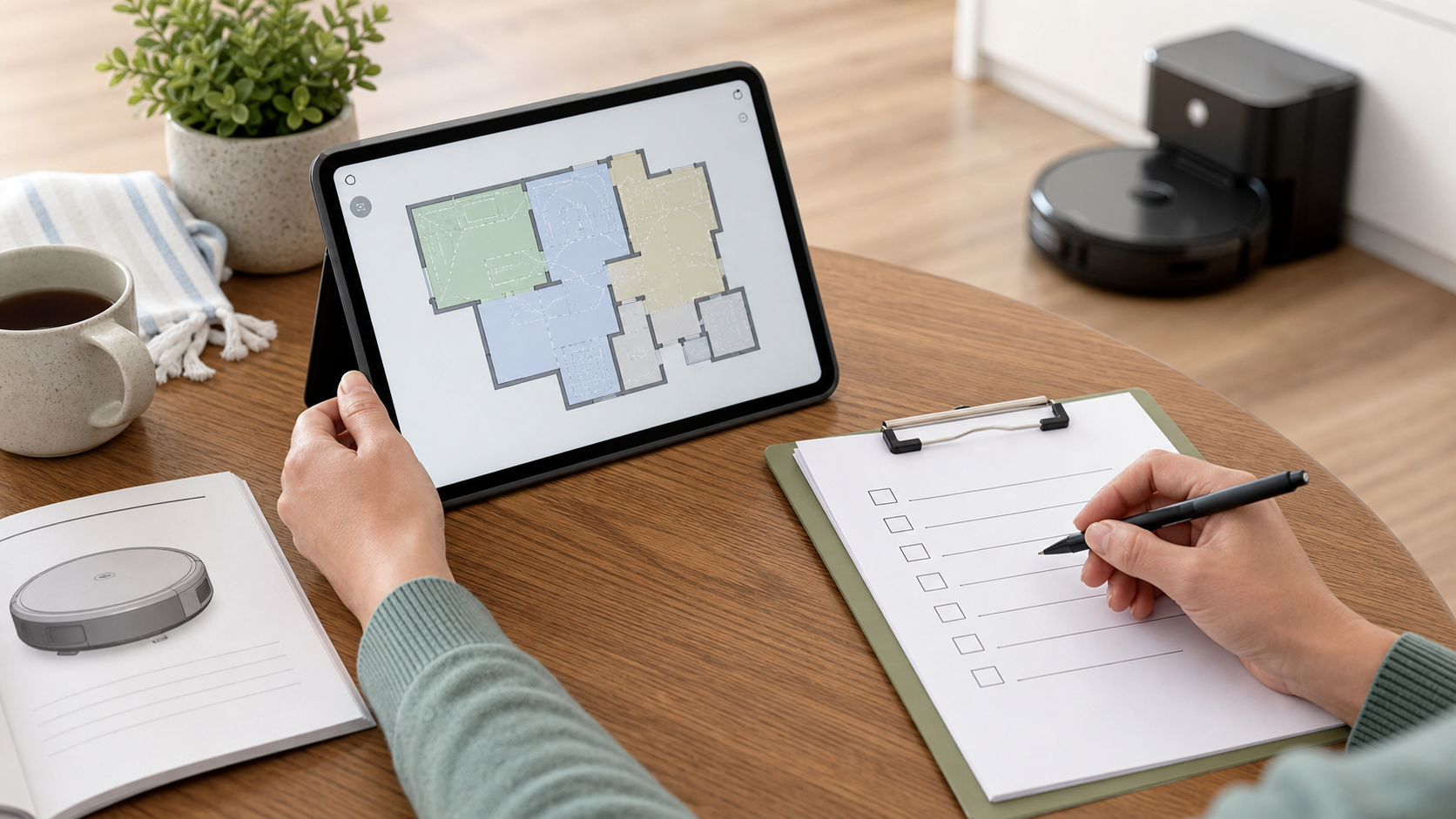
Read the feature list as a set of data questions. Mapping, obstacle recognition, remote start, live viewing, and voice control do different jobs. A product can combine them, and two models from the same company may offer different controls.
iRobot's privacy policy gives a concrete vendor example. It describes account and device information, mission details, movement, floor plans and room names, objects, and other environmental information, depending on the product. It also describes choices about map transmission and certain obstacle-image uses. This is iRobot's account of its services, not an inventory of every manufacturer or a test of each feature on your device. Check the policy together with the exact model's support material.
Maps, room labels, and cleaning history
A mapping robot vacuum may support room selection, multiple floors, map editing, no-go zones, and cleaning zones. Those functions can make cleaning substantially more useful. They may also leave information in the robot, app, account, or more than one place. Check which copies a deletion control covers instead of assuming that removing a room from the displayed map erases every related record.
No-go zones deserve a careful distinction. Their purpose is to keep the cleaner out of a selected area. The boundary on the app is not necessarily a privacy boundary for a camera, other sensor, previously saved map, or cloud record. A sensor may observe across an area the robot does not enter, and changing a route does not erase data already collected. If a room must stay outside the device's reach, use a physical access boundary where appropriate and verify the model's behavior. Do not promise that a drawn rectangle prevents every kind of sensing.
Mission logs can be useful when you need to understand a failed clean or maintenance problem. Keep the history that helps you, and use deletion or retention controls where offered for material you no longer need. Ask whether the app's displayed history is the same as the provider's retained records. The policy's data-retention explanation matters when the distinction is unclear.
Cameras, other sensors, and remote features
LiDAR, cameras, structured light, and other sensors can appear in the same product. A LiDAR navigation claim does not tell you that the robot vacuum has no camera, microphone, image-upload path, or cloud account. Inspect the complete sensor and feature list. Distinguish obstacle detection from live viewing and from contributing images to improve a vendor's systems.
iRobot's Obstacle Image Review instructions illustrate why that distinction matters. They describe encrypted images sent to servers for the owner's review, separately from contributing images to an improvement database. Declining contribution therefore should not be described as proving that no image leaves the robot vacuum. The same support material also identifies model differences, including camera-based obstacle detection that cannot be disabled on certain models. Use the instructions applicable to your hardware, app, and region rather than assuming every camera function has an off switch.
If a model offers remote viewing, consider who can use it, how access is protected, what indicators appear, and whether it can be disabled. If the feature is absent, do not assume the navigation camera provides live viewing. Likewise, a speaker for ordinary prompts and a two-way remote audio feature are different capabilities. Buy the functions you need; if a required sensing feature conflicts with your household's privacy needs, another model may be the better choice.
App permissions, accounts, and integrations
The phone app is a separate part of the robot vacuum system. It can have its own account information, device identifiers, permissions, usage data, and connected services. The FTC's guide to how websites and apps collect information explains app tracking and privacy controls more broadly. A cleaning app does not become exempt from those questions because it controls an appliance.
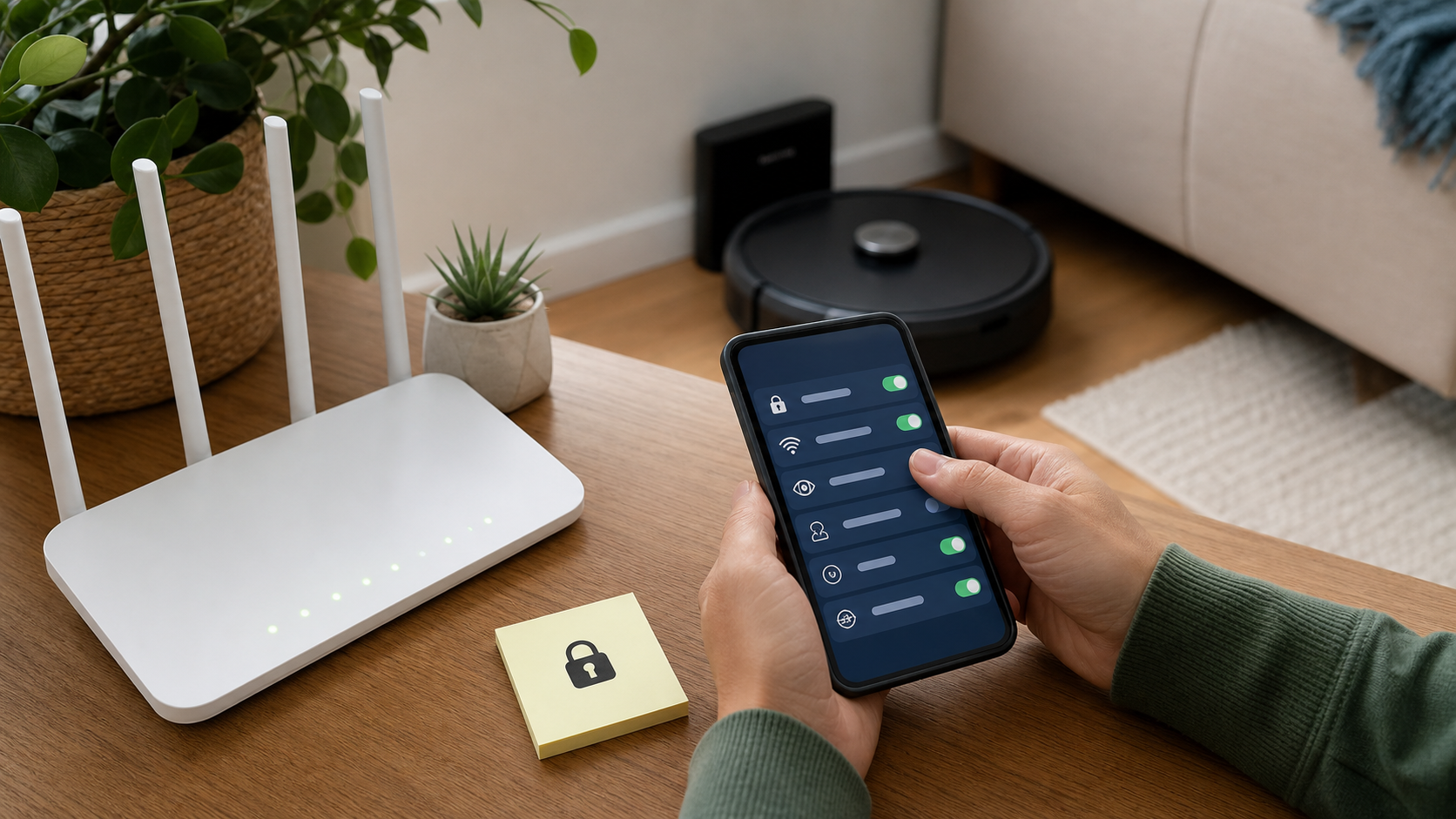
Review permissions in relation to a feature. Bluetooth or local-network access may be needed for setup or local discovery; a notification permission may support maintenance alerts. Granting access for one purpose does not mean every permission is always needed. Check what stops working when you withdraw an optional permission, and follow official instructions if a required setup function fails.
A phone permission is not the robot vacuum's network connection. Apple's local-network permission explanation also notes that an app can still use the internet when that local permission is off. Denying the app local-network access does not establish that the vacuum itself is offline or unable to contact a cloud service. Similarly, unlinking an assistant does not necessarily remove shared household users or other active app sessions. Track these as separate access paths and remove the ones no longer needed.
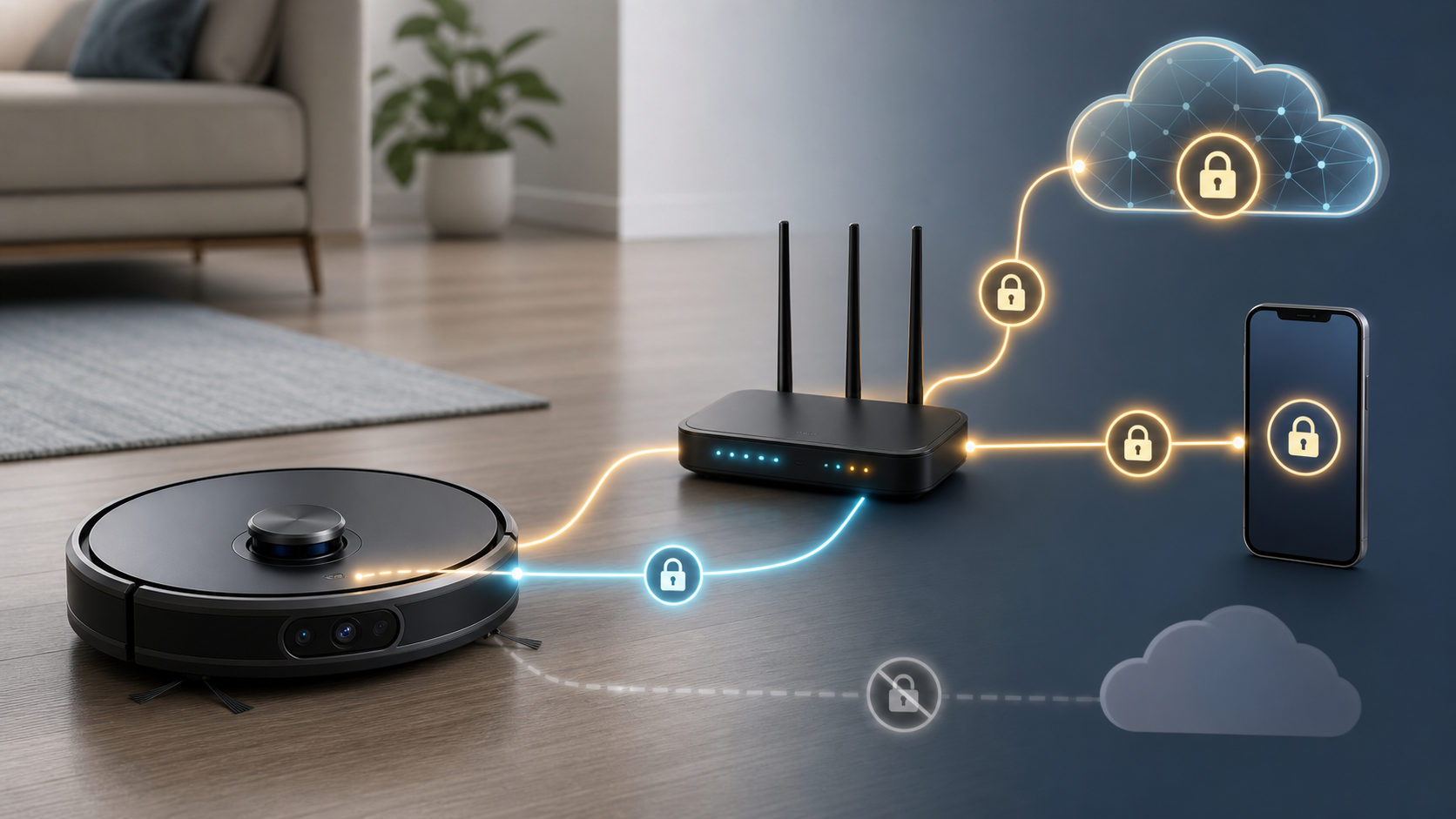
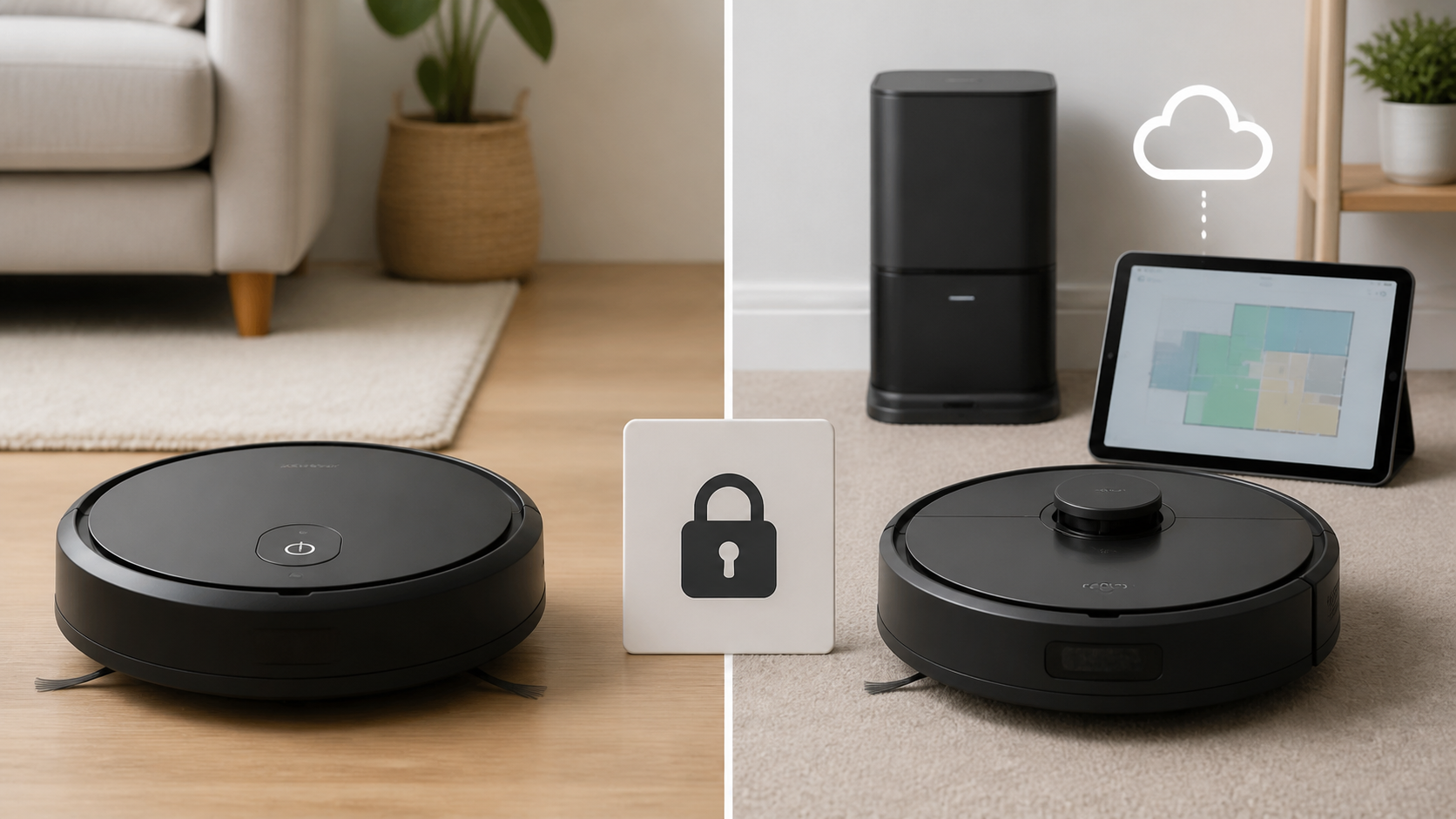
The lock symbols in the illustration below represent protected data paths conceptually. They do not certify the product shown, establish who can read stored data, or show that every connection uses encryption that excludes the provider. Account access, encryption during transmission, and storage controls need their own evidence.
Local Cleaning and Cloud Convenience Are Different Features
A useful question is what remains available when the robot vacuum is disconnected. iRobot's official Home app information describes basic cleaning without the app, while model features and service arrangements vary. Do not treat “without the app” as proof of every offline or account-free capability. Confirm the exact manual's physical-button, initial-setup, room-selection, map, scheduling, and update requirements before disconnecting a device you rely on for accessibility or regular cleaning.
Cloud features can be valuable. Starting a missed clean while away, choosing one room, reviewing a failed mission, or getting a maintenance alert may solve real household problems. Those features do not all require the same data, and a vendor may offer separate choices for map transmission, imagery, or improvement programs. Avoid assuming that every cloud feature necessarily uploads every map or image.
Encrypted communication is important, but its meaning needs care. A research paper published in 2024 studied one Roomba i7, with traffic observations in Oslo and a second Norwegian test environment in Drammen. It classified selected activity events from captured encrypted network traffic. Its method describes TLS connections to the service; that should not be represented as proof that the provider cannot access the underlying data. The observer needed network capture, and the study did not demonstrate recovery of a detailed home map or reliably establish whether residents were away. Encryption, traffic patterns, and account access answer different questions.
If remote room cleaning saves effort every week, keep the feature and protect the associated account. If the app exists only because setup pushed it, find out whether ordinary button-operated cleaning meets your needs. Keeping the robot vacuum offline may reduce that device's online transmissions while disconnected; it does not erase retained maps, clean the cloud account, or provide an update plan by itself.
Buying Questions Before Choosing a Mapping Model
Start with the robot vacuum's cleaning job. A small open apartment and a multi-floor home with pet obstacles may justify different features. Accessibility needs also matter: app control may be a useful accommodation rather than a luxury. Choose a robot vacuum around that actual task, then examine the data and support required for it.
Ask the vendor or consult official documentation for these answers:
- Offline function: Can this exact model perform the cleaning you need without Wi-Fi or an account, including after initial setup?
- Maps and images: Which data stays on the device, which can reach the service, and which optional uses can be declined?
- Account access: Are separate household users, stronger sign-in protection, device/session review, or access revocation available?
- Support: Where are security updates and notices published, and is there a stated support period for the model?
- Transfer: What reset, unlinking, and data-deletion sequence removes this device's records without disrupting other household products?
NIST's IoT Device Cybersecurity Capability Core Baseline is written as a starting point for assessing device capabilities. It is not a certification of a robot vacuum. It helps explain why secure configuration, support, and control of device data belong in the buying decision alongside suction and battery life.
A feature page that does not answer these questions is a reason to inspect the manual and support pages, rather than to assume the best or worst. If the vendor cannot explain a feature you would depend on, include that uncertainty in the purchase decision. The Smart Home Security Checklist helps compare those questions across other connected household products.
Settings That Make a Robot Vacuum Fit Your Household
Begin with account access. Use a unique password and enable the stronger sign-in protection actually offered by the service. Protect the linked email account because it may be used for recovery. Prefer separate authorized household access where supported, and remove users or integrations when they no longer need the robot vacuum. Do not assume deleting an app from an old phone revokes the account session that phone held.
Review saved maps for old homes, unused floors, and obsolete layouts. Use supported deletion controls for maps you no longer need and avoid sensitive personal labels. If you want to stop mapping a room, check both the physical access arrangement and what existing data remains. A new no-go zone does not retroactively remove that room from every stored copy.
Separate image review from contribution programs and remote viewing. Read the explanation of each setting; turn off optional functions that do not serve a current need. If obstacle recognition is built into a model and cannot be disabled, do not conceal its sensors or assume an unsupported workaround is safe. Decide whether that fixed feature is acceptable for the rooms where the robot vacuum operates.
Keep the robot vacuum, app, dock, and router updated as their manufacturers support them. A disconnected device may need a planned supported update method or intentional update checks. Installing one update before going offline does not settle maintenance for the rest of its life. Use official downloads and model-specific instructions rather than similarly named third-party apps or firmware.
The FTC's home Wi-Fi security guidance supports strong distinct administrative and Wi-Fi credentials, WPA3 or WPA2 encryption, updates, and review of risky convenience settings. A separately credentialed guest or IoT network can limit local access if your router actually enforces isolation. It does not block the permitted internet traffic on which app or cloud functions depend, and it is not a remedy for a compromised cloud account.
Check the setup and control functions you need before changing network placement. Some devices require local communication with a phone during setup or normal use. Use a supported arrangement for those functions instead of broadly exposing the trusted network to make the robot vacuum work. The Home Router Security Checklist can help with the wider network configuration.
Families, Roommates, Renters, and Guests Share the Decision
A home map describes shared space. The person who bought the robot vacuum may not be the only person whose room, belongings, routine, or image could be involved. Discuss where the robot vacuum operates, which remote features are available, and who has app access. Make room labels and any camera-related choices understandable to the people affected.
In a family home, avoid adding children's names or sensitive details to maps. Keep private rooms physically inaccessible to the cleaner when that is the household's decision, and account for sensors that can observe beyond a route boundary. A label or no-go zone is a useful cleaning control, not a promise of confidential space.
In shared housing, remove access when someone moves out and agree on who can add users or integrations. Do not assume everyone is comfortable with remote viewing because they agreed to automated cleaning. In guest accommodation, explain relevant features and avoid an active mobile camera in private guest areas without an appropriate, understood arrangement.
Where there are stalking, domestic abuse, or other personal-safety concerns, consider whether changing access will alert another person or escalate the situation. Prioritize a safe device and trusted support for planning. Routine account cleanup advice may need adapting when the person with access is someone in the household.
When a Simpler Robot Vacuum Is the Better Fit
Mapping can save time, but a simpler robot vacuum may solve the actual job. If you need ordinary whole-floor cleaning and do not need room selection, remote viewing, or elaborate schedules, check models that offer that narrower function with fewer account requirements. Compare actual documentation rather than treating a low price or lack of one sensor as proof of privacy.
There are tradeoffs. Basic navigation may be less efficient for the layout or require more assistance with clutter. A household that needs room-by-room cleaning or reliable obstacle handling may reasonably prefer advanced features. The privacy decision is to choose the useful capabilities, understand their data paths, and decline optional uses that add little value.
Before changing a working setup, verify what you will lose offline. A physical button may start cleaning while saved zones or remote controls become unavailable. If those functions protect fragile belongings, support accessibility, or avoid specific hazards, preserve a safe cleaning arrangement. The least connected robot vacuum is only a useful choice if it can still do the household's job safely.
If the Robot Vacuum Behaves Strangely or Someone Accessed It
Unexpected movement, a missed room, a changed path, or an ordinary spoken prompt does not by itself prove intrusion. Check schedules, shared-household use, navigation problems, and official troubleshooting. Stronger concerns include a verified unknown account user, unauthorized remote viewing, threatening speech through a remote feature, changed recovery details, or a sign-in nobody recognizes.
In October 2024, ABC News reported owners' accounts of unauthorized Ecovacs Deebot X2 use, including disturbing misuse of remote audio and control. In its October 2024 response, Ecovacs attributed the incident to credential stuffing and said an earlier PIN-bypass issue had been resolved, with an update planned. Those are dated owner reports and the company's explanation, rather than our finding that one cause explains every incident or every current model is secure. They support taking remote-account security seriously without treating all unusual navigation as intrusion.
If there is credible unauthorized control, stop the robot vacuum safely and disconnect or power it down as its instructions allow. From a trusted phone or computer, use the vendor's official account-recovery process. Replace reused or compromised credentials, review recovery information, and revoke unknown users, sessions, and integrations where supported. If the service does not expose full session controls, ask support how to end existing access. Do not assume a password change, app removal, or network disconnection independently revokes every token or cloud session.
Secure the linked email account if there are signs it was accessed or its credentials were reused. Enable stronger sign-in protection where available. If a phone containing the app was lost or compromised, address that device and its wider account access too. Keep the robot vacuum disconnected while unauthorized control remains unresolved, rather than returning it online after only changing the Wi-Fi password.
Preserve useful account notices, support messages, timestamps, and evidence of actual unauthorized activity when safe to do so. Do not leave an actively misused camera or device running while collecting a perfect record. Contact official vendor support about known issues, updates, account recovery, and session revocation. Threats, stalking, or immediate personal danger may also require trusted personal-safety help or law enforcement appropriate to the situation.
Before Selling, Gifting, or Recycling a Robot Vacuum
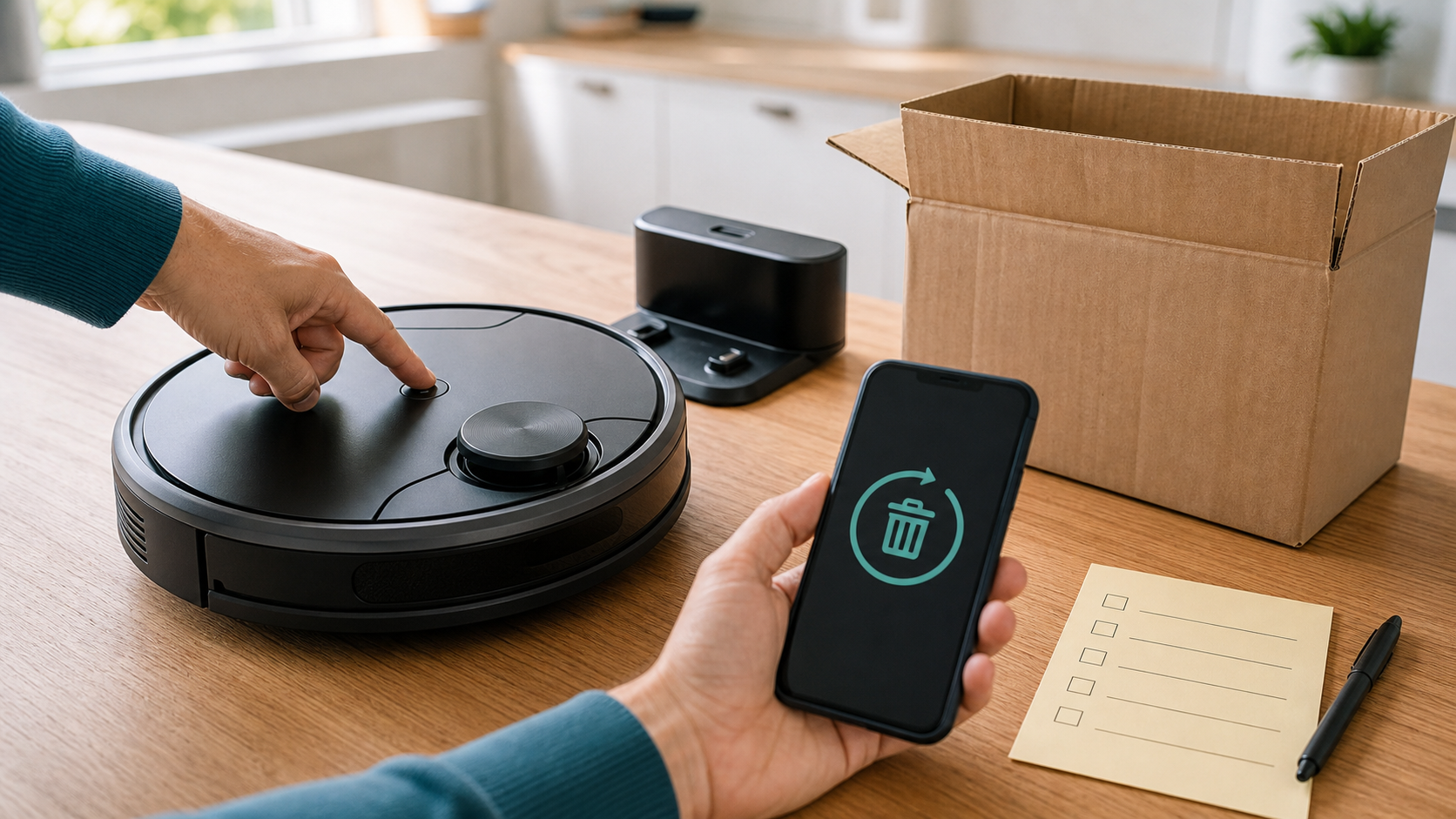
Find the robot vacuum's model-specific transfer instructions before deleting the account or removing access you still need to perform the wipe. Device reset, app removal, cloud-data deletion, and whole-account closure can be separate operations. Their order matters, and a physical reset button should not automatically be treated as a complete cloud cleanup.
iRobot's official factory-reset instructions provide a concrete example. They distinguish an app-initiated reset, which removes or disassociates saved cloud data as described there, from a manual button reset that leaves cloud data, app data, and account associations intact. The instructions also distinguish older app/model map-preservation options from newer procedures. Use the branch for your model and do not choose to retain household maps when preparing the robot vacuum for a new owner.
Review and delete unneeded maps, labels, images, history, and routines through the supported controls while the required app access remains available. Revoke integrations and shared access that should not survive transfer. Follow the official reset and unlinking sequence for the robot and any separately managed dock or base station. Do not invent a second reset procedure for hardware whose instructions do not require one.
Then confirm the relevant outcome: local setup is cleared, the device no longer remains authorized to your household account as the vendor specifies, and the buyer will configure it under their own access. A successful local reset is not proof that every historical provider record was deleted. If cloud-data deletion is also needed, use the appropriate data controls or request process and retain its stated limits.
iRobot's account-deletion guidance says to reset first, then request account deletion; deleting the account removes app authentication. That is a vendor-specific example of why sequence matters. Do not close a whole family account merely to sell one robot vacuum if other devices or services still depend on it. Choose device-specific removal where it meets the goal, and make any broader account-deletion decision separately.
If broken hardware cannot complete the supported wipe, ask official support about the available reset and account-revocation options. State what remains uncertain rather than assuming that failure to power on makes stored data inaccessible. Keep external media or accessories you are retaining, and give the next owner clear setup instructions without handing over your household credentials.
Read the Policy for the Decisions You Need to Make
Search for maps, floor plans, images, object recognition, microphones, sharing, retention, and deletion. Then match the policy's broad language with the exact model's feature documentation. A statement that the company may process images does not tell you which camera functions your robot vacuum has, and an optional contribution program does not define all storage or transmission.
Look for distinctions between collecting data to provide a feature, showing it privately to the owner, contributing it to an improvement program, and sharing it with another service. Ask which choice changes each use. Check whether a deletion control covers one displayed map, account-linked copies, or a broader request with retention exceptions. If the explanation does not answer a feature you intend to use, ask support before accepting it as a privacy guarantee.
Keep a short record of the functions you chose and how to remove access later. Revisit the relevant choices when you move, change household users, add an assistant, enable a camera feature, or transfer the robot vacuum. You do not need to repeat an entire account review after every clean; respond to meaningful changes in access and function.
Conclusion
A robot vacuum can reduce chores and make regular cleaning easier. A map, account, or remote feature can also reveal more about shared space than its owner initially expects. The useful question is what data and access the cleaning job actually requires.
Choose the needed features, protect the account, keep labels restrained, and separate navigation controls from data controls. Confirm offline behavior for the exact model, maintain supported updates, and follow the correct reset and cloud-cleanup sequence before transfer. Where documentation is unclear, keep that uncertainty visible in the decision.
For practical smart-home and privacy checklists as devices change, subscribe to Quantum Cyber AI.
FAQ
Do robot vacuums store maps of your home?
Mapping models may keep floor plans, room labels, and related cleaning information on the device, in an app or account, or in more than one place. Check the exact model and current policy for storage, transmission, and deletion controls. Deleting a map from the visible app should not automatically be treated as deletion of every provider copy. Basic models and advanced models can differ substantially.
Is LiDAR automatically more private than a camera?
No single sensor label settles the question. A LiDAR robot vacuum may also contain cameras or other sensors, and it can still have cloud maps, an app, and remote features. Check the full hardware and feature list. A camera used for obstacle detection is also different from a live-view function or an image-contribution program. Compare the actual data handling and controls rather than assuming one technology guarantees privacy.
Can a robot vacuum work without Wi-Fi?
Some models offer basic button-operated cleaning while other functions depend on an app, account, or connection. Verify the exact manual, including initial setup and the availability of saved maps, zones, schedules, and updates. If a feature is important for accessibility or safe cleaning, check it before disconnecting. Offline use reduces online activity while disconnected but does not erase existing local or cloud data.
Do no-go zones keep a room's information private?
Treat them as cleaning-route controls. They do not necessarily stop a sensor observing beyond the route, remove an existing map, or delete information already transmitted. Use an appropriate physical access boundary when a space should remain outside the device's operation, and read the model's sensing and data controls separately. Generic room names can reduce unnecessary detail but do not make a map anonymous.
What should I turn off first in the app?
Review unused remote viewing, assistant links, image-review or contribution programs, and shared access, using the controls actually supplied. They may be separate choices, and some built-in obstacle-detection functions cannot be disabled. Check permissions on each authorized phone and protect the account with a unique password and stronger sign-in protection where available. Removing a phone permission alone does not disconnect the robot vacuum from the internet.
What should I do before selling a used robot vacuum?
Read the model's official transfer/reset instructions while you still have the access needed to complete them. Clear the relevant local and cloud data through supported controls, perform the appropriate reset, and remove the device's household authorization as directed. A manual button reset may leave cloud records intact. Do not delete a whole household account merely to transfer one device, and distinguish confirmed cleanup from records whose deletion remains uncertain.