
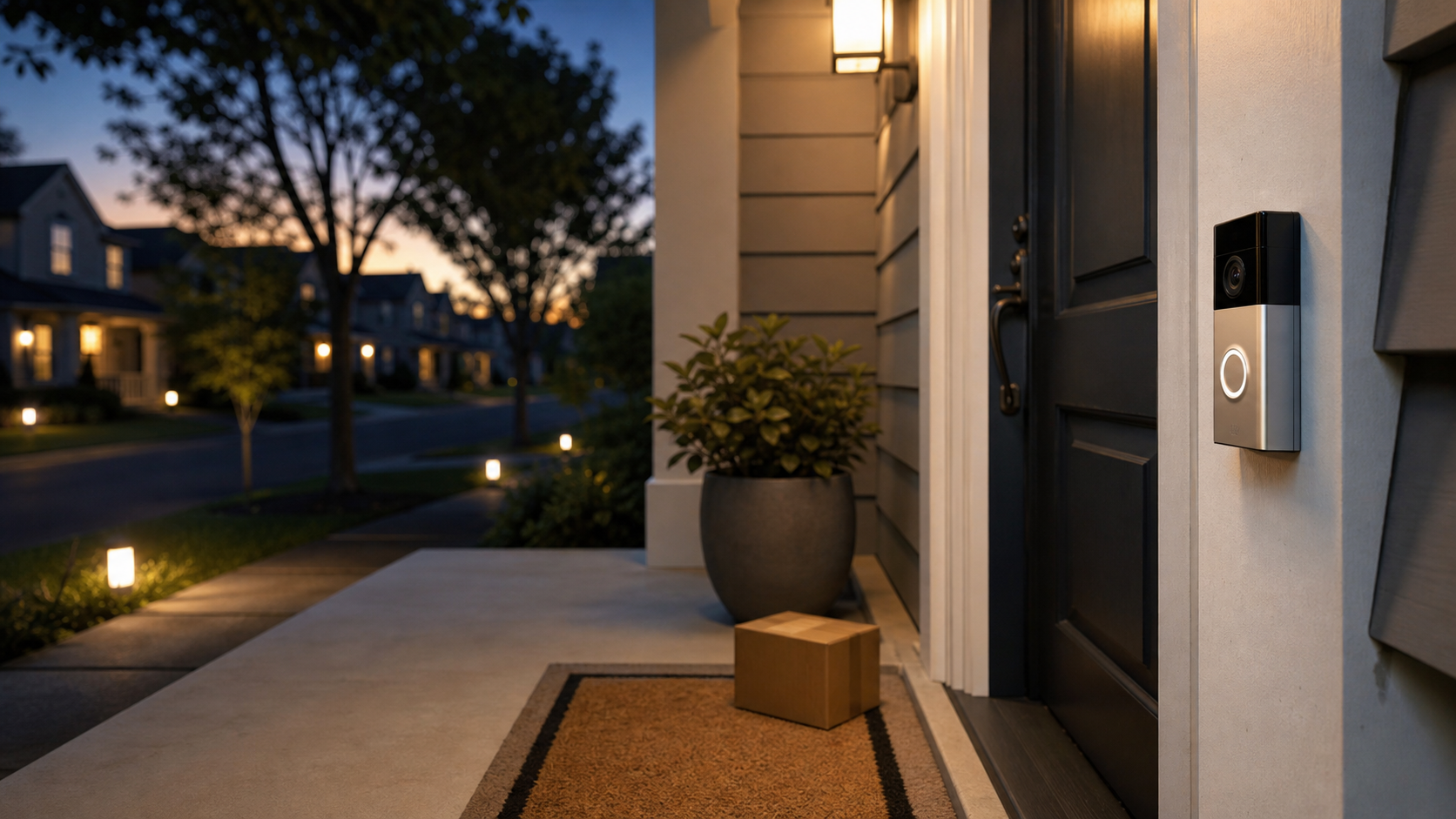
A smart doorbell can be genuinely useful. It can show you when a package arrives, help you talk to a delivery driver, record a porch theft, or let an older relative answer the door without getting up. But it is also a camera, microphone, cloud account, neighborhood sensor, and possible evidence source mounted at the edge of your home.
That means the doorbell buying decision is bigger than picture quality or battery life. Before you install one, ask who can see the footage, where it is stored, how long it stays there, what happens if police ask for it, and whether you can narrow the camera’s view enough to respect the people around you.
This is not an argument that every smart doorbell is a bad idea. It is a practical checklist for choosing and setting one up with your eyes open.
Key Takeaways
- A smart doorbell creates evidence, not just alerts.
- Police access can happen through voluntary sharing, legal process, emergency requests, or platform-specific request tools.
- Cloud storage is convenient, but it raises retention, account security, company access, and legal-request questions.
- Local storage and end-to-end encryption can reduce exposure, but they may remove some smart features.
- Before buying, check recording retention, deletion controls, encryption options, account security, public-safety request settings, and audio controls.
- If police ask for footage, pause and clarify whether the request is voluntary, what time range is needed, and whether legal process exists.
Smart Doorbells Create Evidence, Not Just Alerts
A doorbell camera sits in a strange place. It is attached to your home, but much of what it records happens outside the home. It may capture a delivery driver, a neighbor walking a dog, a child crossing a shared hallway, a friend arriving late, a car passing by, or a conversation on the porch.
Ring’s current privacy notice says its products and services may collect captured and recorded content such as video, audio, live streams, images, comments, and environmental data, along with product setup information, device location, Wi-Fi signal, device model, software version, and account information. That is a lot of context for a device many people buy because they want to know whether a package arrived.
The important shift is mental. You are not only buying an alert system. You are creating a record that may be useful to you, useful to a neighbor, useful to a platform, useful to police, or sensitive in ways you did not expect when you installed it.
That record can be ordinary and still revealing. A clip may show when a teenager leaves for school, when a caregiver arrives, whether someone lives alone, which entrance a tenant uses, whether a package sat out for hours, or who regularly visits. In a quiet household, that may feel harmless. In a household dealing with stalking, domestic abuse, custody issues, immigration concerns, workplace conflict, or a tense neighbor relationship, the same footage may carry more risk.
Before buying, define the doorbell job. Are you trying to catch package theft? Do you want to talk to visitors when you are away? Are you monitoring an elderly parent’s front step? Are you hoping to deter trespassing? Are you replacing a traditional peephole? Each goal points to different settings. A package alert may need a narrow camera view and no audio. Visitor screening may need two-way talk. General neighborhood recording may capture far more than you need.
For a broader setup checklist after you choose a device, use the Smart Home Security Checklist as a companion. The safest doorbell is not just the one with the best camera. It is the one you configure with the smallest useful recording area, the fewest unnecessary features, and the strongest account controls.
How Police Access Usually Happens
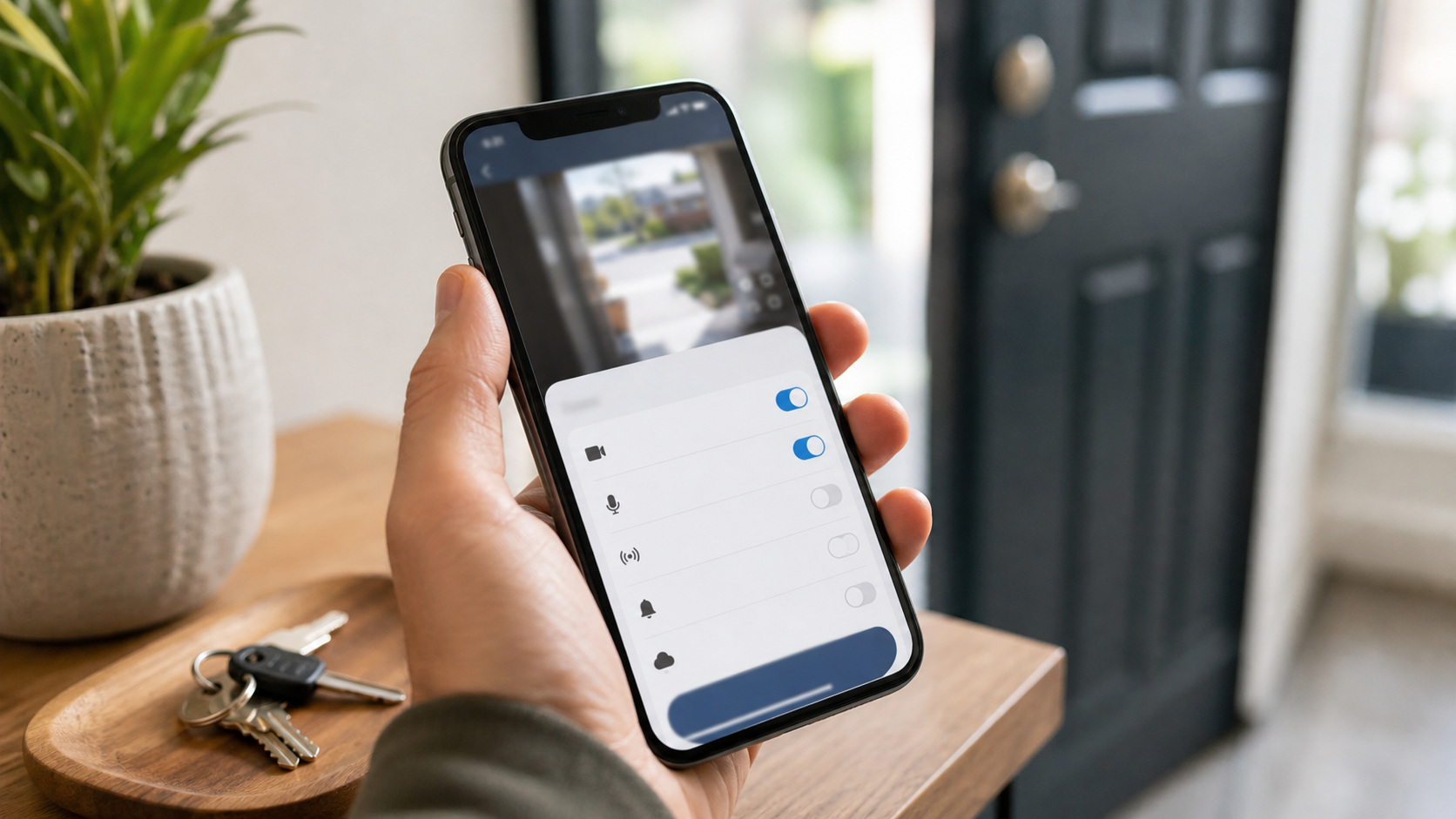
Police access is not one single thing. It can mean an officer asks you directly for a clip. It can mean an app shows a request from a local public-safety agency. It can mean a company receives legal process. It can mean an emergency request. Those paths are different, and the differences matter.
In January 2024, the Associated Press reported that Ring would stop allowing police departments to request doorbell footage through its Request for Assistance tool inside the Neighbors app. The same report noted that police could still access videos using a search warrant and that Ring retained limited rights to share footage without user consent in certain circumstances.
That history matters because many people heard “Ring stopped police requests” and took it to mean “police access is no longer an issue.” That is too simple. A removed feature can reduce one kind of casual request while other paths remain.
Voluntary sharing is the most direct path. An officer, detective, neighbor, property manager, or app request may ask whether you have footage from a certain time. You can choose to help. But voluntary does not mean trivial. Once you send a clip outside your account, you may lose control over who sees it next, how long it is kept, whether it becomes part of a case file, or whether unrelated people in the clip are affected.
App-based request systems add another layer. In 2026, The Verge reported that Ring’s Community Requests lets local law enforcement agencies request footage from nearby Ring users during active investigations, that users can share or ignore the request, and that Ring said only the Axon partnership was live at the time of that report. The practical lesson is not that every request is improper. It is that buyers need to know whether their doorbell app includes public-safety request features and how to opt out if they do not want them.
Legal process is separate. A company may receive a warrant, subpoena, court order, or other lawful demand. Emergency requests may also exist under company policy. Your personal choice not to share voluntarily does not automatically prevent every other access path, especially if the footage exists in a cloud account and the provider can access it.
That is where doorbell storage and encryption matter. If footage is stored in a provider’s cloud without end-to-end encryption, the provider may be technically able to access and produce it under certain conditions. If video is stored locally or protected by end-to-end encryption in a way the provider cannot decrypt, the access picture changes. The tradeoff is that some smart features may be reduced or unavailable.
None of this means you should panic. It means you should treat police access as a product question before purchase, not as a surprise after the first request arrives.
What To Check Before You Buy
The best time to make a doorbell privacy decision is before the device is bolted next to your front door. Once it is installed, household members may get used to the convenience, subscriptions may start, and settings may be left at default because changing them feels annoying.
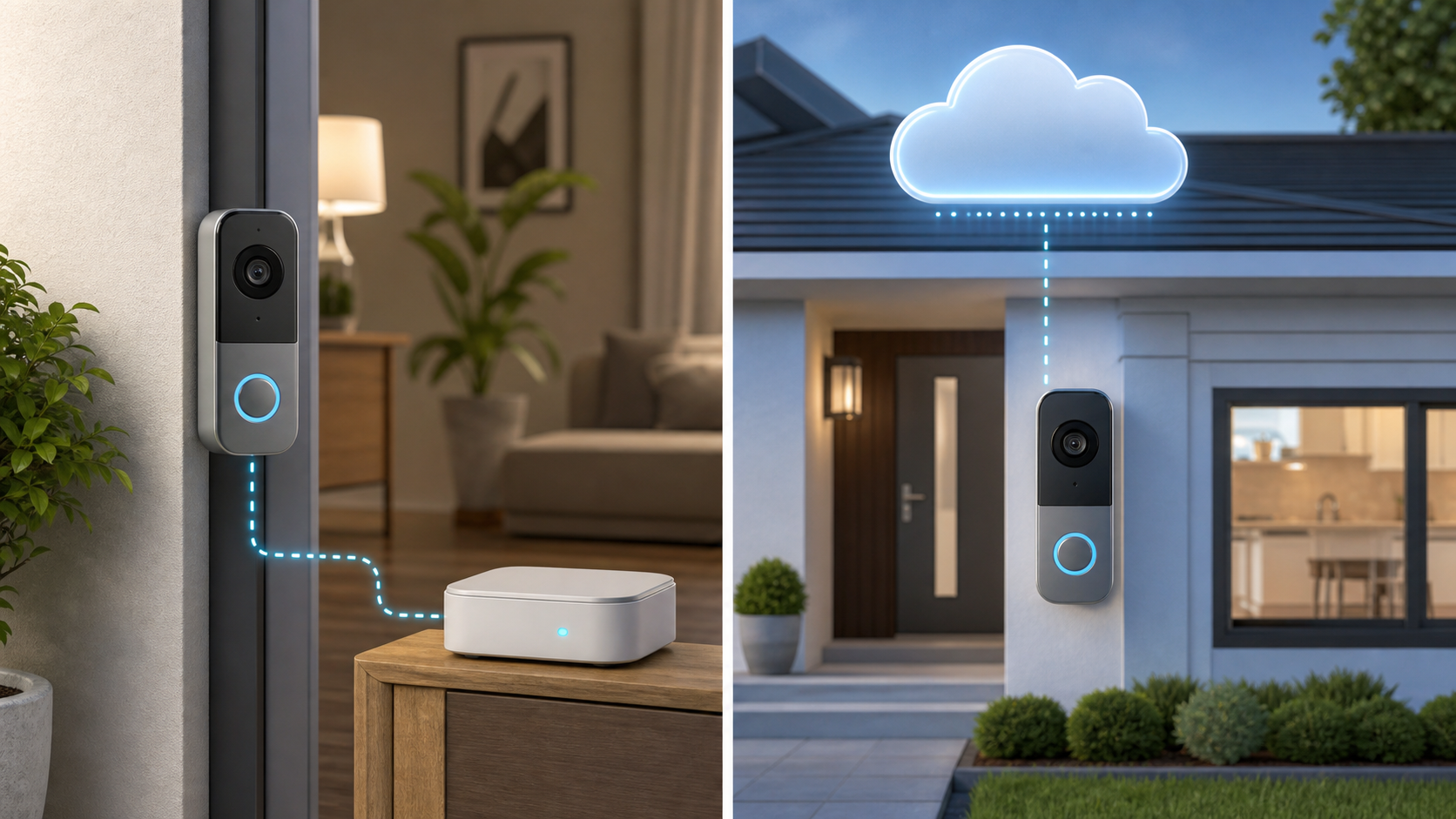
Start with doorbell storage. A cloud-first device sends recordings to company servers for storage, processing, sharing, and remote access. That can make the device easier to use. It can also mean retention periods, subscription tiers, legal requests, provider access, and account compromise become part of your privacy decision.
A local-first device stores video on the device, a memory card, a base station, or a server in your home. That can reduce cloud exposure, but it shifts responsibility to you. You need to think about backups, device theft, local network security, firmware updates, and who can access the local app or hub.
A hybrid model may use cloud storage with end-to-end encryption or local processing with optional cloud backup. The Verge’s privacy-focused doorbell guide breaks the market into cloud-first, local-first, and hybrid approaches, and explains that local storage is the cleaner choice for people who want to avoid cloud exposure, while end-to-end encrypted systems can preserve some cloud convenience with stronger access limits.
Next, ask whether end-to-end encryption is available, whether it is on by default, and what disappears when it is enabled. Some systems need cloud access for AI descriptions, face recognition, package detection, rich notification previews, natural-language search, smart event summaries, voice assistant displays, or quick sharing. If those features matter to you, be honest about the tradeoff. If privacy matters more, you may be happier with fewer smart features and stronger access control.
Then check retention. How long are clips kept by default? Is the period different by subscription tier? Can you shorten it? Can you delete individual recordings? What happens to clips shared to a community feed, another user, or a public-safety request? A short retention period can reduce exposure, but only if you understand where copies go.
Check doorbell public-safety settings. The labels may vary: Community Requests, public safety, Neighbors, law enforcement, agency requests, community feed, or evidence partner. Look for whether requests are opt-in or opt-out, whether ignored requests notify anyone, whether local agencies can send requests through the app, and whether the feature can be disabled entirely.
Check the physical fit. A doorbell that sees only your porch is different from one that records a shared hallway, neighbor’s front door, sidewalk, street, or apartment lobby. A wide field of view may help with package detection, but it may also capture people who are not interacting with your home. Audio is even more sensitive. It can capture conversations from people who never pressed the bell.
Use official product and plan pages to identify feature tradeoffs before you buy. Ring’s Battery Doorbell Plus page lists features such as head-to-toe video, Live View and Two-Way Talk, motion detection and alerts, customizable motion zones, and Control Center privacy settings. Ring’s Protect plan page shows that video playback, person, package, and vehicle alerts, Video Descriptions, and Familiar Faces depend on subscription tier. Read those pages as a checklist: which features require cloud processing, which require a plan, and which still work if you choose tighter privacy settings?
Finally, remember that a security label or brand claim is only one signal. It does not tell you whether your household wants police request prompts, audio recording, face features, or long cloud retention.
For camera-specific AI and cloud-processing tradeoffs, the earlier Quantum Cyber AI guide to home security cameras and AI privacy pairs well with this doorbell checklist.
Settings To Change After Installation
If you already bought the doorbell, do not leave the doorbell privacy decision at the default setup screen. The first 20 minutes after installation are when you can prevent most of the everyday problems.
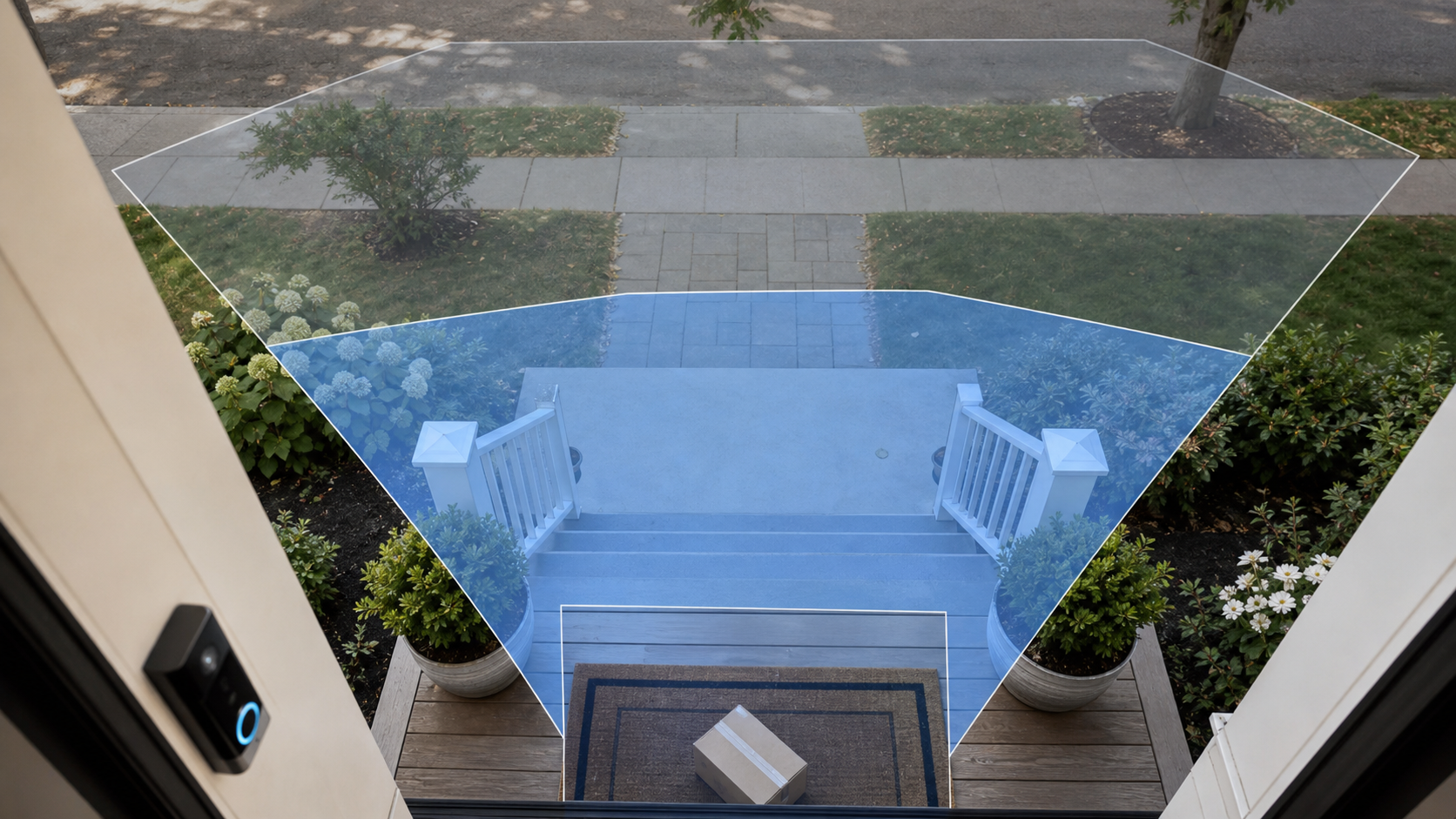
Start with motion zones. Draw the smallest zone that still solves your actual problem. If you want package alerts, aim at the porch, steps, or mat. If you want visitor alerts, cover the approach to the door. Try not to include the neighbor’s yard, apartment hallway, public sidewalk, parking spaces, or a shared building entrance unless there is a clear reason. Fewer irrelevant alerts also means fewer irrelevant recordings.
Next, decide whether audio recording is necessary. Audio can be useful for two-way talk, but continuous or event-based audio may capture private conversations that happen near your door. If your real goal is package detection, you may not need audio at all. If your goal is visitor screening, you may only need two-way talk when you open the app.
Review doorbell retention. If the app lets you shorten how long clips are stored, choose the shortest period that still fits your household’s needs. A clip kept for 180 days may feel convenient, but it is also a larger pile of video for account compromise, legal process, accidental sharing, or future misuse. Delete clips you no longer need, especially clips that show neighbors, children, visitors, license plates, or sensitive household routines.
Lock down the account. The FTC’s Ring enforcement announcement said hackers exploited Ring account vulnerabilities to access stored videos, live streams, account profiles, and camera controls for approximately 55,000 U.S. customers, and that Ring did not implement multifactor authentication until after earlier credential-stuffing attacks. That is the clearest reason to use a unique password and two-factor authentication, especially for a camera account.
Review shared users and authorized devices. Many households grant access to a partner, parent, adult child, installer, roommate, house sitter, or former tenant and never revisit it. Remove anyone who no longer needs access. Do the same for old phones, tablets, smart displays, and browser sessions.
Reduce optional cloud and AI features if privacy matters more than convenience. Turn off public-safety request prompts if you do not want them. Disable community feed sharing if it is not useful to you. Turn off AI descriptions, familiar face features, or searchable video summaries if they make you uncomfortable. If end-to-end encryption is available and the feature tradeoffs are acceptable, consider enabling it.
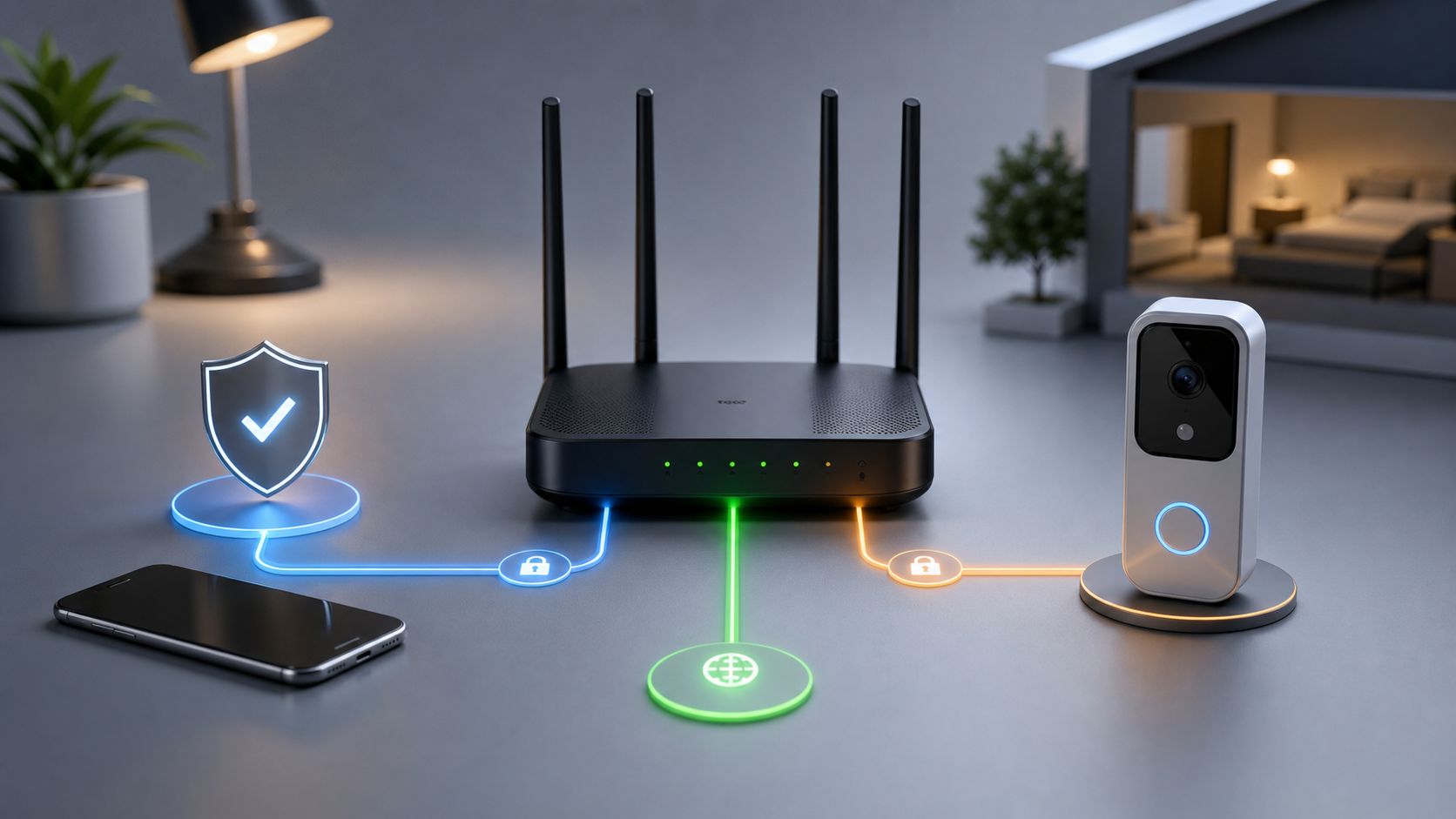
Finally, put the doorbell on a segmented home network if your router supports it. A guest network or dedicated IoT network can limit how much a compromised device can see on your main home network. For the router side of this setup, use Quantum Cyber AI’s Home Network and Device Security guide.
What To Do If Police Ask For Doorbell Video
If police ask for video, you do not have to make the decision in a rush unless there is an immediate emergency. A calm pause is not the same as refusing to help. It is how you make sure you understand what is being requested.
Start by asking what incident the request is connected to. A request for “any footage from last night” is much broader than a request for “the sidewalk near your front step between 8:10 and 8:20 p.m.” Ask for a case number or incident reference if one exists.
Then ask whether the request is voluntary. If it is voluntary, you can decide whether to share. If there is a warrant, subpoena, court order, or emergency request, the situation is different. The article cannot give legal advice, but the distinction matters. You should know whether you are being asked, ordered, or notified. State and local rules, the request path, and the exact document or app prompt can matter, so legal questions should go to a qualified professional or local advocacy resource.
Ask for the exact time window and camera angle. A narrow request is easier to evaluate. A broad request may include unrelated visitors, minors, neighbors, license plates, conversations, or household routines. If you choose to help, share the smallest useful clip, not a larger block of video just because the app makes it easy.
Think about who else appears in the footage. A clip may affect a neighbor, tenant, guest, delivery worker, family member, protest participant, domestic-violence survivor, or person who is not suspected of anything. You may still decide to share. But the decision should be intentional.
Keep your own record. Note who asked, when they asked, what they asked for, whether the request was voluntary, what clip you shared, and how you sent it. If the request came through an app, save a screenshot if appropriate. This is not about being difficult. It is about remembering what happened later.
Be more careful when the stakes are high. Shared entrances, domestic disputes, immigration concerns, custody conflicts, protests, workplace investigations, tenant-landlord conflict, and sensitive medical or caregiving situations can make doorbell footage more consequential. In those situations, consider getting legal or advocacy advice before sharing voluntarily.
If You Already Shared Footage
If you already shared a clip and now feel uncertain, start with documentation rather than regret. Write down what you shared, when, through which app or person, and what request prompted it. Save screenshots or emails if you still have them.
Then tighten the future. Turn off community or public-safety request features if you did not understand them before. Narrow motion zones. Disable audio if you do not need it. Shorten retention. Delete old clips where the service allows it. Review shared users and authorized devices.
If the clip was shared through a community feed or public post, check whether you can delete the post or remove the shared video. If you sent a direct clip link, check whether the link can be revoked. Do not assume deleting the clip from your own account erases every copy that already left the account.
If the footage involved someone vulnerable or a sensitive situation, consider whether you need advice. This can include footage involving children, domestic safety, immigration fears, medical visits, protests, workplace disputes, or a neighbor who could be harmed by unnecessary exposure.
The goal is not to make every homeowner afraid of helping. The goal is to make sharing deliberate. Doorbell footage can help solve a real problem. It can also expose people who had nothing to do with that problem.
For broader household privacy decisions, including how small data trails can add up, see Privacy and Identity Protection.
When A Smart Doorbell May Not Be Worth It
Sometimes the privacy answer is not a better setting. It is choosing not to install the device.
A smart doorbell may be a poor fit for a shared apartment hallway where every neighbor’s visitors pass within view. It may be awkward for a duplex porch where two households share one entrance. It may create conflict on a dense street where the camera mostly records public movement rather than your own doorway. It may be unsafe in a household where one person could use the camera to monitor or control another.
It may also be unnecessary. If the problem is packages, a package locker, delivery instructions, porch box, better lighting, or pickup point may solve it with less recording. If the problem is answering the door, a non-recording smart chime or peephole camera with local storage may be enough. If the problem is general security, lighting, locks, and basic router hygiene may do more than another cloud camera.
Maintenance matters too. A doorbell that is never updated, uses a reused password, keeps recordings forever, and grants access to old users is not a privacy upgrade. If you know you will not maintain the account, settings, and network, buy the simplest device that solves the problem, not the smartest one.
This is especially true for renters. A renter may not control the router, wiring, hallway, or lease terms. A landlord may have rules about cameras. Neighbors may object to being recorded in shared areas. In that setting, the privacy and relationship costs may outweigh the security benefit.
The best smart doorbell is sometimes no smart doorbell. The second-best is one that records the least amount of useful footage, keeps it for the shortest reasonable time, and makes sharing an explicit choice.
A Practical Buying Checklist
Use this before you buy or during setup:
- Does the device support local storage, end-to-end encryption, or both?
- What is stored in the cloud by default?
- How long is footage kept?
- Can you shorten the retention period?
- Can you delete clips easily?
- Does deletion remove only your copy or also shared copies?
- Are public-safety requests available?
- Are those requests opt-in, opt-out, or enabled by default?
- Can you disable community or neighborhood sharing entirely?
- Can you disable audio recording?
- Can you create precise motion zones?
- Can you review and remove shared users?
- Does the account require or support two-factor authentication?
- What features require a subscription?
- What features stop working if end-to-end encryption is enabled?
- Does the device work on a guest or IoT network?
- Does the company publish clear privacy, retention, and information-request policies?
If you cannot find clear answers before buying, treat that as part of the answer. A doorbell that records the front of your home should not require guesswork about storage, sharing, and access.
Conclusion
A smart doorbell can be useful, but it should not be an impulse purchase. The device sits at the boundary between your private life and public space. It can protect a package, answer a visitor, record a crime, or create a clip that affects someone who never agreed to be recorded.
The safest question is not “Is this brand safe?” It is “What does this device record, where does the footage go, who can request it, how long does it last, and can I say no?”
If you decide to install one, narrow the camera view, review audio, shorten retention, protect the account, disable sharing features you do not want, and decide in advance how you will respond to police requests. Privacy is much easier before the doorbell becomes part of your daily routine.
For calm, practical guidance on smart homes, privacy, scams, and everyday cyber decisions, subscribe to Quantum Cyber AI.
FAQ
Can police get smart doorbell video without asking me?
Sometimes there may be legal-process or emergency-request paths, depending on the law, the company, the policy, whether footage exists, and whether the provider can access it. Voluntary requests are different from warrants, subpoenas, court orders, or emergency disclosures. If you receive a request directly, ask whether it is voluntary and what exact time window is needed.
Should I turn off audio recording on a smart doorbell?
If audio is not necessary for your security goal, turning it off can reduce privacy risk. Audio may capture conversations from visitors, neighbors, delivery workers, children, or people passing near your door. If you only need package alerts, audio may add more risk than value.
Is local storage safer than cloud storage?
Local storage can reduce provider access and cloud exposure, but it shifts responsibility to you. You need to think about backups, device theft, local network security, updates, and who can access the storage. Cloud storage is easier, but it raises questions about retention, legal process, account compromise, and company access.
Should I enable end-to-end encryption?
Consider it if privacy matters more than some smart features. End-to-end encryption can reduce who can view your video, but it may limit rich notifications, AI features, voice assistant viewing, sharing, or cloud search depending on the device. Check the feature list before turning it on.
What is the first setting I should change after installing a smart doorbell?
Start with motion zones and account security. Narrow the camera’s view to the smallest useful area, then turn on two-factor authentication, use a unique password, review shared users, check retention, and decide whether audio and community-request features should stay on.